39
www.d16.pl
Presets Filtering with the Use of Categories Tags
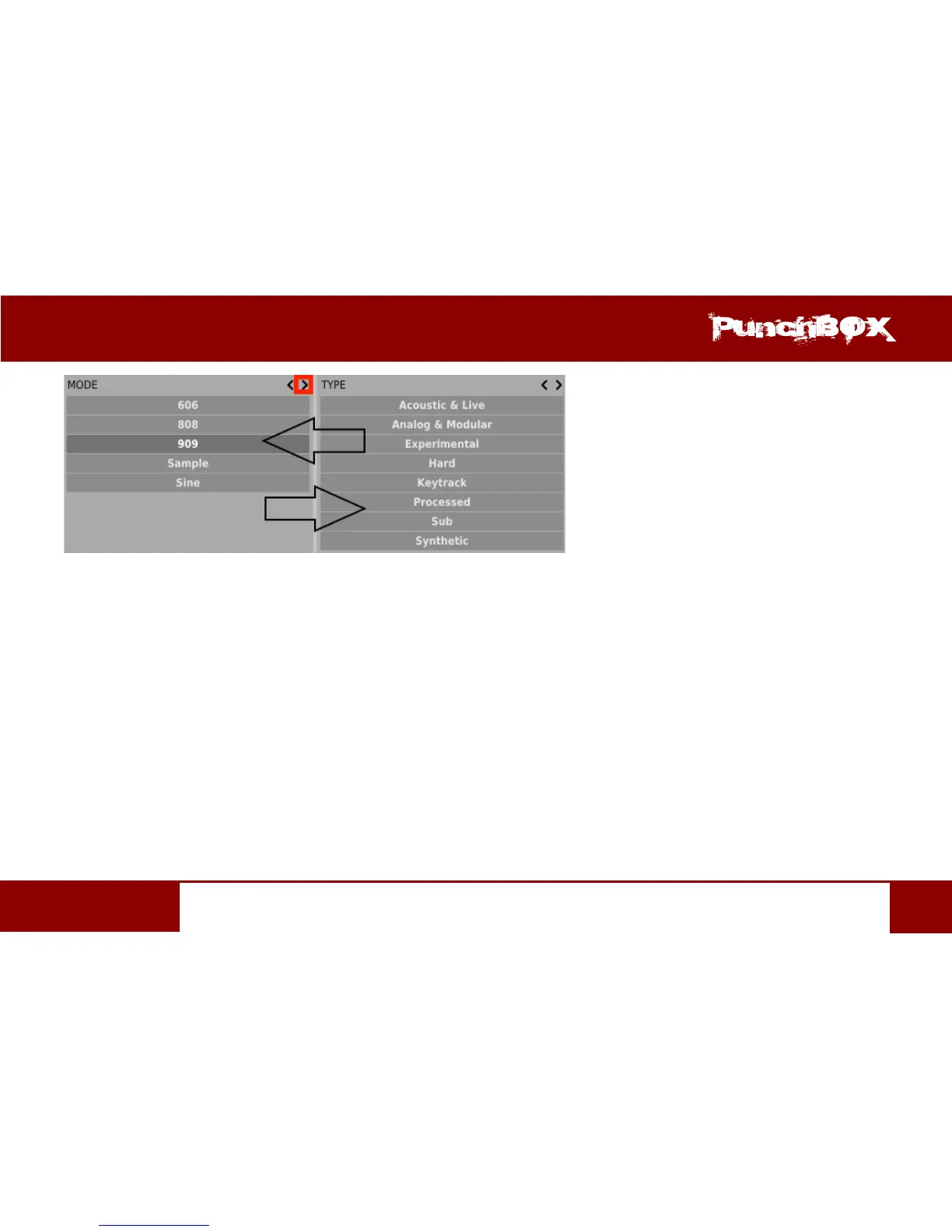
Clicking the le arrow for the Category located on the far le does not change anything. The same is true for the Category located far to
the right and right arrow (as the column has no predecessor/successor with which it could be replaced).
Presets Eding – Edit Mode
An acve Edit Mode in Preset Browser changes its funcon (enables the change of presets names, edion of Categories or Tags, deleon
of presets as well as their export or import. One should bear in mind, however, that these operaons are not allowed in case of Factory
presets, but only for the User presets.
Edit Mode can be acvated with a buon located in the boom le-hand corner (click again to deacvate):


 To Next Page