43
www.d16.pl
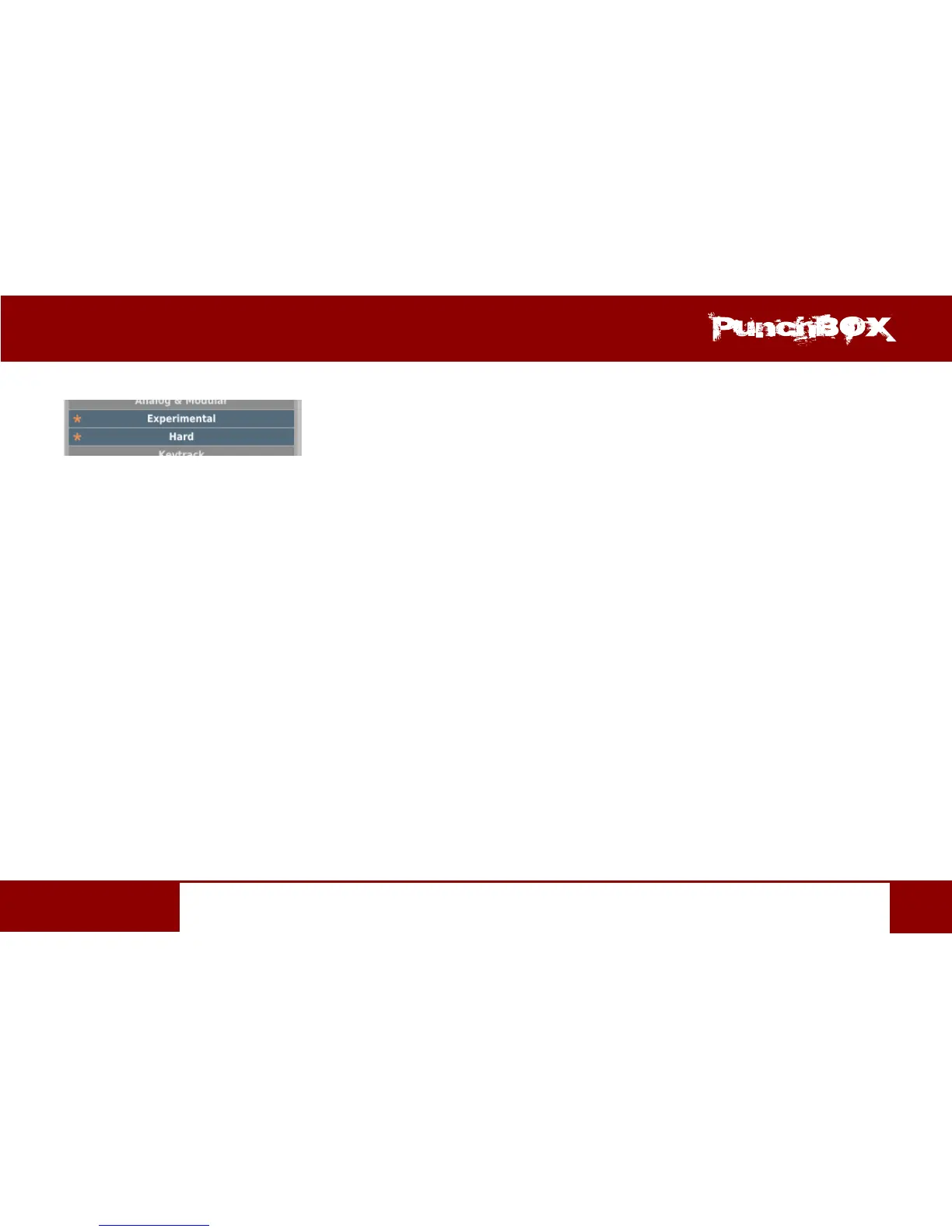
with an Asterisk located to the le of the Tag buons .
Nocaon about Changes in Tags Status in Chosen Presets
Elements / Tag buons highlighted with pale teal blue color (meaning dierent values of a parcular Tag buons for the highlighted pre-
sets) work in a three-state system; erasing the Tag (grey color), seng of the Tag (intensive teal blue color) or no changes (pale teal blue) for
all selected items.
Changes introduced during edion do not have to be conrmed, they are signalized by Asterisks located by Ta g changed for parcular pre-
sets.
Presets Names Eding
Double-click the name of a preset to enter name eding mode.
Deleng Presets
Selecon of one or more presets acvates Delete buon at the boom le corner. It can be used to delete the selected presets


 To Next Page