49
www.d16.pl
CONFIGURATION
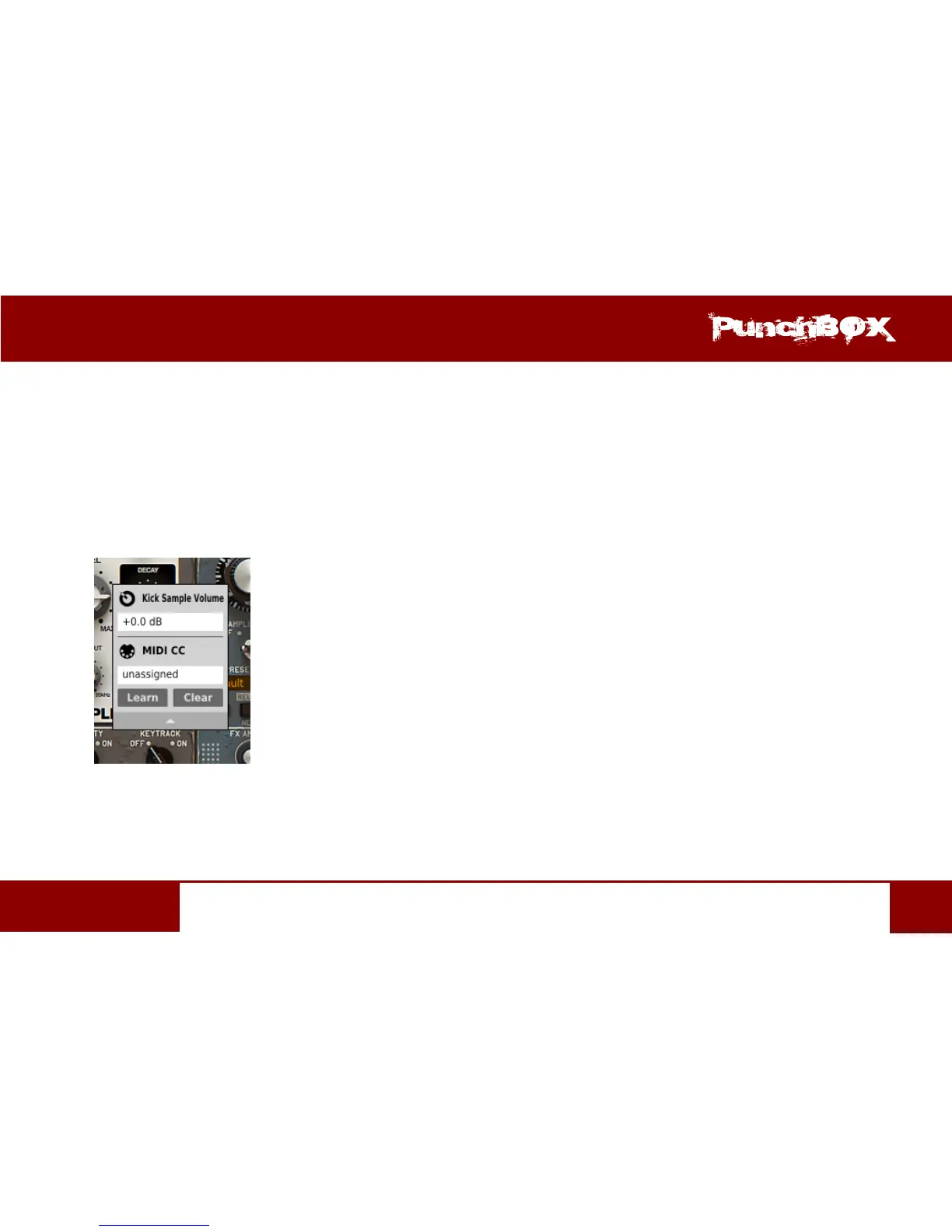
Clicking the arrow in any area of the menu expands it and displays all available opons. Next right click on the parameter or le-click
outside the menu area closes it automacally
MIDI Learn
MIDI Learn funcon enables a quick assignment of physical controllers (from MIDI controller) to plug-in parameters. The assignment
can be divided into a few steps:
1. Right-click the parameter which you want to aribute to physical MIDI controller in order to expand the context menu.
2. Click arrow at the boom in order to expand the context menu
Expanded Context Menu
3. Click the Learn buon to put the plug-in into a pending state unl you move any MIDI CC controller
4. Click OK to save the change or click the Cancel buon to restore the previous seng.


 To Next Page