34
Station names
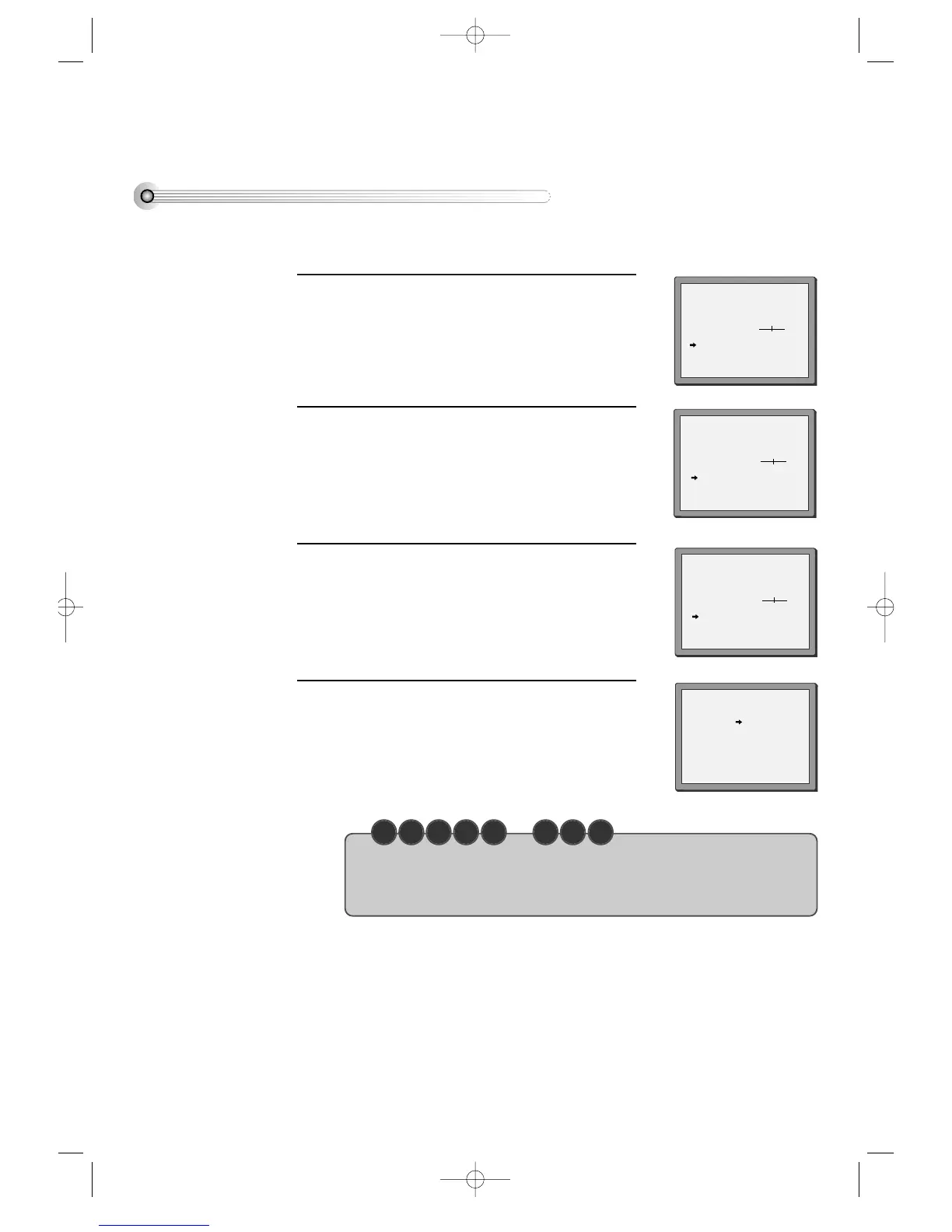
■ If your player is showing no station name or is showing a station name incorrectly, you can correct this. Select “> :
NAME CORRECT” on the “MANUAL SET” menu.
Call this menu (just see the left page),
if it isn't displayed.
1
Select NAME position.
Press the [0] button to change the given name.
Or press the [1] button to create the station name.
2
Either select the name from the stored list or you
create the station name and enter a 4-digit name.
Change the letters with the [PR +/–] buttons, move
to the next letter with the [< / >] buttons.
3
Store and exit.
4
• Should you wish to tune in all the channels available in your region, please refer to
page 22-23.
• Should you wish to sort or clear stations, please refer to page 35.
C H E C K U P !
MANUAL SET
PR+/-:SELECT
OK:CONFIRM MENU:END
PR01 ARD PR08 P-08
PR02 ZDF PR09 P-09
PR03 P-03 PR10 P-10
PR04 P-04 PR11 P-11
PR05 MTV PR12 ----
PR06 P-06 PR13 ----
PR07 P-07 PR14 ----
MANUAL SET
PR+/-: UP/DOWN
</>: SELECT
OK:CONFIRM MENU:END
PR 01
RECEPTION AERIAL
AUTOSEARCH CH01
FINE TUNING
DECODER ON
NAME
_ _ _ _
MANUAL SET
PR+/-: UP/DOWN
0/1: CHANGE/CREATE
OK:CONFIRM MENU:END
PR 01
RECEPTION AERIAL
AUTOSEARCH CH01
FINE TUNING
DECODER ON
NAME
_ _ _ _
MANUAL SET
PR+/-: SELECT CHARACTER
</>: SELECT POSITION
OK:CONFIRM MENU:END
PR 01
RECEPTION AERIAL
AUTOSEARCH CH
_ _
FINE TUNING
DECODER ON
NAME O
_ _ _
DVD-Video(PAL) 02.3.15 5:44 PM ˘`34



 To Next Page