VCR Operation
35
Sorting programme locations
If the location numbers used for programmes stored in your TV and player are different, you can change them on the
player.
To do this, move the stations to the right numbers, until they are arranged the way you want.
Call the player’s "MAIN SETUP",
choose "PR PRESET" then "PR ALIGN".
1
Select the programme to swap.
Confirm.
Move the station to the desired location number.
Confirm.
2
Clearing programme locations
Call the player’s "MAIN SETUP",
choose "PR PRESET" then "PR ERASE".
1
Select the station (location number) you want to
clear.
Review the picture.
Clear.
2
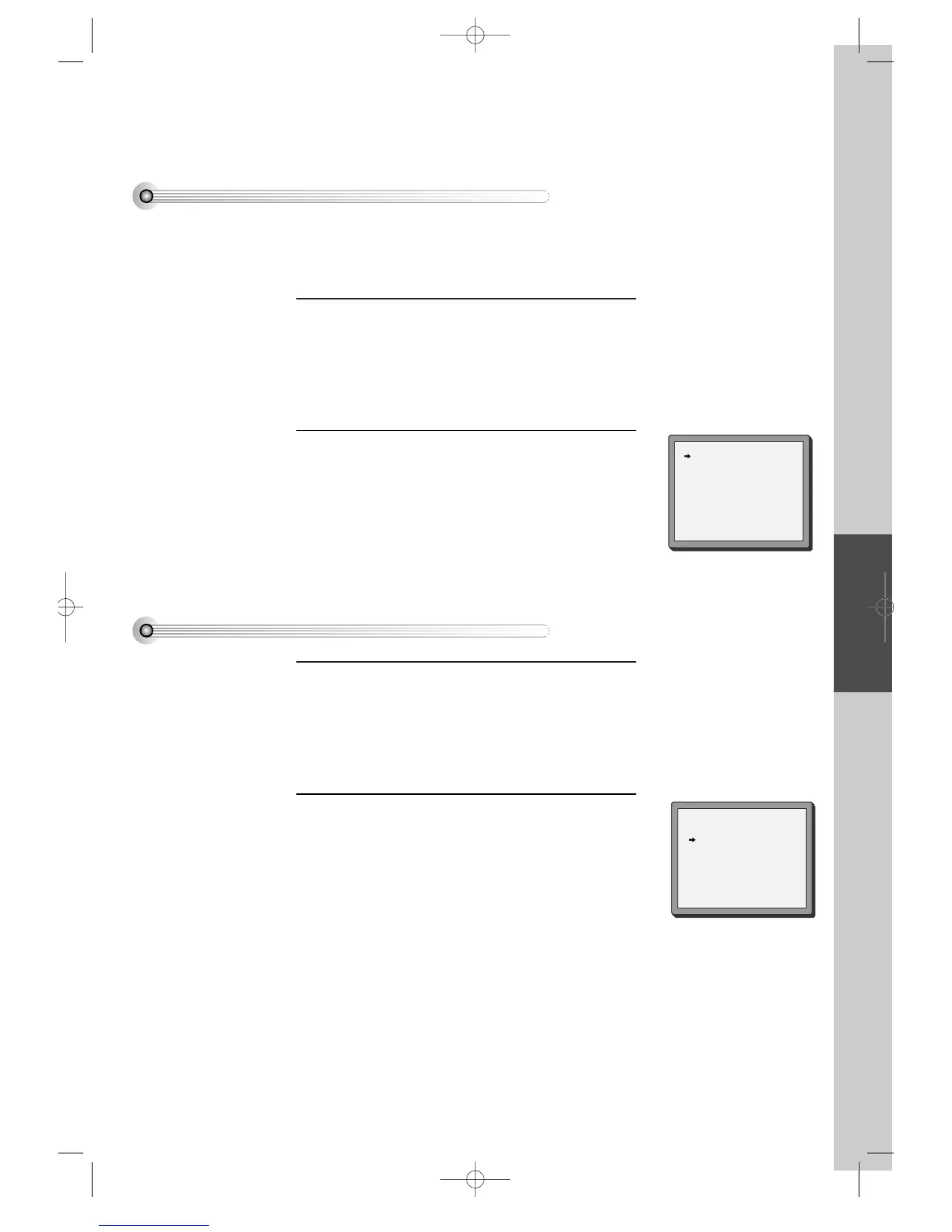
PR ERASE
PR+/-:SELECT
< :PR VIEW
OK:ERASE SETUP:END
PR ALIGN
PR+/-:ALIGN
< :PR VIEW
OK:CONFIRM SETUP:END
PR01ARD PR08 P-08
PR02 ZDF PR09 P-09
PR03 P-03 PR10 P-10
PR04 P-04 PR11 P-11
PR05 MTV PR12 ----
PR06 P-06 PR13 ----
PR07 P-07 PR14 ----
PR01 ARD PR08 P-08
PR02 ZDF PR09 P-09
PR03 P-03 PR10 P-10
PR04 P-04 PR11 P-11
PR05 MTV PR12 ----
PR06 P-06 PR13 ----
PR07 P-07 PR14 ----
DVD-Video(PAL) 02.3.15 5:44 PM ˘`35



 To Next Page