User's Manual
112
5.6.1.7 Exporting IP Address
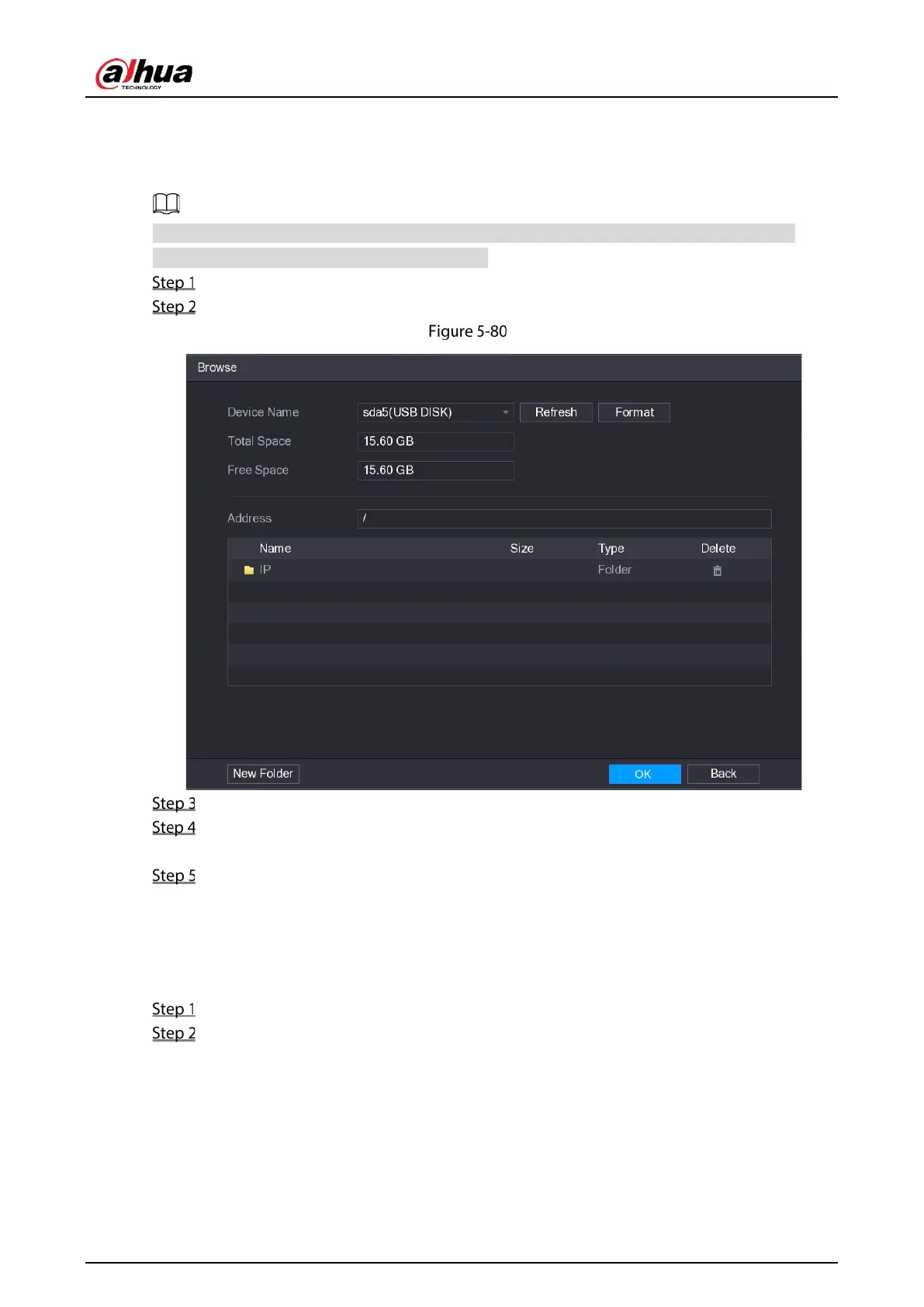
You can export the added IP address to the USB storage device.
The exported information is saved in .csv file, which includes IP address, port number, channel
number, manufacturer, user name, and password.
Insert the USB storage device to the USB port of the Device.
Click Export.
Browse
Configure the save path.
Click OK to save the settings.
A pop-up message indicating "Successfully exported" is displayed.
Click OK.
5.6.1.8 Importing IP Address
You can add remote devices by importing IP address information.
Insert the USB storage device to the USB port of the Device.
Click Import.


 To Next Page
 Loading...

