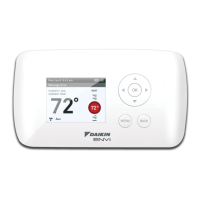
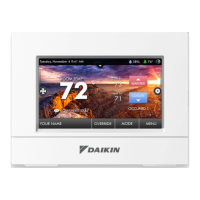
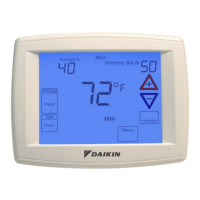
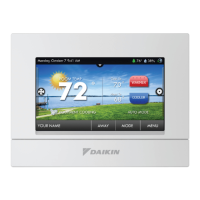
high resoluTion TouCh sCreen DigiTal ThermosTaT
www.DaikinApplied.com 39 IM 1227 • MODELS DC THERMOSTATS
Preferences
Table 10: Preferences Settings Command Levels
●
User Interface Themes
►
●
Custom Wallpaper
►
●
Heat/Cool Indicator
►
●
Heat/Cool Indicator – OFF
●
Taskbar red/white – OFF
●
Room Temp red/blue – OFF
●
Mode Status red/blue – OFF
●
Backdrop – OFF
●
Sound Options
►
●
Beep – OFF
●
Beep Sound
►
Dening the Preferences
You may set the type of background that appears on the
thermostat Home Screen.
●
User Interface Themes (Buildings)
►
This thermostat has several high quality background themes to
choose from.
NOTE: At 7 PM, the background will change to an evening
scene and the moon will replace the sun. At 7 AM it
will return to a daytime scene.
●
Custom Wallpaper
►
You may choose your own background image by selecting a
photo that you have uploaded from an SD memory card.
●
Heat/Cool Indicator
►
You may choose an enhanced indicator of the current status of
the HVAC equipment.
• Heat/Cool Indicator - ON/OFF • Room Temp Red/Blue - ON/OFF
• Taskbar Red/White - ON/OFF • Mode Status Red/Blue - ON/OFF
●
Backdrop - OFF
The Backdrop makes numbers and words easier to read, and
may be needed on certain background images.
●
Sound Options
►
●
Beep – ON
Turn the beep sound ON or OFF.
●
Beep Sound (Beep 1)
►
Choose from different beep sounds.


 To Next Page