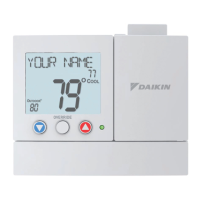
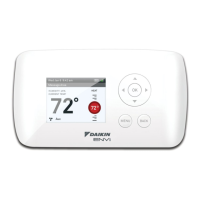
high resoluTion TouCh sCreen DigiTal ThermosTaT
www.DaikinApplied.com 47 IM 1227 • MODELS DC THERMOSTATS
●
Edit My Schedule
►
Press and select a Time
Period (Occupied 1,
Occupied 2, or Occupied 3)
to edit.
TIP: Occupied 2 will override Occupied 1 and Occupied 3 will
override Occupied 1 & 2.
Adjust Mode, Start Time, Stop Time, and Heat and Cool
Setpoints to desired settings. The Time Period May also be
Enabled or Disabled. Uncheck the enabled box for Time
Periods you don’t want to use. Press DONE when nished.
When you are nished editing the time periods press
Review your program.
Press SAVE to keep your program.
Press EDIT to make further changes.
●
Unoccupied Settings
►
Choose your Mode and Heat and Cool setpoints for the
Unoccupied period.
●
Mode (Auto)
►
●
Heat Setpoint (55°)
►
●
Cool Setpoint (85°)
►
Press or the MODE Icon
On the Home Screen to select to Run or Stop Schedule



 To Next Page