1.
2.
3.
4.
- a.
-
3 Installing
3.1 Installing Option Board in VACON® NXP and NXS
This topic gives instructions for Installing Option Board in VACON® NXP and NXS, FR4–FR9.
Procedure
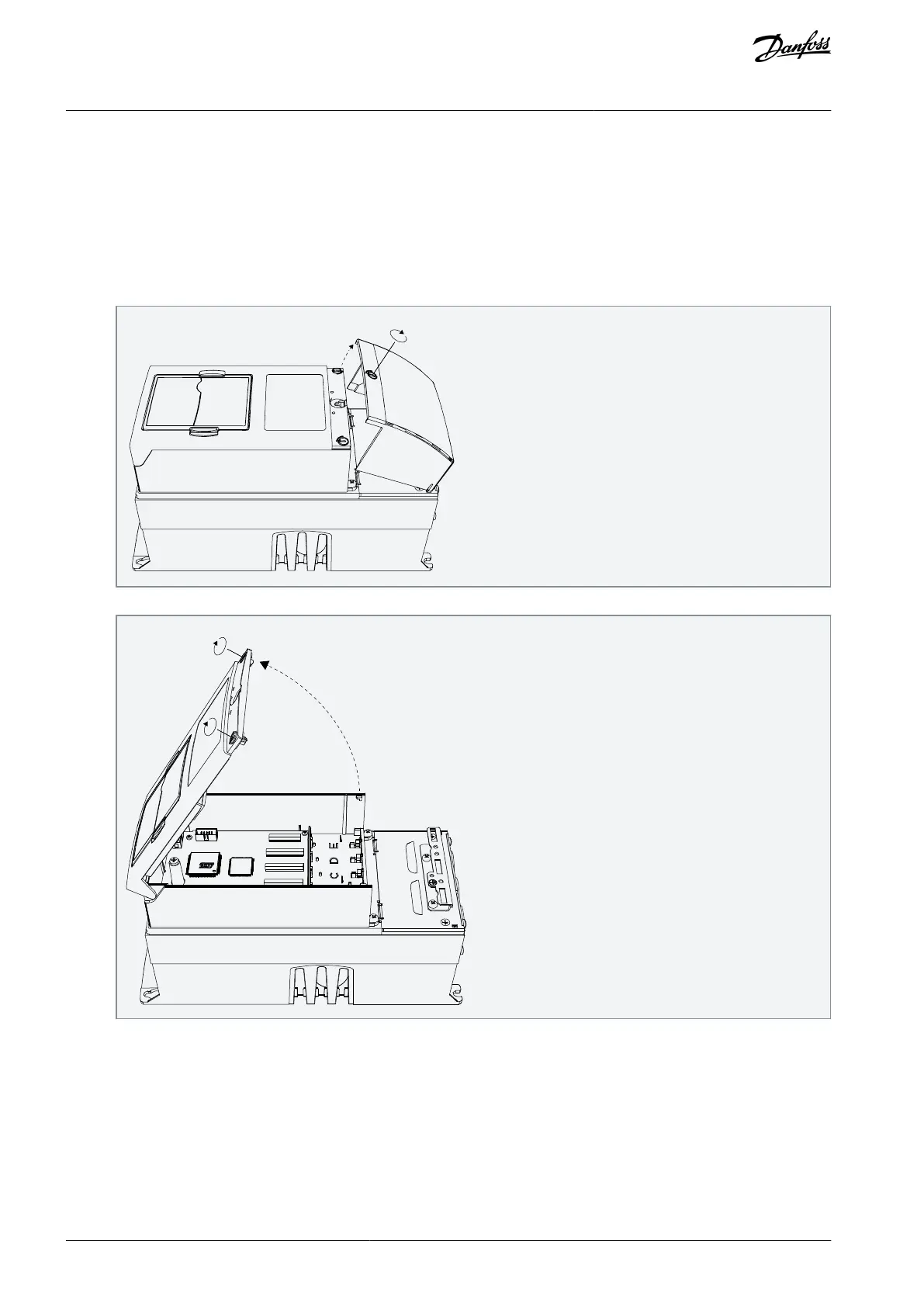
In FR5–FR9, open the cover of the AC drive.
In FR4, remove the cable cover.
Open the cover of the control unit.
When installing option boards with D9 connector (OPTE5, OPTC5, OPTE8, OPTC8), replace the grounding bracket.
Remove the long grounding bracket installed in factory. It is mounted with two screws.
AN338644703080en-0002 / DPD021568 | Danfoss A/S © 2022.08
Installing
VACON® RS485 and CAN Bus Option Boards
Installation Guide



 To Next Page