7.
8.
9.
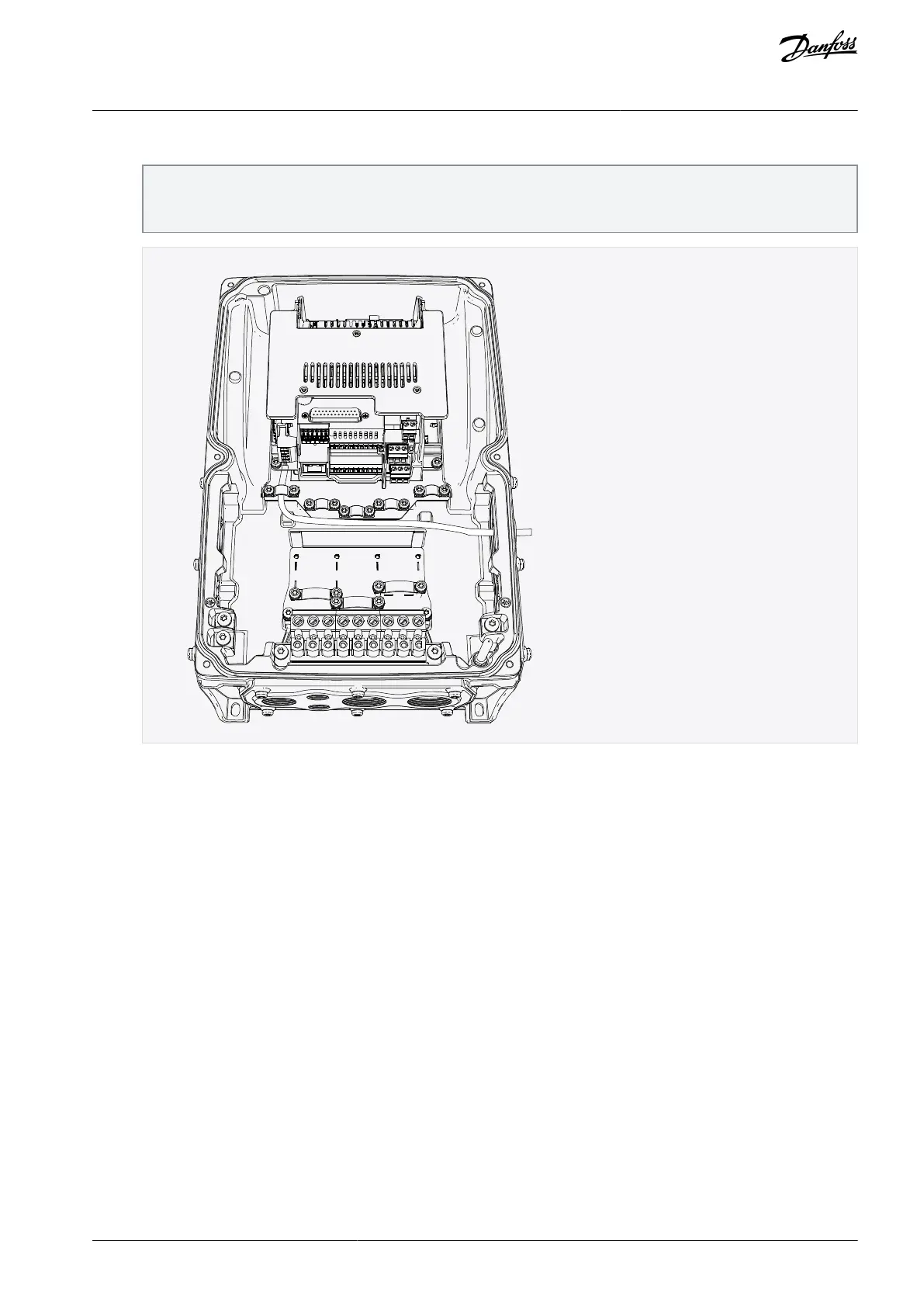
Attach a cable gland on the hole in the cable entry plate. Pull the fieldbus cable through the hole.
NOTE! The fieldbus cable must go through the correct cable entry plate to avoid going near the motor cable.
Avoid small bend radius in the fieldbus cables. If the option board is installed in the slot D, use the cable entry plate on
the right side. If the option board is installed in the slot E, use the cable entry plate on the left side.
Put back the cable entry plate.
Close the cover of the AC drive.
3.4 Installing Option Board in VACON® 20
3.4.1 Installing Option Board in VACON® 20, MI1–MI3
This topic gives instructions for installing the option boards in VACON
®
20, MI1–MI3.
For option board installation, a separate option board mounting kit is required.
AN338644703080en-0002 / DPD02156 | 19Danfoss A/S © 2022.08
Installing
VACON® RS485 and CAN Bus Option Boards
Installation Guide



 To Next Page