3.
4.
5.
6.
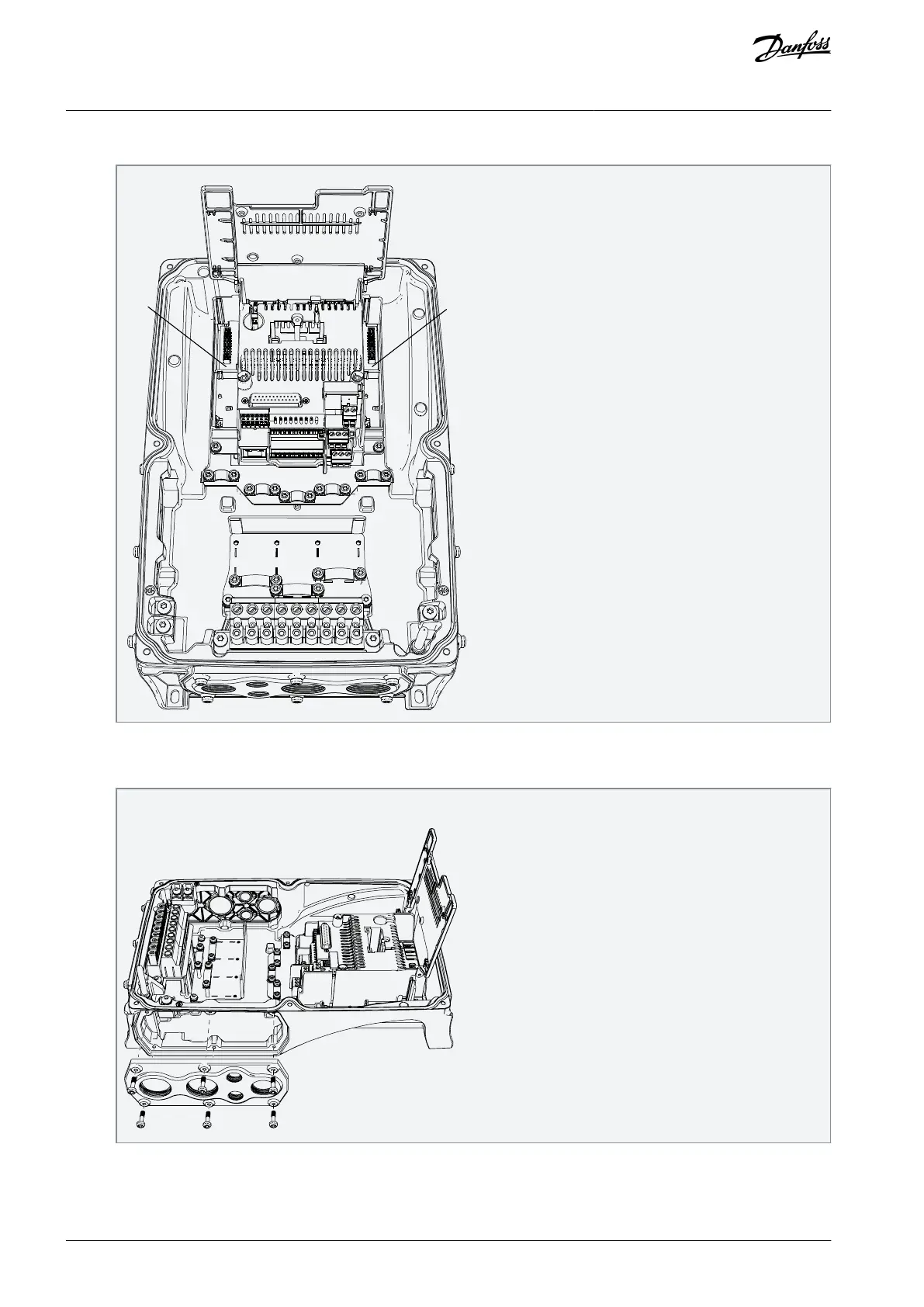
Install the option board into the slot D or E.
Close the option board cover.
Remove the cable entry plate. If the option board is installed in the slot D, use the cable entry plate on the right side. If the
option board is installed in the slot E, use the cable entry plate on the left side.
NOTE! The cable entry plate at the bottom of the drive is used only for mains and motor cables.
Open the necessary holes in the cable entry plate. Do not open the other holes. See the VACON
®
100 X Installation Manual
for the dimensions of the holes.
AN338644703080en-0002 / DPD0215618 | Danfoss A/S © 2022.08
Installing
VACON® RS485 and CAN Bus Option Boards
Installation Guide



 To Next Page