SD Series Installation and Administrator’s Guide 21
Apply Topcoat
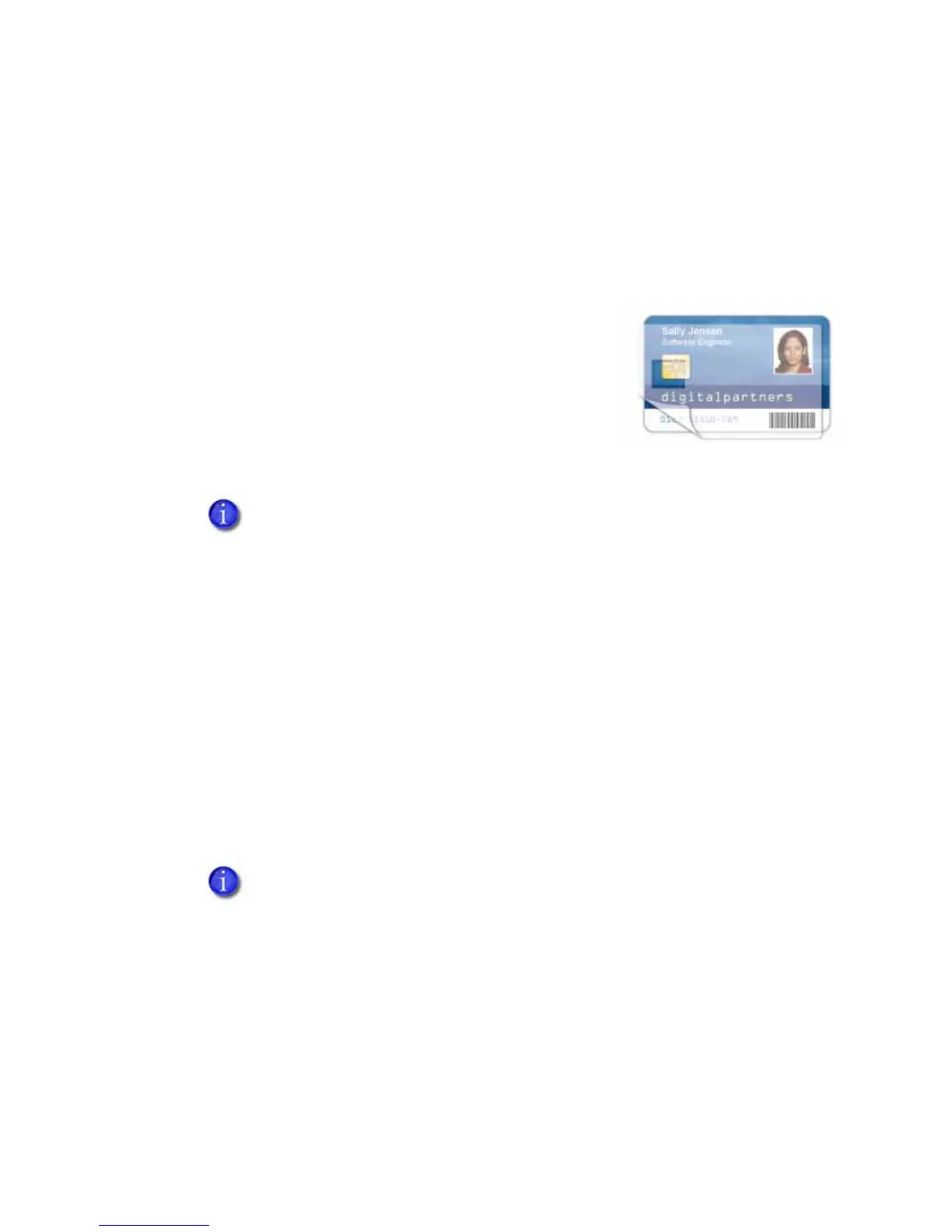
Full‐colorprintingfadesifitlackstopcoatprotection.Topcoatprotectstheprinted
imageonthecard.Itisappliedasaneven,consistentfilm.
Makesurethatallcolorprintingiscovere dwithtopcoat(exceptforareassuchas
amagneticstripe,smartcardchip,orsignaturepanel).
Whenaribbonwithatopcoat(T)panelis
installed, theprintercanapplytopcoattothecard
usingtheprinthead.Mostfull‐colorribbons
includetopcoatpanels.
Topcoatmustberequestedbytheapplication
sendingthecardtotheprinter.Mostcard
productionsoftwarerequeststopcoatautomatically.
Ifyoursystemisequippedwithalaminator,youcanuseittoapplyoverlay
materialtothefrontandbackofthecardfordurabilityandsecurity.Referto
“LaminatorSupplies”onpa ge81forinformationaboutthetypesofoverlays
available.
Non-Printing Areas
Thecarddesigncanhavearea swhereprintingisnotallowed.Suchareasinclude
amagneticstripe,signaturepanel,orsmartcardchip.Cardproductionsoftware
usuallymanages suchnon‐printingareasautomatically.IfyoudonotuseID
software,youcanusethedimensionsprovidedbelowformagneticstripeand
smartcardnon‐printingareastocustomizeyourprintandtopcoatareas.
Donotapplytopcoatoverthemagneticstripe,smartcardchip,or
signaturepanelofacard.Topreventtopcoatapplication,youmust
specifyanon‐printingarea.
• Blockingfornon‐printingareastypicallyextends0.1inchbeyondtheedges
ofafeature.Thedimensionslistedinthefollowingsectionsincludethe
extendedblockingregion.
• Printseveralcardsusingyourcarddesignandapplicationtoverifythat
printingandtopcoatareappliedasyouintend.





 To Next Page