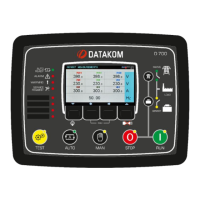
D-200 MK2 User Manual Firmware V-6.3
L058D01-EN - 116 -
Puts the controller into STOP mode. Alarms
are also cleared.
Puts the controller into AUTO mode. Alarms
are also cleared.
Puts the controller into MANUAL (RUN)
mode. Alarms are also cleared.
Puts the controller into TEST mode. Alarms
are also cleared.
Sets remote controlled output #1 to active
state
Sets remote controlled output #1 to passive
state
Sets remote controlled output #xx to active
state (xx denotes any number between 1 and
16).
Sets remote controlled output #xx to passive
state (xx denotes any number between 1 and
16).



 To Next Page