Charging the Batteries
12 Gryphon™ I GBT4100
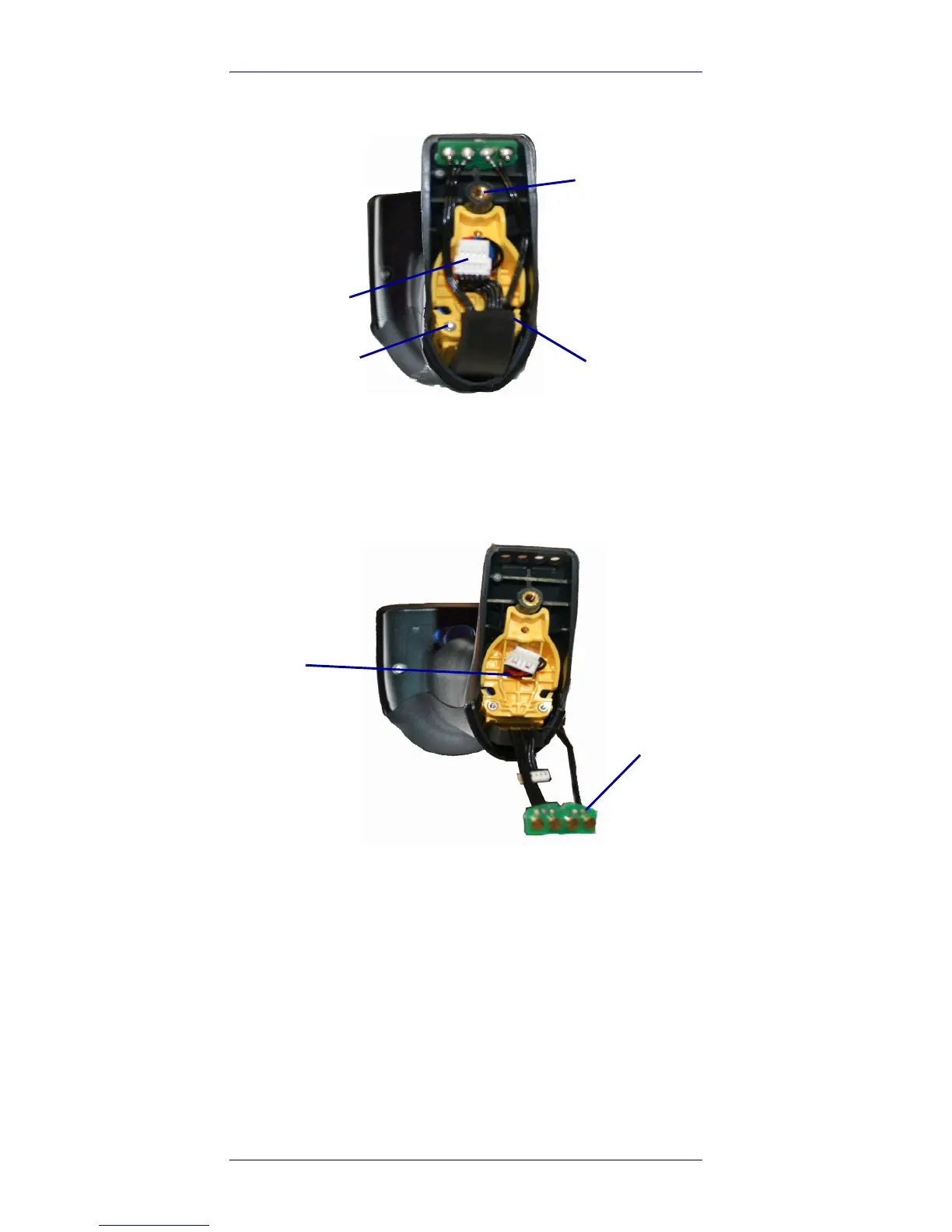
2. Unplug the three screws securing the battery
holder, and unplug the white connector.
3. Carefully lift out the gold contacts circuit, and
remove the battery holder while letting the
white connector pass through the hole in the
battery holder (as shown below).
4. Remove the old battery from its place (if pres-
ent), and insert the new battery in the same
position.












 To Next Page