Connecting the Base Station
4Gryphon™ I GBT4100
Connecting the Base Station
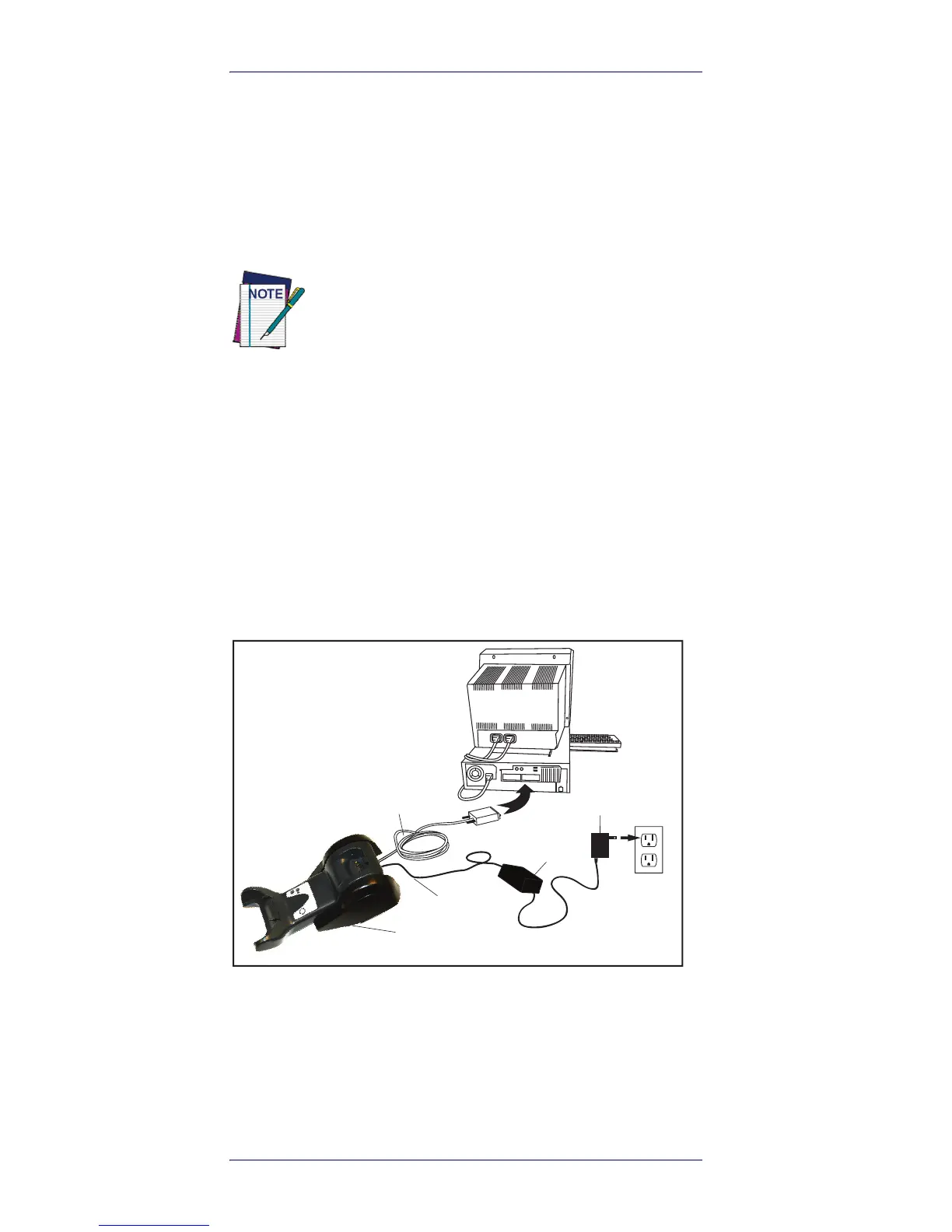
Figure 1 shows how to connect the Base Station to a ter-
minal, PC or other host device. Turn off the host before
connection and consult the manual for that equipment (if
necessary) before proceeding. Connect the interface cable
before applying power to the Base Station.
Base Station Connection and Routing —
Fully insert the
Power Cable and Interface (I/F) Cable connectors into their
respective ports in the underside of the Base Station (see
Figure 1). Then connect to an AC Adapter, and plug the AC
power cord into the (wall) outlet.
Figure 1. Connecting the Base Station
Securing the DC Power Cord (Optional)
The DC power cord for the adapter can be secured to the
bottom of the base in order to maximize the mechanical
retention of the cable itself. The routing of the power cord
can be changed to accommodate the base station posi-
Gryphon BT can also be Powered by the Termi-
nal. When powered by the Terminal, the battery
charger is automatically set as Slow charge.
For some specific interfaces or hosts or lengths
of cable, the use of an external power supply
may be recommended for full recharging capa-
bility (see "Technical Specifications" on page 33
for more details)












 To Next Page