Stand Detection
Quick Reference Guide 31
Stand Detection
The following labels control how the scanner behaves
when it is placed into a cradle or stand that has the hard-
ware to support automatic stand detection.
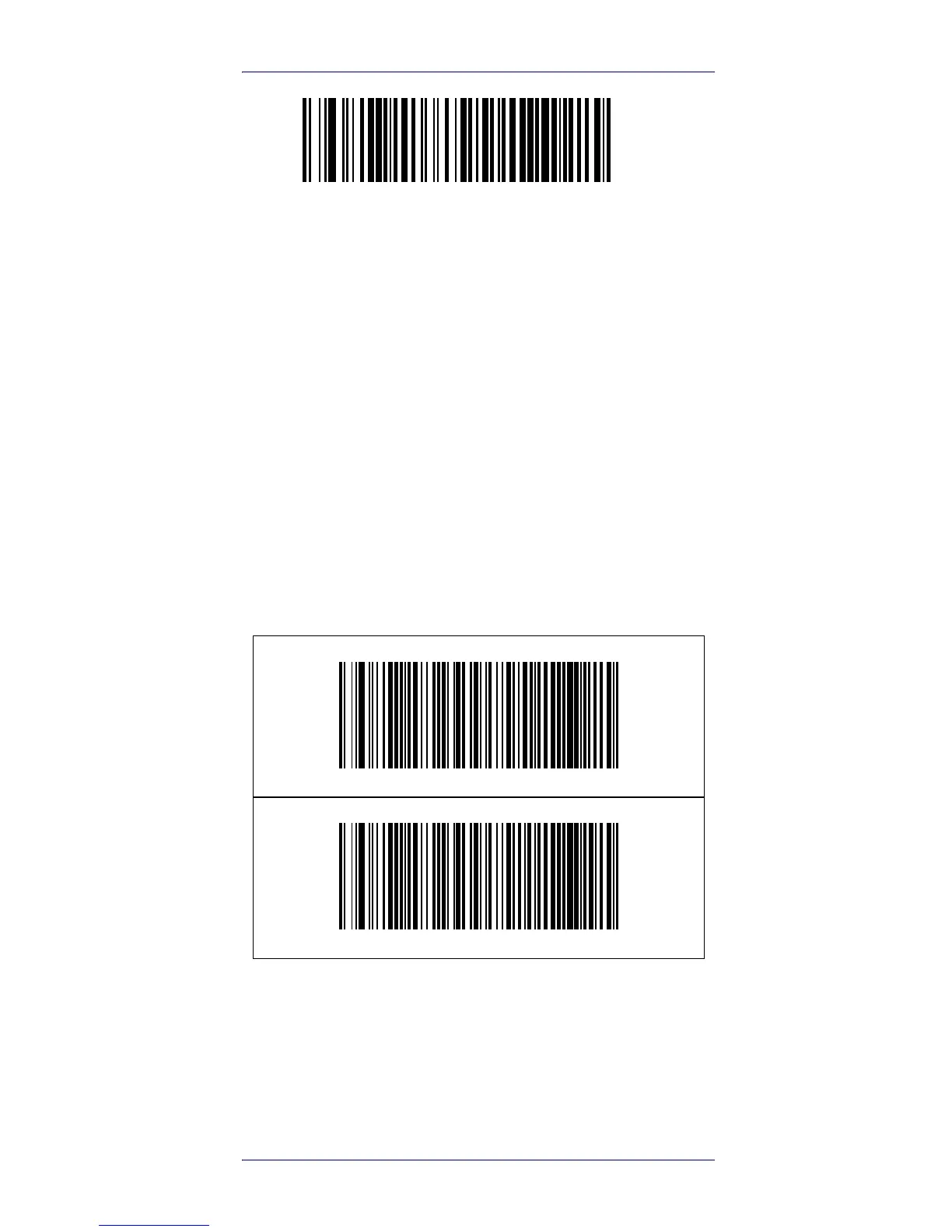
Switch to Stand Mode —
Automatically switches the scan-
ner to Stand Mode when the scanner is placed in the
stand.
Switch to Flashing —
Automatically switches the scanner to
Flash Mode when the scanner is placed in the stand.
Switch to Always On —
Automatically switches the scanner
to Always On mode when the scanner is placed in the
stand.
Ignore Autorecognition —
Disables mode switching when
the scanner is placed in a stand
.
Switch to Stand Mode
Switch to Flashing











 To Next Page