Selecting the Interface Type
28 Gryphon™ I GBT4100
Numlock
This option specifies the setting of the Numbers Lock
(Numlock) key while in keyboard wedge interface. This
only applies to alternate key encoding interfaces. It does
not apply to USB keyboard.
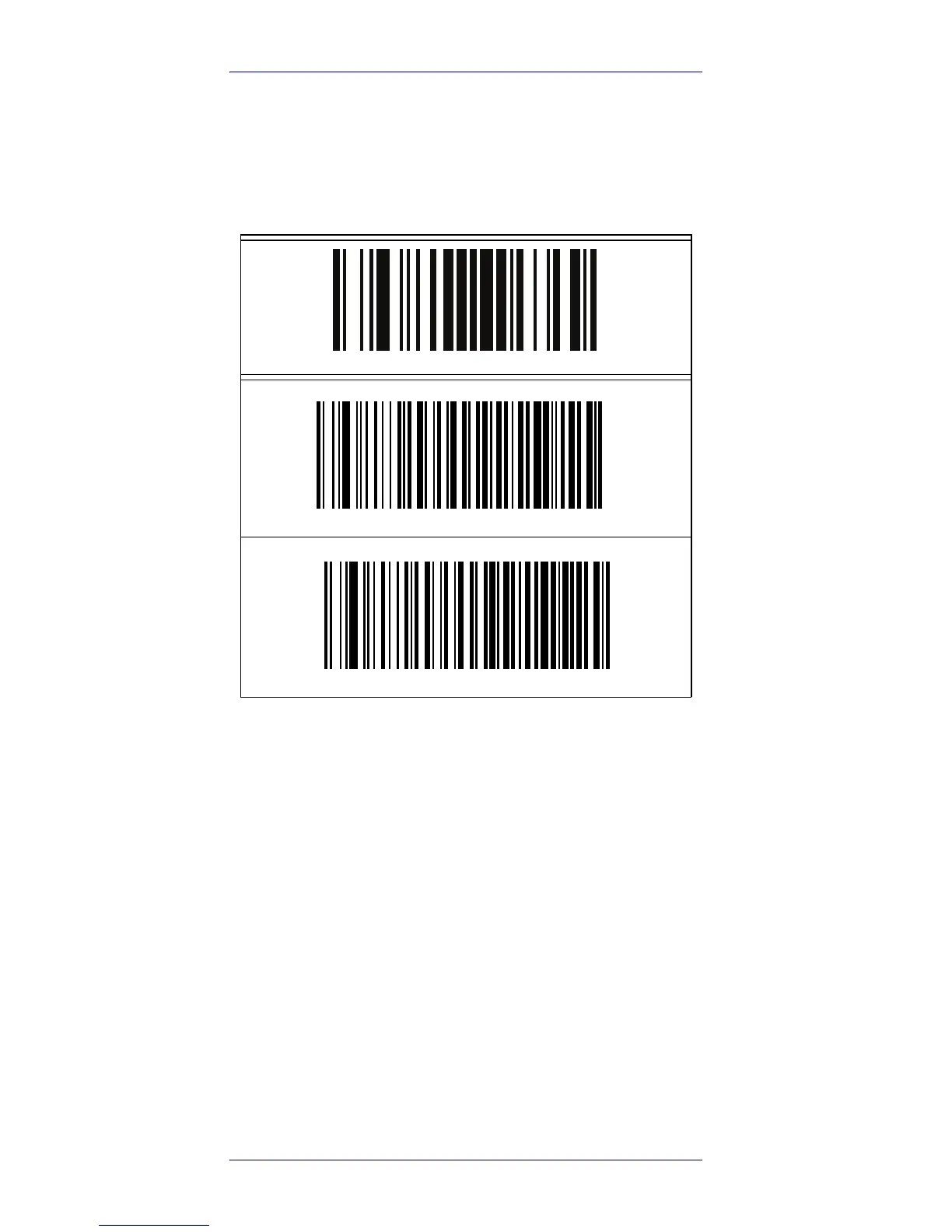
ENTER/EXIT PROGRAMMING MODE
Numlock = Numlock key unchanged
Numlock = Numlock key toggled









 To Next Page