Linking the Reader
Quick Reference Guide 13
5. Replace the battery holder, plug in the connector
and return the contacts circuit to its previous
location.
6. Insert the cover in the handle and screw it back
into place.
Linking the Reader
Link Datalogic RF Devices to Base
For RF devices, before configuring the interface it is nec-
essary to link the handheld with the base.
To link the handheld and the base, press the trigger to
wake it and place it on the base. If the reader was previ-
ously linked to another base, you must first scan the
Unlink
barcode before re-linking to the new base.
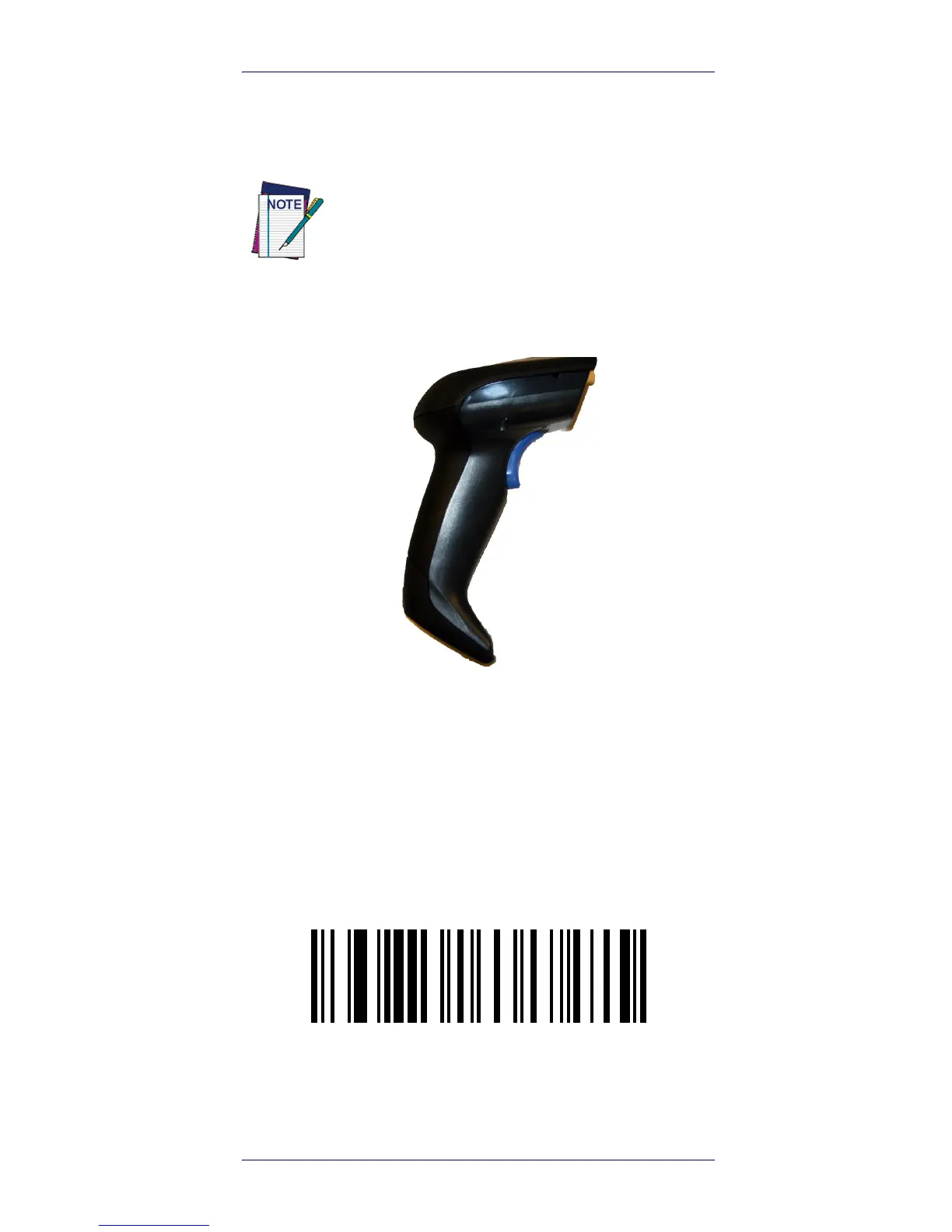
When inserting the new battery into the han-
dle, take care to position the battery and the
connector as shown.









 To Next Page