Linking the Reader
Quick Reference Guide 15
Link to a PC in HID
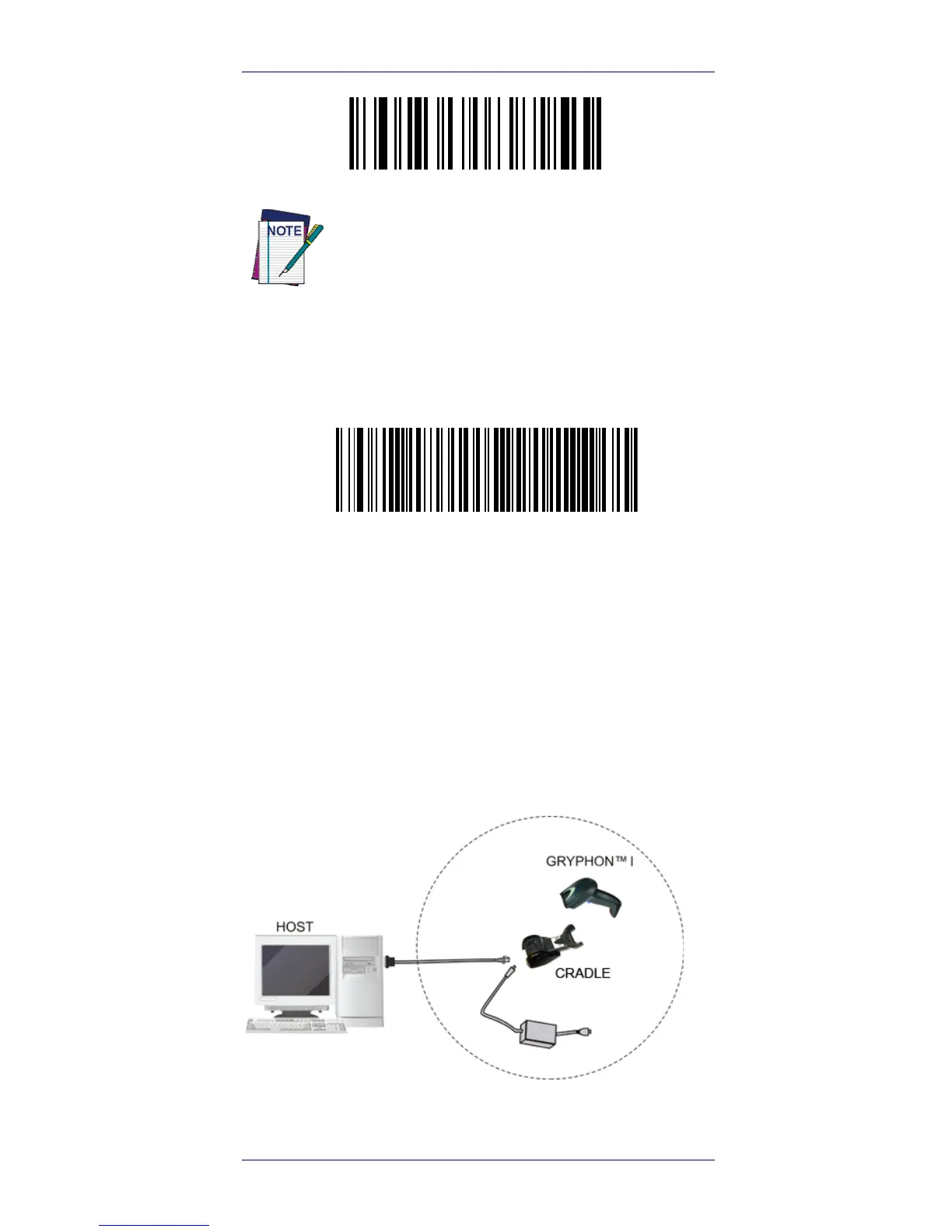
Use Variable PIN Code
When you hear the beep and see the Green LED blinking
indicating the reader is waiting for an alphanumeric entry,
enter the variable PIN Code by scanning the bar code(s)
corresponding with the required PIN Code from
Keypad, starting on page 1-50.
System and Network Layout
Typical Setup with Cradle and Host
Figure 7. Reader Layout
Some Bluetooth drivers on the Host (such as
WIDCOMM and BlueSoleil 8) require a Variable
PIN Code. When attempting connection in HID
Profile, the application presents a window
that includes a PIN Code which is to be input
using the GBT4100. Please read the barcode
"Use Variable PIN Code" and restart the
sequence from step 2 above.









 To Next Page