2-6
001-4006-101
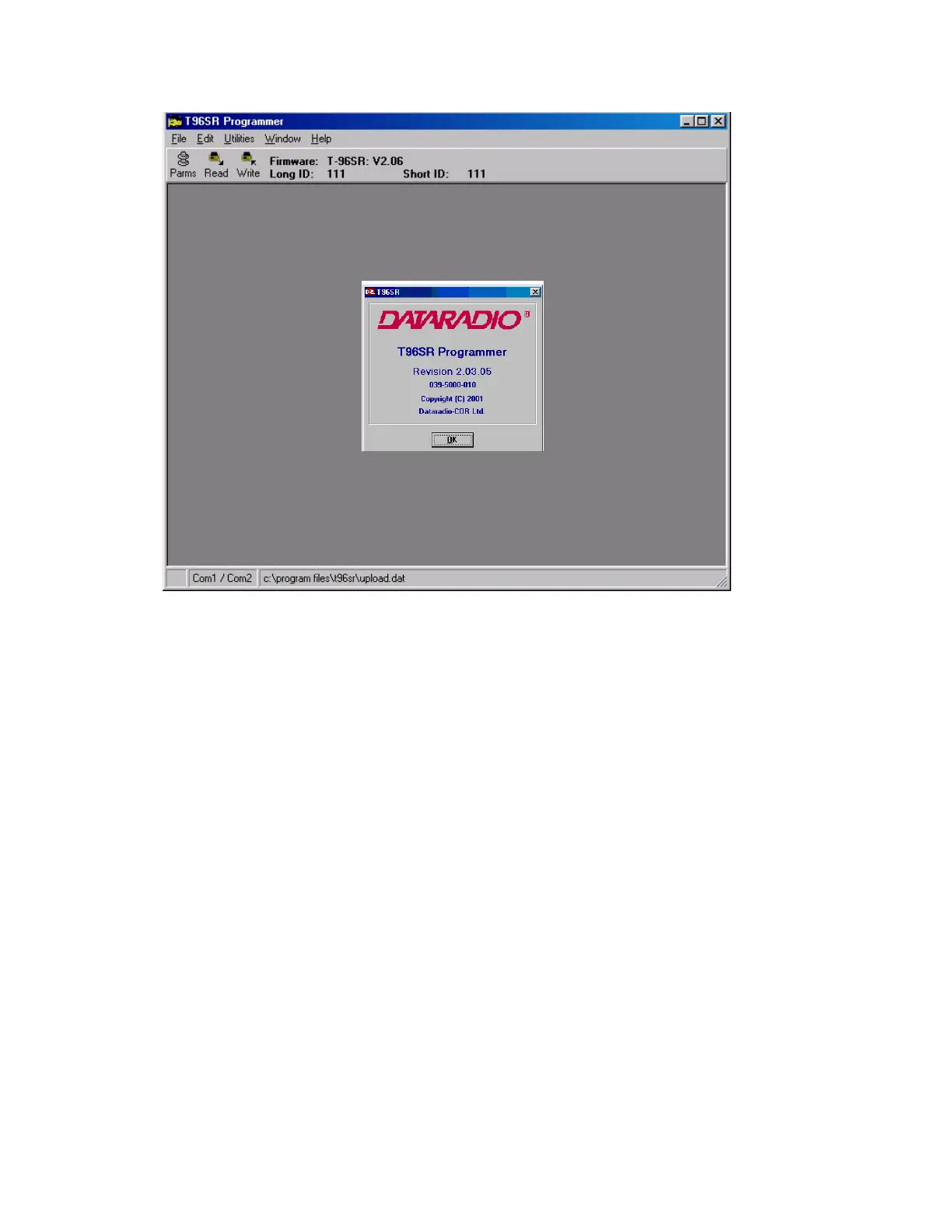
Figure 2-5 Field Programming Software Startup Screen
2.5 T-96SR FIELD PROGRAMMING SOFTWARE
2.5.1 Introduction
The T-96SR Field Programming Software provides programming and diagnostics for the Dataradio T-96SR
wireless modem. The Field Programming Software allows the user to edit and program user programmable
settings, interactively tune modem and RF parameters, and monitor diagnostic data from the T-96SR. See
Figure 2-6 for the T-96SR Field Programming Software startup screen.
This manual assumes the Field Programming Software has been installed on the user’s PC with at least one
operational serial COM Port available.
2.5.2 COM Port Settings
T-96SR programming is done through the PC’s Primary COM Port. Primary and secondary COM ports are
configured with the Field Programming Software. The programming cable (included in the Programming
Kit - DRL part number 250-4006-001) is connected from the Setup Port on the T-96SR to the PC’s COM
port configured as the Primary Port. The Port Settings screen of the Field Programming Software is
accessed via the Utilities pull-down menu (see Figure 2-7). The Port Settings screens are used to configure
the PC’s serial COM Ports. COM Port parameters are defined in 2.5.2.1. COM Port assignments are
displayed in the bottom status bar of the T-96SR Field Programming Software screen.


 To Next Page