2-37
001-4006-101
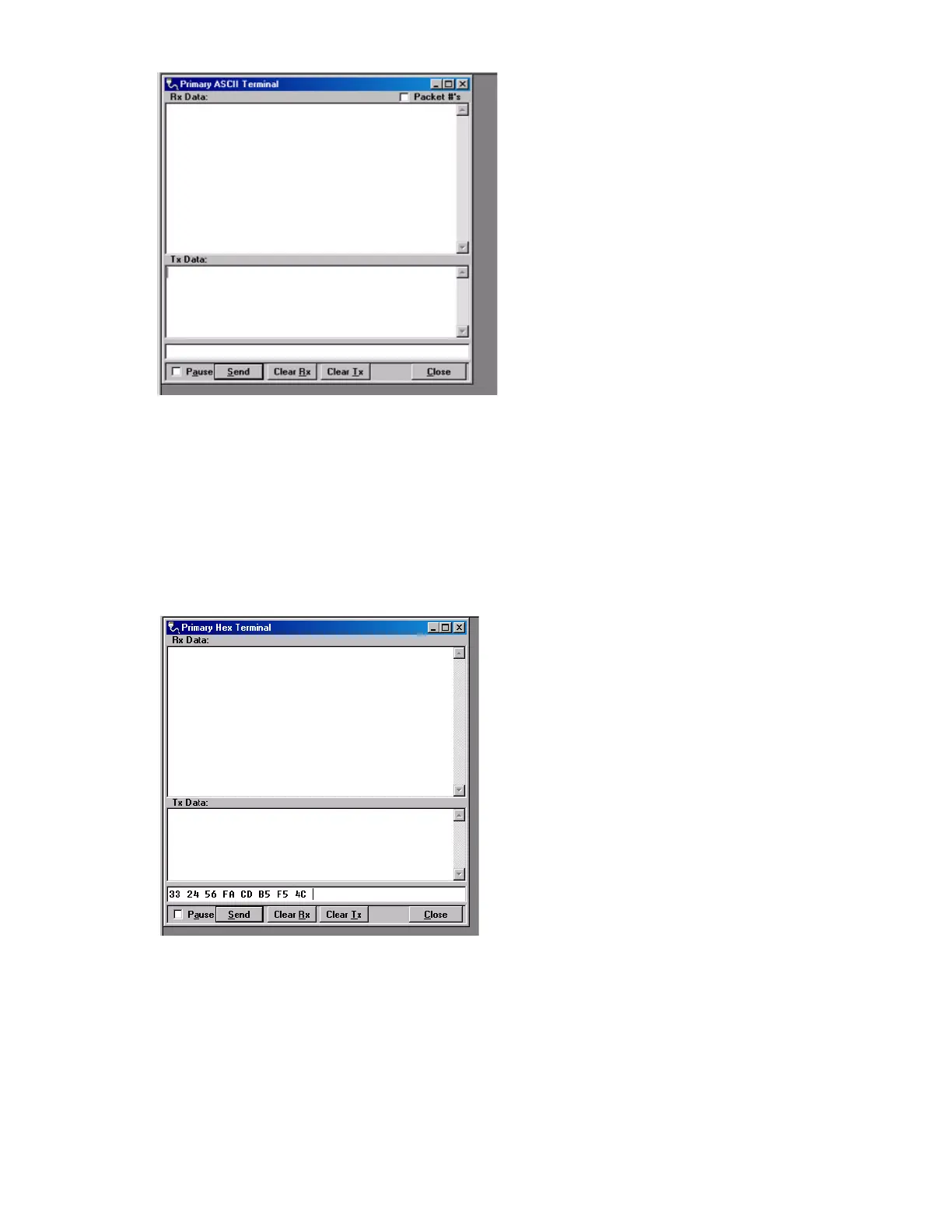
Figure 2-25 Text message received
If the message was not displayed as typed, then a problem may exist in the system. Check all parameters
and connections in the system. The signal level should also be checked again. The T-96SR’s Link Test
utility can be used to verify a communication path.
The previous procedure can also be used with the Hex Terminal utility. When the Hex Terminal is used, the
information is entered as hex code. Figure 2-26 shows how the information will look when it is typed in and
sent in hex.
Figure 2-26 Hex Terminal
In the Hex Terminal mode, the program will not transmit ASCII information. It will only allow valid hex
characters.
Type in this are to send the text message.


 To Next Page