2-36
001-4006-101
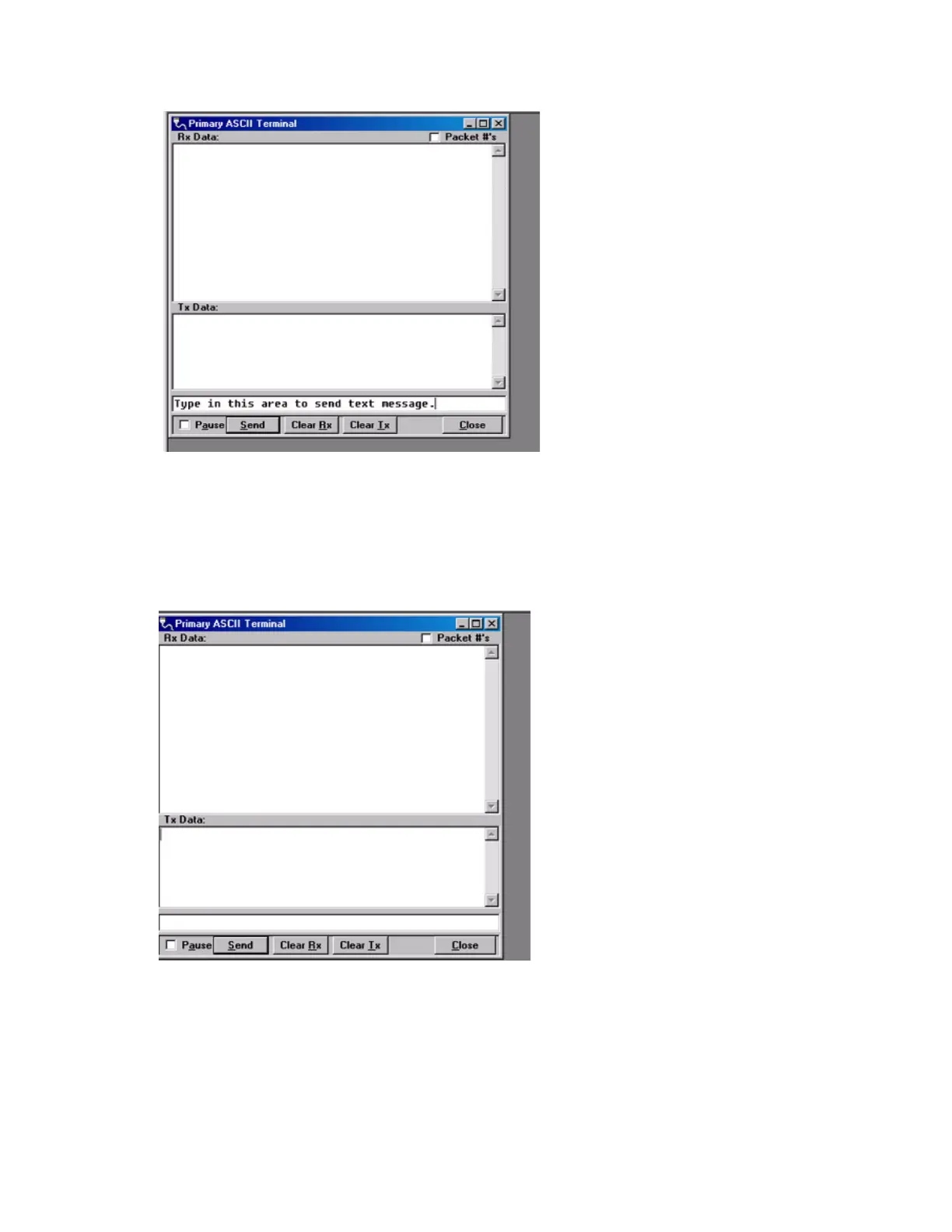
Figure 2-23 End to End Test: ASCII Terminal
Figure 2-23 also shows the area that is used to send an ASCII text message. The ASCII data message is
typed into this area. The ASCII text message is then sent out the first T-96SR through the computer’s
primary port once the “Send “button is clicked. The sent ASCII message is then displayed in the Tx Data
area of the ASCII Terminal window as shown in Figure 2-24.
Figure 2-24 End to End Test: Text message sent
The ASCII message is transmitted to the other T-96SR. The ASCII terminal program will display the
received ASCII message in the Rx Data area as shown Figure 2-25.
Type in this area to send the text message


 To Next Page