FUNCTIONS
42
SH4 BASE-STANDARD
EMISSION RANGE SELECTION (SH4-X-XXXX-X models only)
On Body models only (SH4-X-XXXX-X), TEST input (Pin 2 on transmitter unit) may be
used to set the Emission Range.
By default, SHORT Range is selected. To toggle between SHORT and LONG range, follow-
ing procedure must be followed: at runtime keep pin 2 input connected to 24V for more
than 2s and less than 5s to change range setting from Long to Short or viceversa. Emis-
sion Range setting is kept also after a power cycle.
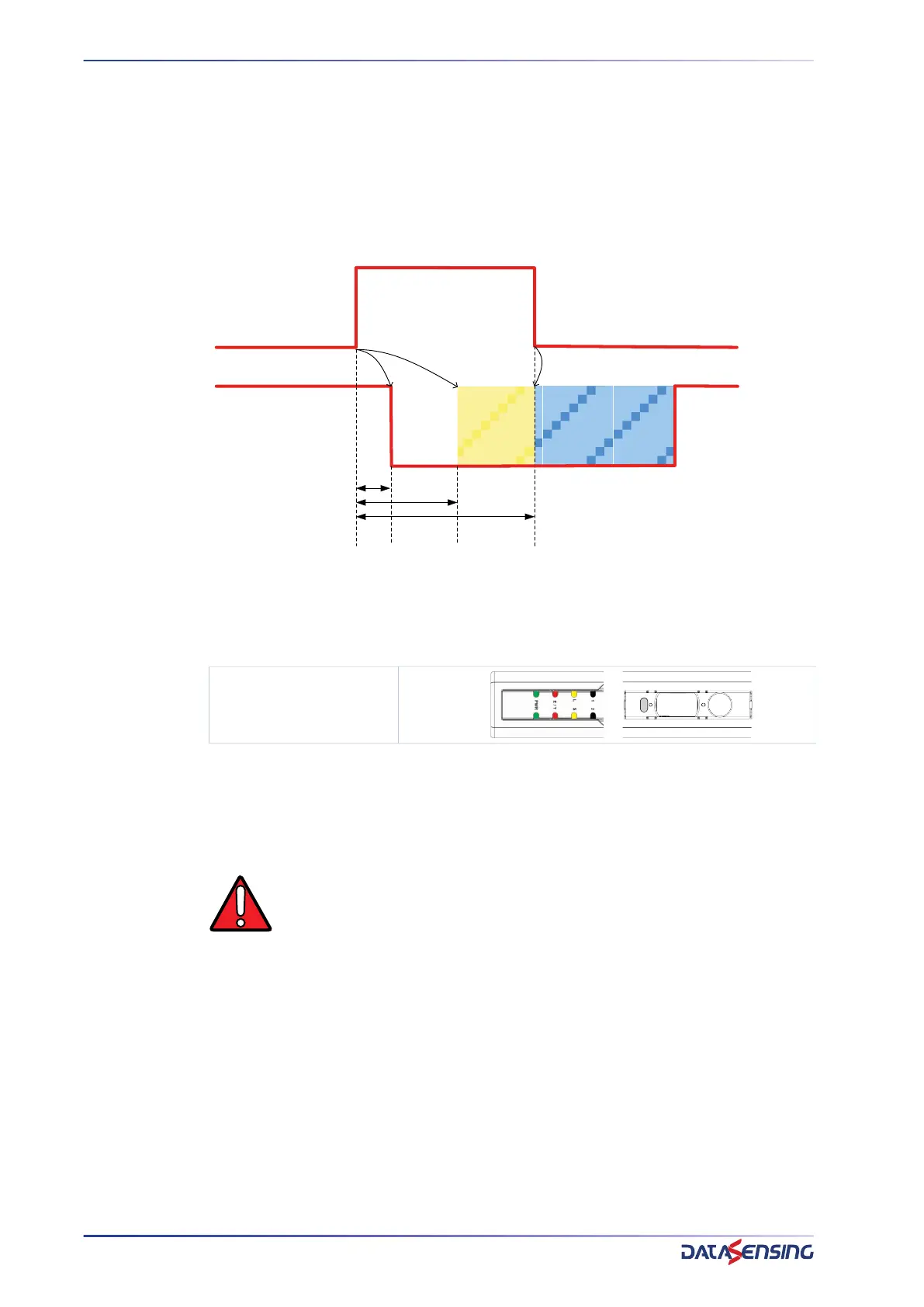
Figure 11: Emission Range Change Request timings
0.5s after rising edge on TEST input emission is disabled, 2s after rising edge on TEST
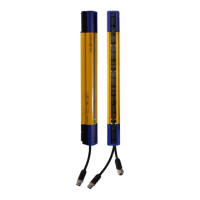
input Range Change Request is activated and both S and L led are lit on user interface.
If a falling edge is detected within 5s from rising edge, emitter unit reboots with the new
range.
If a falling edge is not detected within 5s from rising edge emitter unit locks into Range
setting failure Lockout without any change on range setting.
Range Change Request
WARNING: When using SH4 Body models with operating distance lower
than 5m Short Range must be selected, otherwise safe operation is not
guaranteed.
TEST
EMISSION STATUS
0V/FLOAT
24Vdc
ON
OFF
0.5s
2s
<5s
REBOOT
RANGE
CHANGE
REQUEST


 To Next Page