26
4.
1.
3.
2.
00
CC
)
)
)
0
)
)
)
8
P
P
CC
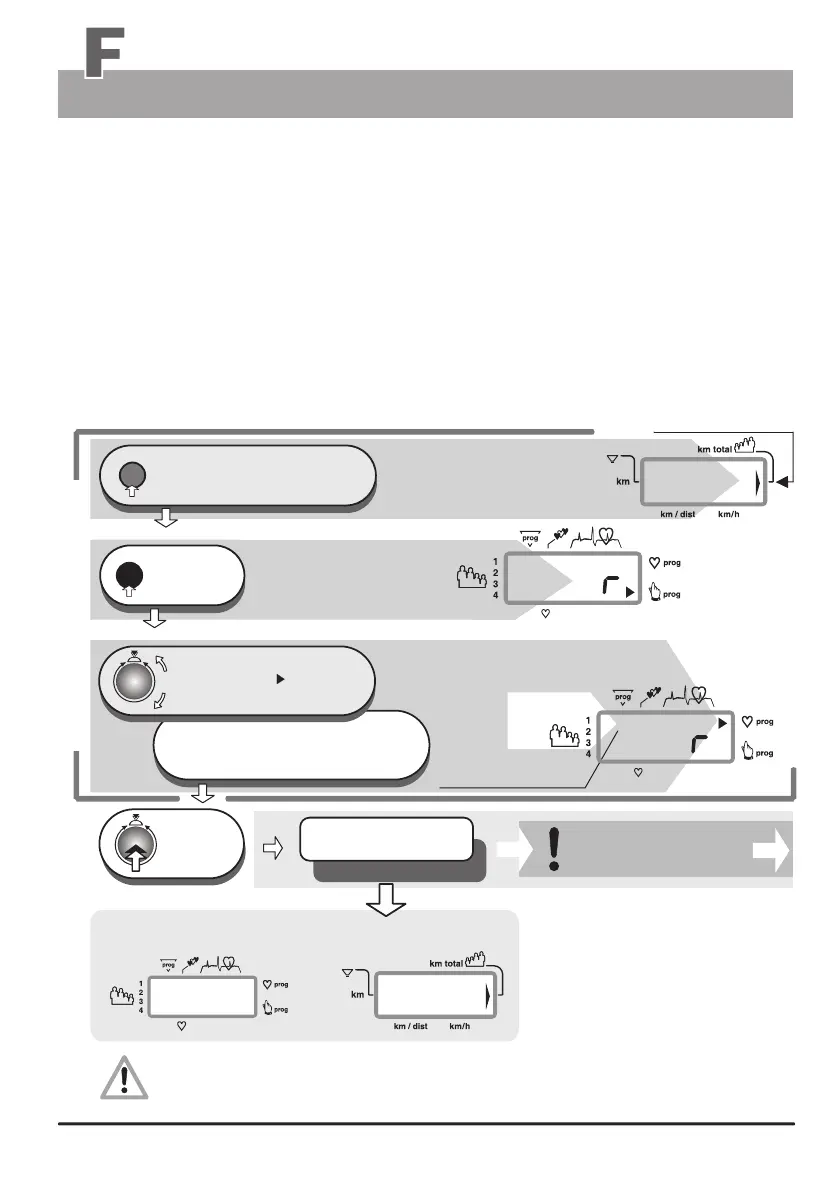
Programs selection
Training Programs selection
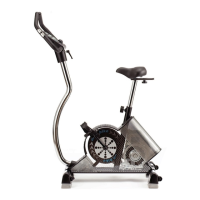
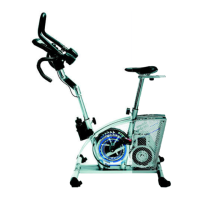
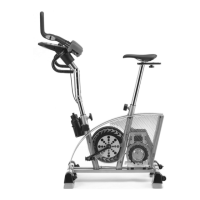
Several training programs are stored in the ergo_bike that help automate training sessions.
When running a program, the load will be adjusted, increased or decreased, depending on the
distance, pulse rate or even velocity, according to the watt values prescribed by that particular
program.
The table on page 24 lists the available programs on each ergo_bike model respectively.
Standard Selection Steps 1 to 3
Press repeatedly,
until the arrow pointing to km total
appears in window no. 4 (right side)
reset
Window no. 4 displays
Users / km total
window no. 1 displays
a big Pr
prog
1 x
press
Turn until the
Program arrow points to
the selected program on the side
or the number or short description
of the selected program is displayed
under Prog
1 x
press
e. g. Program .......
e.g. Cardio program
Window no. 1
only for the Cardio / C
Program
e.g. windows no. 1 and no. 4 display
The selected program will be only saved in connection with the user identification numbers
1 to 4 when the device is turned off.
Use only display windows no. 1 to 5 for setting and functions description.
Training programs
The setting is confirmed
and saved


 To Next Page