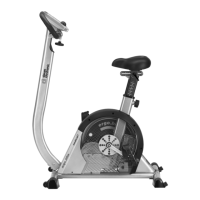
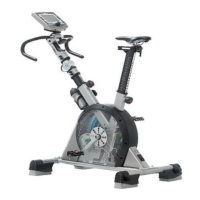
)
)
)
SLP
2
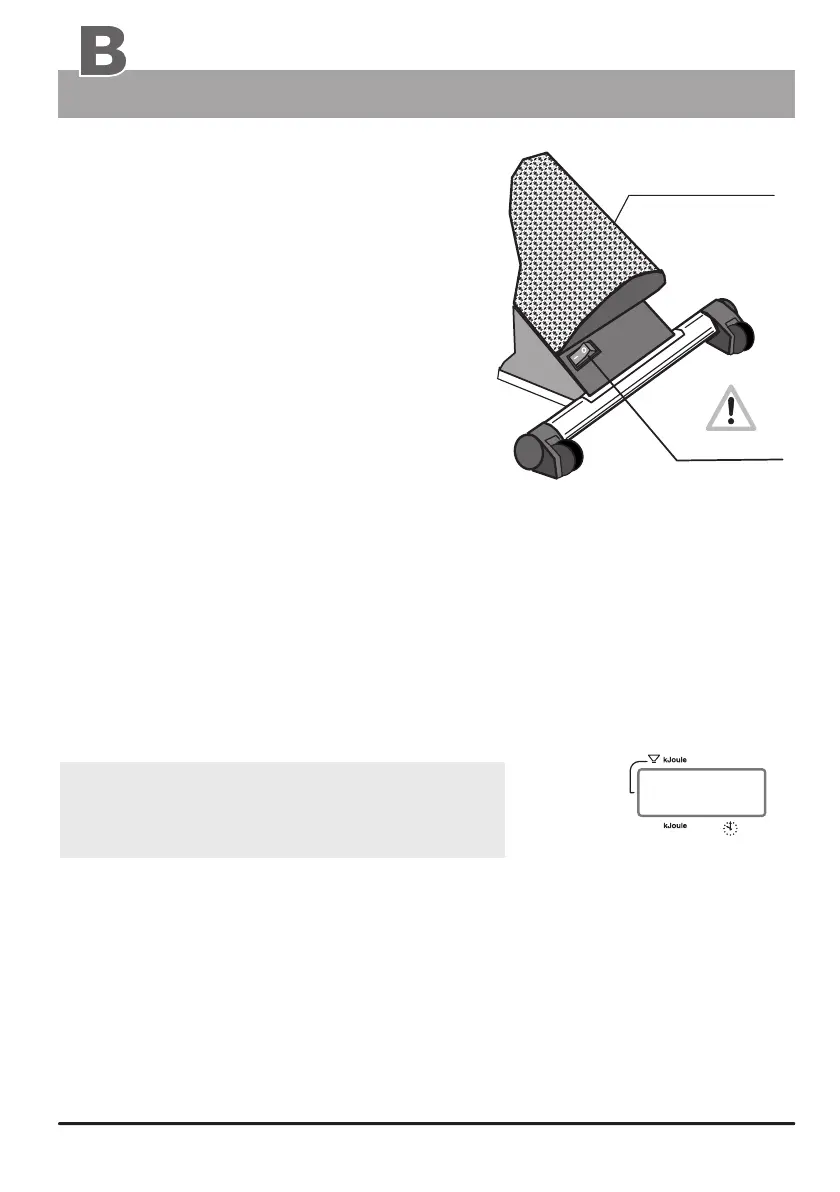
U-shaped
perforated plate
(power switch)
General information
Setting up
Switching On / Off
Please read the Notes on Safety (page 19)
before switching the ergo_bike on, and follow
the installation and assembly instructions
(pages M1 - M12).
The On/Off switch (power switch) is located
at the back in a rectangular plastic frame on
the rear perforated plate cover.
Upon turning on the power switch (On/Off), the five display windows of the dashboard will
display all the symbols and number segments for about two seconds. This is a self
test on the entire system. run by the computer
The ergo_bike switches automatically to stand by mode if it is left switched on and unused
for about two hours. This is signaled by three beep sounds and ten times blinking of all
the windows, and by the display of “SLP” in window number 2. All other windows are
blanked. This mode is terminated by pressing control button number 6.
The ergo_bike should be switched off by mean of the
On/Off switch or by pulling the power cord plug
from the power outlet.
Please note:
The value of the daily kilometer counter (the wide arrow pointing to Distance) will
always be added to the total kilometer counter (the arrow pointing to User/Km Total),
1. if the ergo_bike goes in Stand By mode ( SLP-Mode ).
2. or if the Reset key is pressed,
3. or when another person starts a session and another user identification number
is selected.
“Stand-By mode” ( SLP )
Display-
window
(This does not apply for the values of the “guest” user.)
Always press the Reset key before switching the
device off in order to save the distance covered
in kilometers.
Window Nr. 2
On / Off


 To Next Page