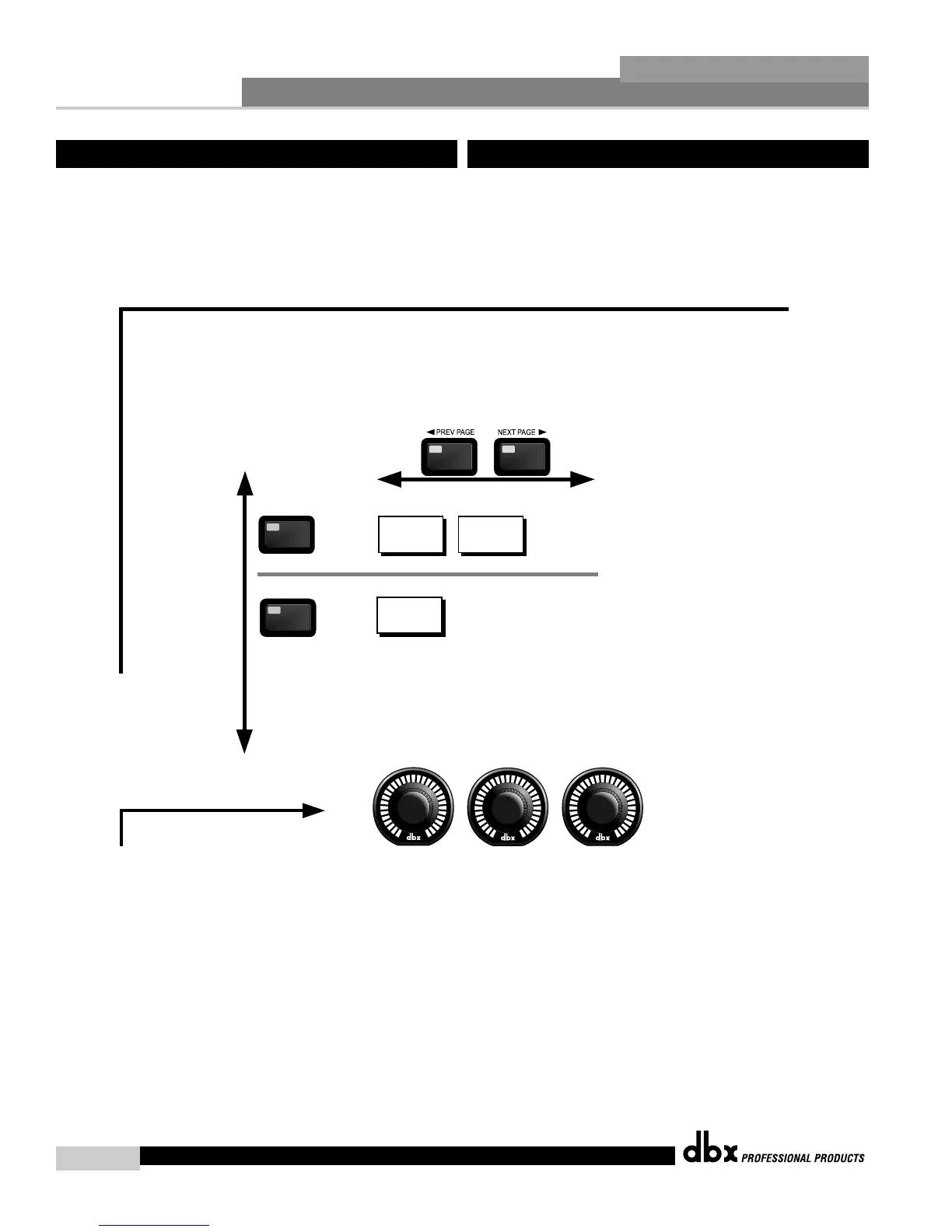
Navigating the Other (Input and Output) Sections
Navegación por las Secciones Otros (Entrada y Salida)
The OTHER button
toggles through
the Input and
Output modules used
in each channel of
the selected
program.
El botón OTHER hace que
vaya pasando por los
módulos de entrada y
salida usados en cada
cada canal del programa
seleccionado.
OTHER
OTHER
Level
High Pass On/Off
OTHER
OTHER
Pink Noise On/Off
Noise Level
Input Channels 1-4
Canales de entrada 1-4
Output Channels 1-8
Canales de salida 1-8
Level/Shift
Out Level
Phase Shift
To edit the parameters of the Input and Ouptuts used in a selected program, simply use the following procedure. From program mode, either press the OTHER button
or use the Parameter 2 or 3 knobs to move to Input or Output modules. Once you have reached the Input and Output modules,
press the next pg and prev pg buttons to access the editing pages of the module. Successive presses
will move through each of the Input and Output editing modules. Navigate through the Pages of theselected Input or Output module
by pressing the "Next Page" or "Prev Page" buttons successively until arriving at the desired Page.
Para editar los parámetros de las Entradas y Salidas usados en un programa seleccionado, simplemente haga lo siguiente : desde el modo de Programa,
pulse el botón OTHER o use los mandos Parameter 2 ó 3 para desplazarse hasta los módulos Input o Output. Una vez que haya llegado a estos módulos
de entrada y salida, pulse los botones "Next pg" y "Prev pg" para acceder a las páginas de edición del módulo. Las pulsaciones sucesivas harán que vaya
pasando por cada uno de los módulos de edición Input y Output. Muévase por las distintas páginas del módulo Input o Output elegido pulsando los botones
"Next Page" o "Prev Page" hasta llegar a la página deseada.
1
2 3
The PARAMETER buttons are used
to edit parameter values.
Los mandos PARAMETER sirven
para editar valores de parámetros.



 To Next Page