DriveRack™- User Manual/Manual de instrucciones
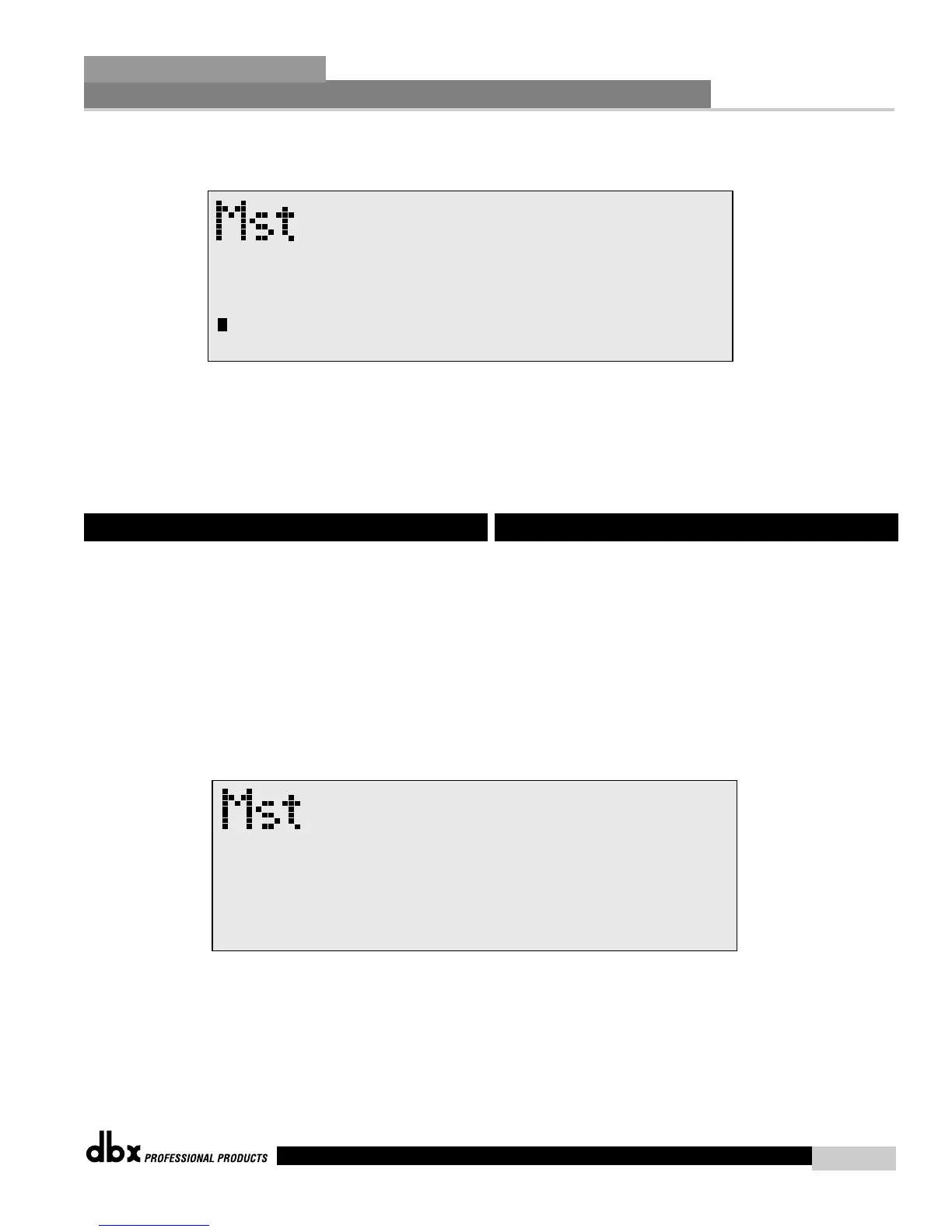
• At this point, rotate the PARAMETER 1 knob and the screen will
appear as follows:
• Rotate the PARAMETER 2 knob to set the cursor position and rotate
the PARAMETER 1 wheel to select characters. To shift characters,
press the PARAMETER 1 knob.
• Once you entered your security password, simply press PROGRAM to
exit.
The 480, 481 and 482 DriveRack™ units allow you to create custom
program lists from within the Utility menu. This list makes it for
convenient accessing and grouping selected programs The program list
cannot be changed if the security level is set to lockout access to the
program list. The procedure for setting up the program list is as follows:
From Program mode, press the UTILITY button and use the PREV PG
and NEXT PG buttons to move to page 4 and the display will appear
something like this:
6.5 Program List
• En este punto, gire el mando PARAMETER 1 y la pantalla mostrará lo
siguiente:
• Gire el mando PARAMETER 2 para fijar la posición del cursor y
después gire la rueda PARAMETER 1 para elegir los caracteres. Para
fijarlos, pulse el mando PARAMETER 1.
• Una vez introducida su contraseña de seguridad, simplemente pulse
PROGRAM para salir.
Las unidades DriveRack™ 480, 481 y 482 le permiten crear listas de
programas personalizadas desde dentro del menú de utilidades. Esta lista
es muy útil para acceder y agrupar programas que seleccione. La lista de
programas no puede ser modificada si el nivel de seguridad está ajustado
a bloqueo del acceso a la lista de programas. El proceso para configurar la
lista de programas es el siguiente:
Desde el modo de programa, pulse el botón UTILITY y use los botones
PREV PG y NEXT PG para desplazarse a la página 4; allí la pantalla le
mostrará algo como lo siguiente:
6.5 Lista de programas



 To Next Page