24
Sect/Secc 3
DriveRack
™
DriveRack™ User Manual/Manual de instrucciones
Once you have reached the module that you wish to edit, simply use the
PREV PG and NEXT PG buttons to move through the pages within the
module. The PARAMETER knobs are used to edit parameter values.
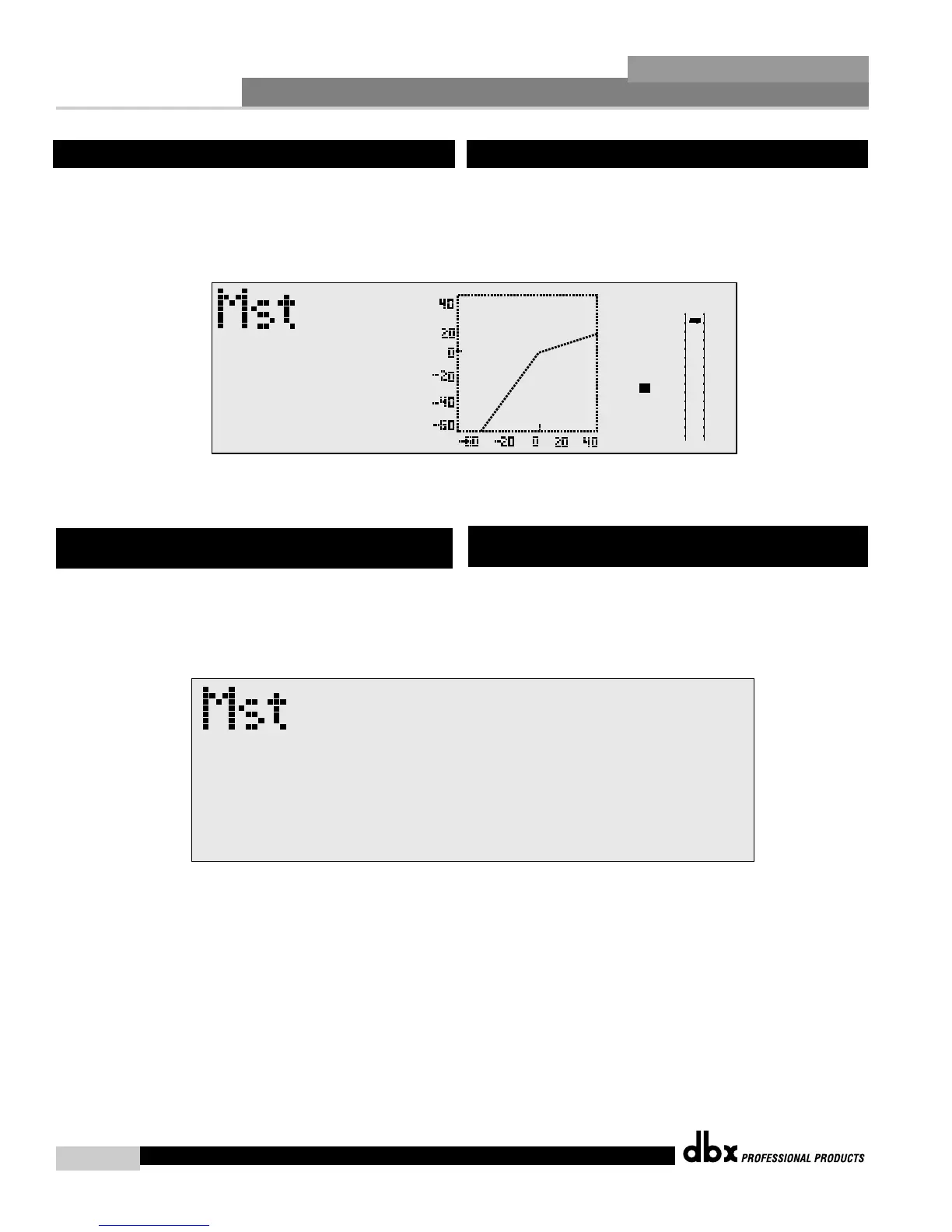
The following illustration shows an example of the Compressor/Limiter
module in edit mode:
Once you are satisfied with the changes that have been made to a factory
or user program, the DriveRack™ allows you to save these changes to the
program as a custom USER program by simply pressing the STORE
button and the display will appear something like this:
Rotate the Parameter 2 knob to move the cursor position. Rotate the
Parameter 1 knob to select the desired character. Push the
PARAMETER 2 knob to toggle between upper and lower case characters.
3.3 Editing Factory Programs
3.4 Saving Factory Programs Changes
Una vez que haya alcanzado el módulo que desee editar, simplemente use
los botones PREV PG y NEXT PG para moverse por las páginas dentro
del módulo. Los mandos PARAMETER se usan para editar los valores de
los parámetros. La siguiente ilustración muestra un ejemplo del módulo
Compresor/Limitador en el modo de edición:
Una vez que esté satisfecho con los cambios que haya realizado al
programa de fábrica o de usuario, el DriveRack™ le permitirá guardar
estos cambios del programa en la forma de un programa personal de
usuario simplemente pulsando el botón STORE , momento en el que la
pantalla mostrará algo como esto:
Gire el mando Parameter 2 para cambiar la posición del cursor. Gire el
mando Parameter 1 para elegir el carácter deseado. Pulse el mando
PARAMETER 2 para cambiar entre mayúsculas y minúsculas.
3.3 Edición de los programas de fábrica
3.4 Almacenamiento de los cambios de los
programas de fábrica



 To Next Page