DriveRack™ User Manual/Manual de instrucciones
• Once the desired program has been selected, press the PARAMETER 3
knob to execute the program dump.
The BULK DUMP option allows a complete system exclusive dump of the
entire contents of the 480, 481, or 482’s memory. This includes all user
Programs, Setups, Utility, and MIDI configurations. To perform a system
exclusive dump of the entire contents of the memory, do the following:
• Enter the “Utility” menu by pressing the UTILITY button once.
• Press the NEXT PAGE button until page 10 is reached.
• Press the PARAMETER 3 button to dump all information of the
DriveRack™.
The 480, 481 or 482 DriveRack™ units allow you to assign unique SYSEX
ID numbers to an individual unit. The procedure for SYSEX ID setting is
as follows:
• Enter the “Utility” menu by pressing the UTILITY button once.
• Press the NEXT PG or PREV PG button until page 8 is reached.
• Use the PARAMETER 2 knob to set the SYSEX ID number for the
currently selected unit.
The Utility menu of the DriveRack™ will allow you to set the gain of the
RTA Mic Preamp on channels 3 and 4. The procedure is as follows:
• From Program mode, press the UTILITY button and use the PREV PG
and NEXT PG button to move to page 7 of the Utility menu.
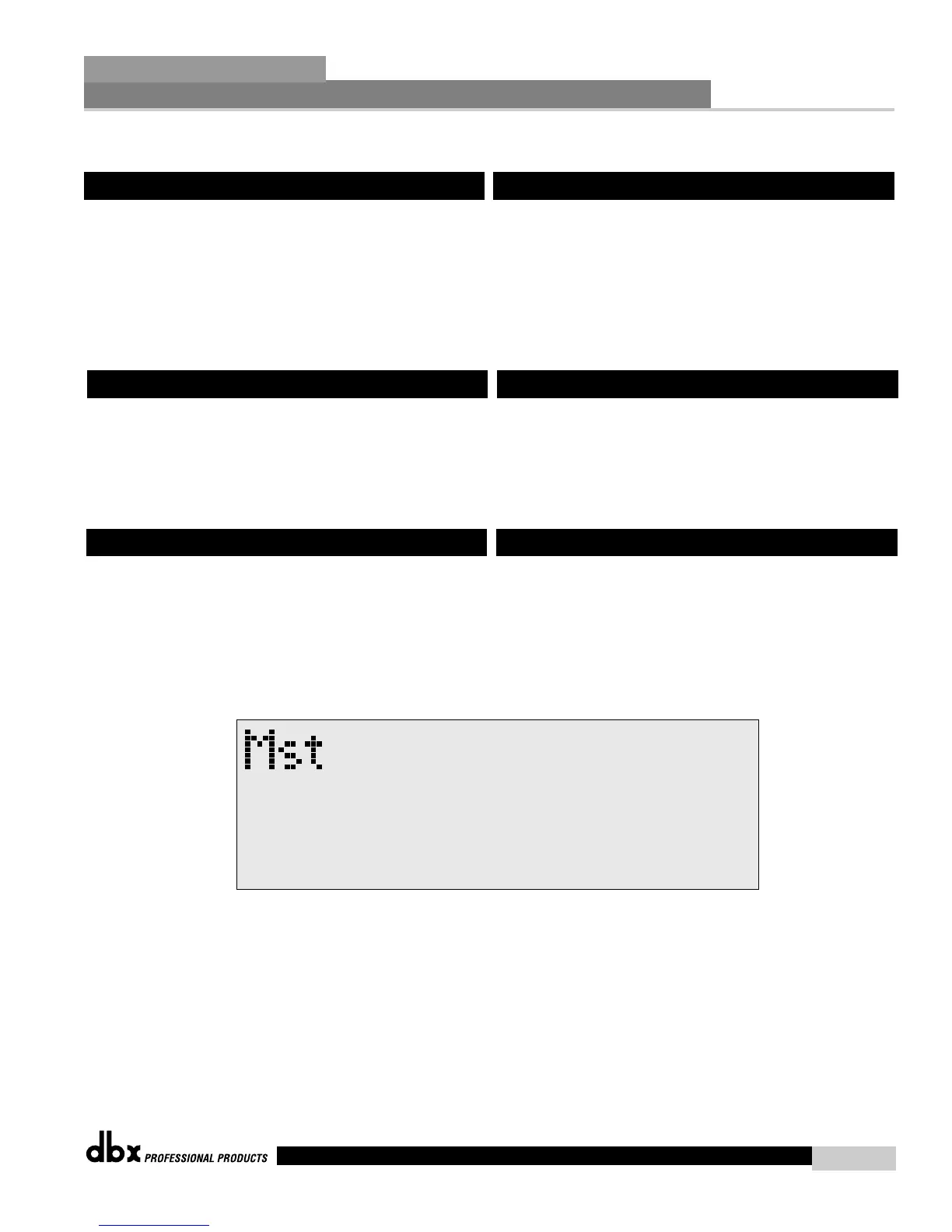
• Once you have reached page 7, the display will appear something like
this:
• Use the PARAMETER 1 and 2 knobs to set the desired gain of Channel
3 and 4. Range is from 20.0 to 60.0 dB.
6.12 SYSEX Dump
6.13 Setup SYSEX ID
6.14 Mic Pre Set up
• Una vez elegido el programa deseado, pulse el mando PARAMETER 3
para realizar el volcado del programa.
La opción BULK DUMP permite un volcado completo del contenido de la
memoria del 480, 481 o 482 en formato de sistema exclusivo. Esto incluye
todos los programas de usuario, configuraciones, utilidades y
configuraciones MIDI. Para realizar un volcado en sistema exclusivo del
contenido completo de la memoria, haga lo siguiente:
• Entre el menú de utilidades pulsando una vez el menú UTILITY.
• Pulse el botón NEXT PAGE hasta alcanzar la página 10.
• Pulse el botón PARAMETER 3 para volcar toda la información del
DriveRack™.
Las unidades DriveRack™ 480, 481 y 482 le permiten asignar números de
identificación SYSEX diferentes a cada unidad individual. El proceso para
el ajuste de identificación SYSEX es el siguiente:
• Acceda al menú de utilidades pulsando una vez el menú UTILITY.
• Pulse el botón NEXT PG o PREV PG hasta alcanzar la página 8.
• Pulse el botón PARAMETER 2 para ajustar el número de
identificación SYSEX para la unidad elegida en ese momento.
El menú de utilidades del DriveRack™ le permitirá ajustar la ganancia del
preamplificador de micrófono RTA en los canales 3 y 4. El procedimiento
es el siguiente:
• Desde el modo de programa, pulse el botón UTILITY y use el botón
PREV PG y NEXT PG para desplazarse a la página 7 del menú de
utilidades.
• Una vez que haya llegado a la página 7, la pantalla le mostrará algo
como lo siguiente:
• Use los mandos PARAMETER 1 y 2 para ajustar la ganancia deseada
del Canal 3 y 4. El rango va desde 20.0 hasta 60.0dB.
6.12 Volcado SYSEX
6.13 Configuración de datos SYSEX
6.14 Ajuste de previo de micrófono



 To Next Page