DriveRack™- User Manual/Manual de instrucciones
• The PARAMETER 1 knob is used to select modules and functions
which are available for adding security levels to. Items include: Program
changes, Program list, Store, Bypass, Network, Inputs, Pre EQ, House
EQ, Notch Filter, Pre Delay, Crossover, Post EQ, Dynamics, Post Delay,
Outputs and RTA.
• The PARAMETER 2 knob is used select either the High, Medium or
Low level of security for the currently selected module or function.
Once security levels have been assigned to the various modules and
functions, You can now proceed to set your operating security password.
This Password (High or Med) will allow you to prevent any unwanted
users from manipulating operating parameters and functions of modules
within the DriveRack™ units.
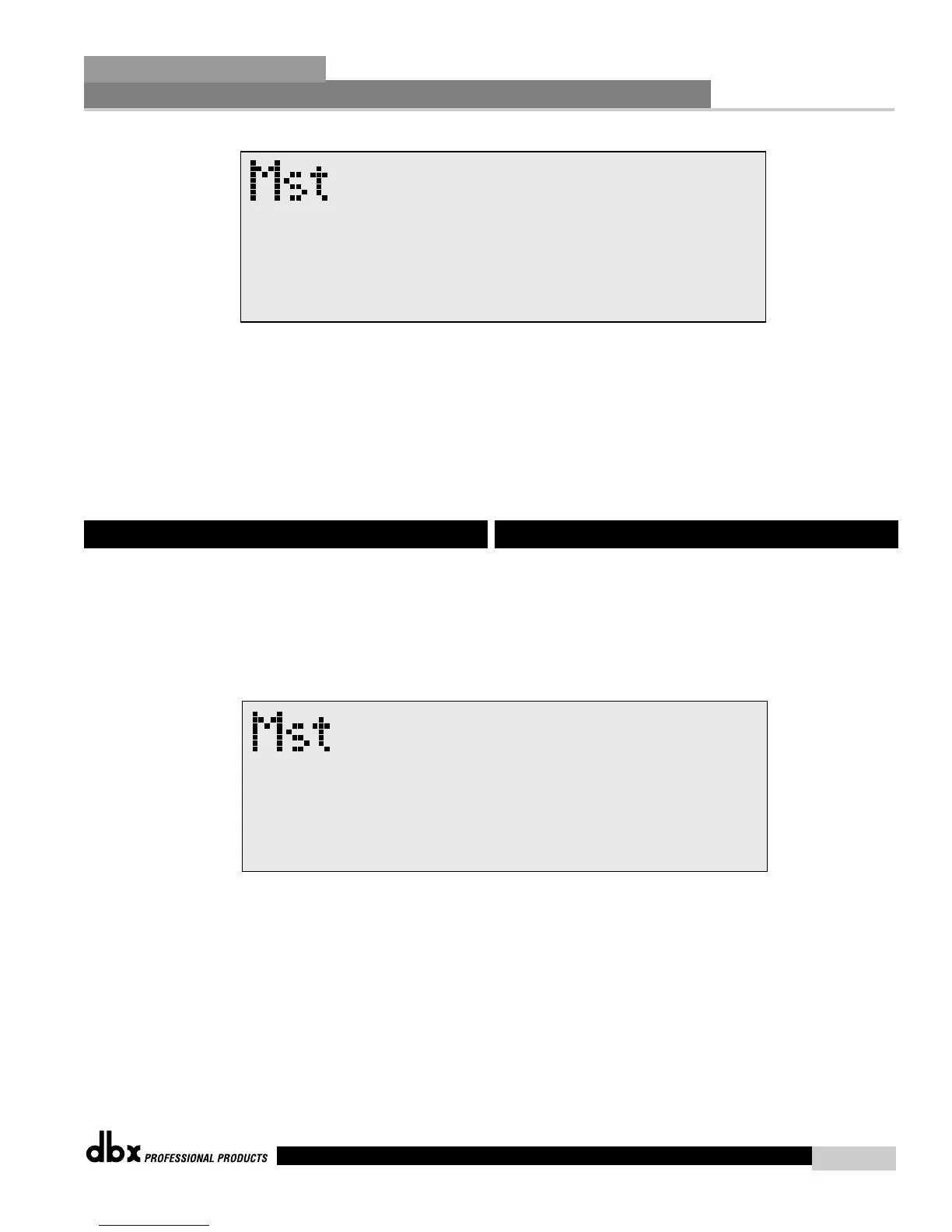
• To set the password, move to Page 3 of the Utility menu and the display
will appear something like this:
• To create a security password for either the High or Med), press or turn
the PARAMETER 1 or 2 knob respectively. The PARAMETER 3 knob
is used to set the security level of the unit. This means that once a
security level of Low, Medium or Low has been set to the DriveRack™
unit, you will only have access to respective level set for module on
page two. The display will appear as follows:
6.3 Security Passwords
• El mando PARAMETER 1 se usa para elegir módulos y funciones a los
que puede añadir niveles de seguridad. Los elementos incluidos son:
cambios de programa, listado de programas, almacenamiento, anulación,
red, entradas, pre-ecualización, ecualización de estudio, filtro de
muesca, pre-retardo, crossover, post-ecualización, dinamismo, post-
retardo, salidas y RTA.
• El mando PARAMETER 2 se usa para elegir el nivel de seguridad Alto,
Medio o Bajo para el módulo o función elegidos en ese momento.
Una vez asignados los niveles de seguridad a los distintos módulos y
funciones, es el momento de configurar su contraseña de seguridad
operativa. Esta contraseña (Alta o Media) le permitirá evitar que usuarios
no deseados manipulen los parámetros operativos y las funciones de los
módulos dentro de las unidades DriveRack™.
• Para establecer la contraseña, vaya a la página 3 del menú utilidades y
en la pantalla aparecerá algo como lo siguiente:
• To create a security password for either the High or Med), press or turn
the PARAMETER 1 or 2 knob respectively. The PARAMETER 3 knob
is used to set the security level of the unit. This means that once a
security level of Low, Medium or Low has been set to the DriveRack™
unit, you will only have access to respective level set for module on
page two. The display will appear as follows:
6.3 Contraseña de seguridad



 To Next Page