DriveRack™ User Manual/Manual de instrucciones
• At this point, to toggle between MIDI and RS232 modes, press the
PARAMETER 2 knob.
Within the Utility menu, you have the option of changing the set up so
that when the DriveRack™ units are powered up, the output mutes will
either all be on or SAVED, which defaults to the saved system setting. To
change this feature, use the following procedure.
• From Program mode, press the UTILITY button and use the PREV PG
and NEXT PG button to move to page 6 of the Utility menu.
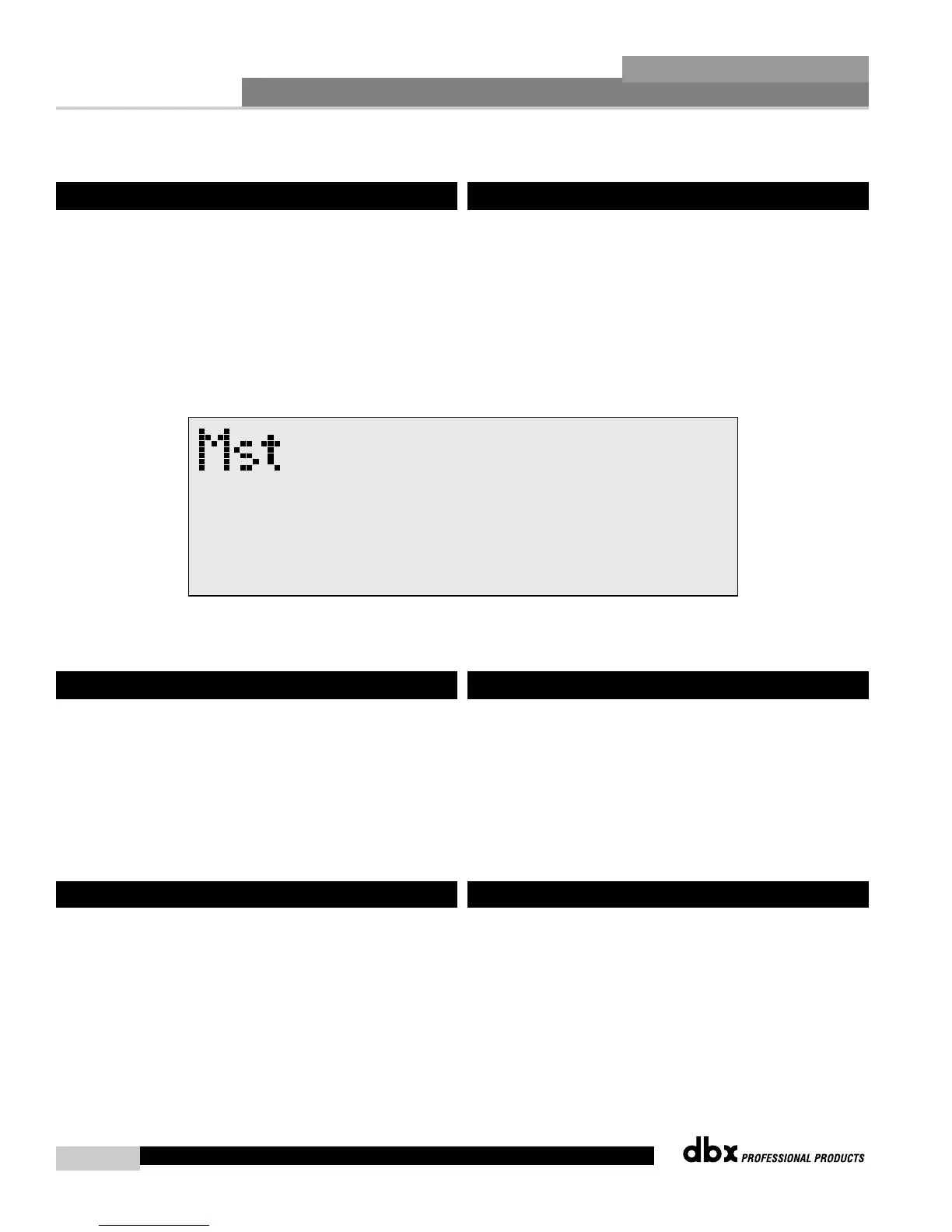
• Once you have reached page 6, the display will appear something like
this:
• To change the Power up set up, simply press the PARAMETER 3
button.
MIDI CH
Selects which MIDI channel the 480, 481, 482 or 480R will receive program
changes on. Selections are; OFF, 1-16 or OMNI.
SYSEX ID
Selects the SYSEX ID for the currently selected DriveRack™ unit.
Selections are Off, 1-16 or OMNI. To perform any MIDI functions, you
must have PC COMM setting set MIDI. This setting must be changed back
to RS 232 to perform any network functions.
Program Dumps
The 480, 481 or 482 DriveRack™ units are capable of dumping program
information from unit to another via the MIDI connectors. To send a MIDI
program dump, use the following procedure:
• From Program mode press the UTILITY button and use the PREV PG
and NEXT PG buttons to move to page 9 of the utility menu.
• Use the PARAMETER 2 knob to select the desired program to be
dumped.
6.9 Power Up (Mutes On/Saved)
6.10 MIDI Channels
6.11 MIDI Program Dumps
• En este punto, para cambiar entre el modo MIDI y RS232, pulse el
mando PARAMETER 2.
Dentro del menú de utilidades, tiene la opción de cambiar la
configuración de modo que cuando encienda las unidades DriveRack™, el
sistema de anulación de las salidas esté conectado o quede en la opción
de SAVED, que hace que el ajuste pase al valor almacenado por defecto
en el sistema (saved). Para cambiar esta función, use el siguiente
procedimiento.
• Desde el modo de programa, pulse el botón UTILITY y use el botón
PREV PG y NEXT PG para desplazarse a la página 6 del menú de
utilidades.
• Una vez que haya alcanzado la página 6, en la pantalla aparecerá algo
como esto:
• Para cambiar el ajuste de encendido, simplemente pulse el botón
PARAMETER 3.
MIDI CH
Elige en qué canal MIDI recibirá el 480, 481, 482 o 482R los cambios de
programa. Las opciones son: OFF, 1-16 u OMNI.
SYSEX ID
Elige la identificación de sistema exclusivo para la unidad DriveRack™
elegida en ese momento. Las posibilidades son Off, 1-16 u OMNI. Para
llevar a cabo cualquier función MIDI, ha de tener el ajuste PC COMM en
MIDI. Este valor puede ser modificado de nuevo a RS 232 para realizar
cualquier función de red.
Volcados de programas
Las unidades DriveRack™ 480, 481 o 482 son capaces de volcar
información de programas desde una unidad a otra mediante los
conectores MIDI. Para enviar un volcado de programa MIDI, use el
siguiente procedimiento:
• Desde el modo de programa, pulse el botón UTILITY y use los
botones PREV PG y NEXT PG para desplazarse a la página 9 del
menú de utilidades.
• Use el mando PARAMETER 2 para elegir el programa que quiera
volcar.
6.9 Encendido (anulaciones activadas/almacenado)
6.10 Canales MIDI
6.11 Volcado de programas MIDI



 To Next Page