DriveRack™ - User Manual/Manual de instrucciones
Once program editing functions have been made to programs in the 480,
481 or 482 DriveRack™ units, you will need to save any changes that have
been made to the selected unit. The following section will provide you
with information on making the most effective and efficient program
saving and storing changes in the DriveRack™.
Once you are satisfied with the changes that have been made to a factory
or user program, the DriveRack allows you to save these changes to save
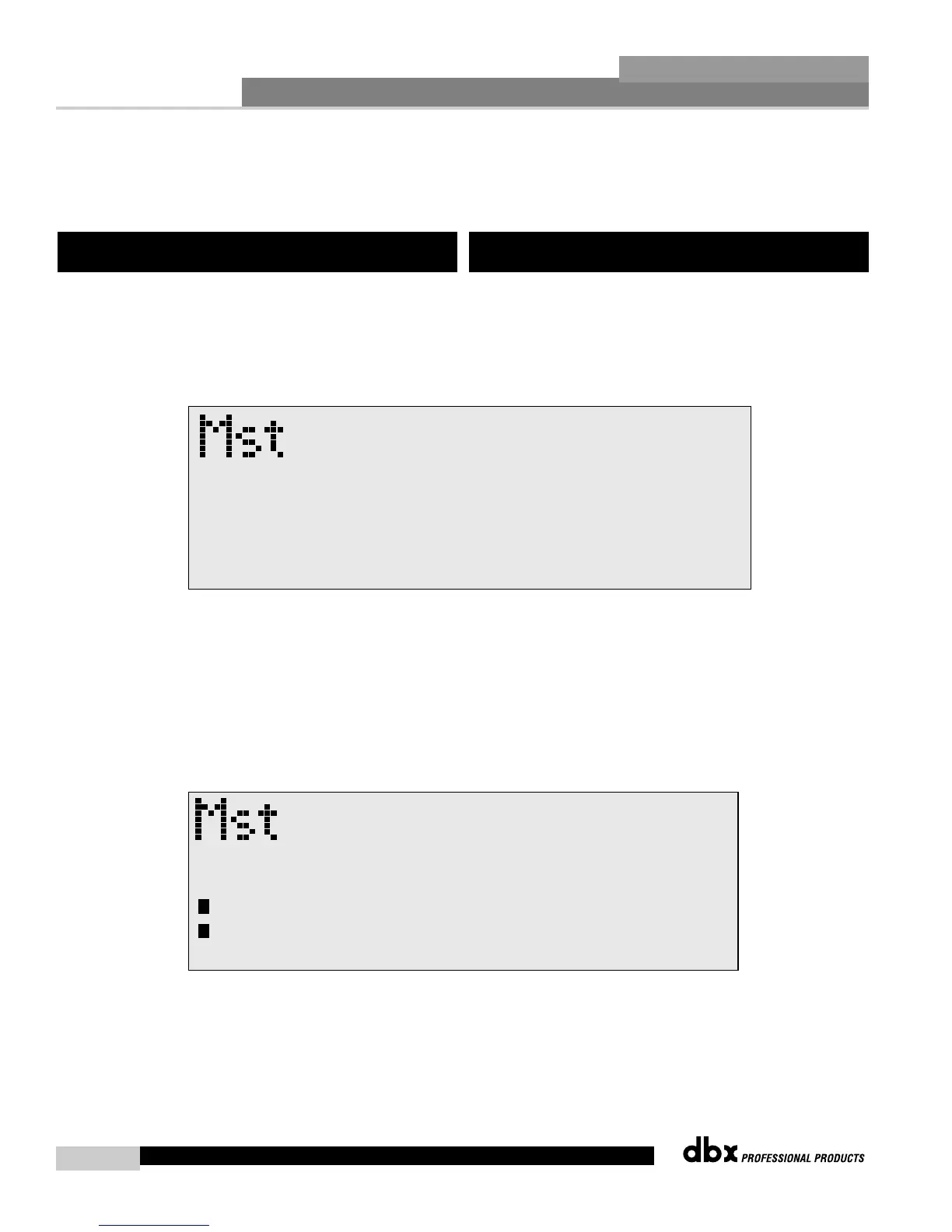
the program as a custom USER program by simply pressing the STORE
button and the display will appear something like this:
• Rotate the PARAMETER 2 knob to move the cursor position. Rotate
the PARAMETER 1 knob to select the desired character. Push the
PARAMETER 1 knob to toggle between upper and lower case
characters.
• Once you are satisfied with the selected name, press the STORE button
again and the screen will appear something like this:
• If you wish to replace an existing User program, press the
PARAMETER 1 knob and the display will appear as follows:
5.1 Saving Program Changes
Una vez que se haya realizado las funciones de edición sobre los
programas de las unidades DriveRack™ 480, 481 y 482, deberá guardar
cualquier cambio que haya realizado en la unidad elegida. La siguiente
sección le ofrece información acerca de cómo hacer que este
almacenamiento de cambios sea más efectivo y directo en el DriveRack™.
Una vez que esté satisfecho con los cambios que haya realizado en un
programa de usuario o de fábrica, el DriveRack le permite guardar estos
cambios para de esta forma conservar el programa como un programa de
USUARIO personalizado. Para ello simplemente pulse el botón STORE;
en la pantalla aparecerá algo como esto:
• Gire el mando PARAMETER 2 para desplazar la posición del cursor.
Gire el mando PARAMETER 1 para elegir el carácter deseado. Pulse el
mando PARAMETER 1 para cambiar entre mayúsculas y minúsculas.
• Una vez que esté satisfecho con el nombre elegido, pulse de nuevo el
botón STORE y la pantalla le mostrará entonces algo como esto:
• Si quiere sustituir un programa de usuario existente, pulse el mando
PARAMETER 1 y la pantalla le mostrará lo siguiente:
5.1 Almacenamiento de los cambios de los
programas



 To Next Page