PRELIMINARY
COMPONENT ACCESS
LOCK THERMOSTAT
1. Follow kick panel removal (fig. 23) and disconnect
power supply.
2.Remove the four (4) #15 torx head screws from control
panel (fig.54).
3.Open door to the broil stop possession and cover with
clean cloth (to protect door and control panel).
4.Remove knobs.Lay panel forward on door.
5.Disconnect wire to light switch and indicator.
6.Remove selector switch mounting screws (fig.61).
7.Remove selector switch and bracket.
8.Remove thermostat-mounting screws (fig.61).
9. Remove wire guard and trim assembly from front of
unit (fig.57 and 58).
10.Remove capillary bulb from holder inside oven cavity.
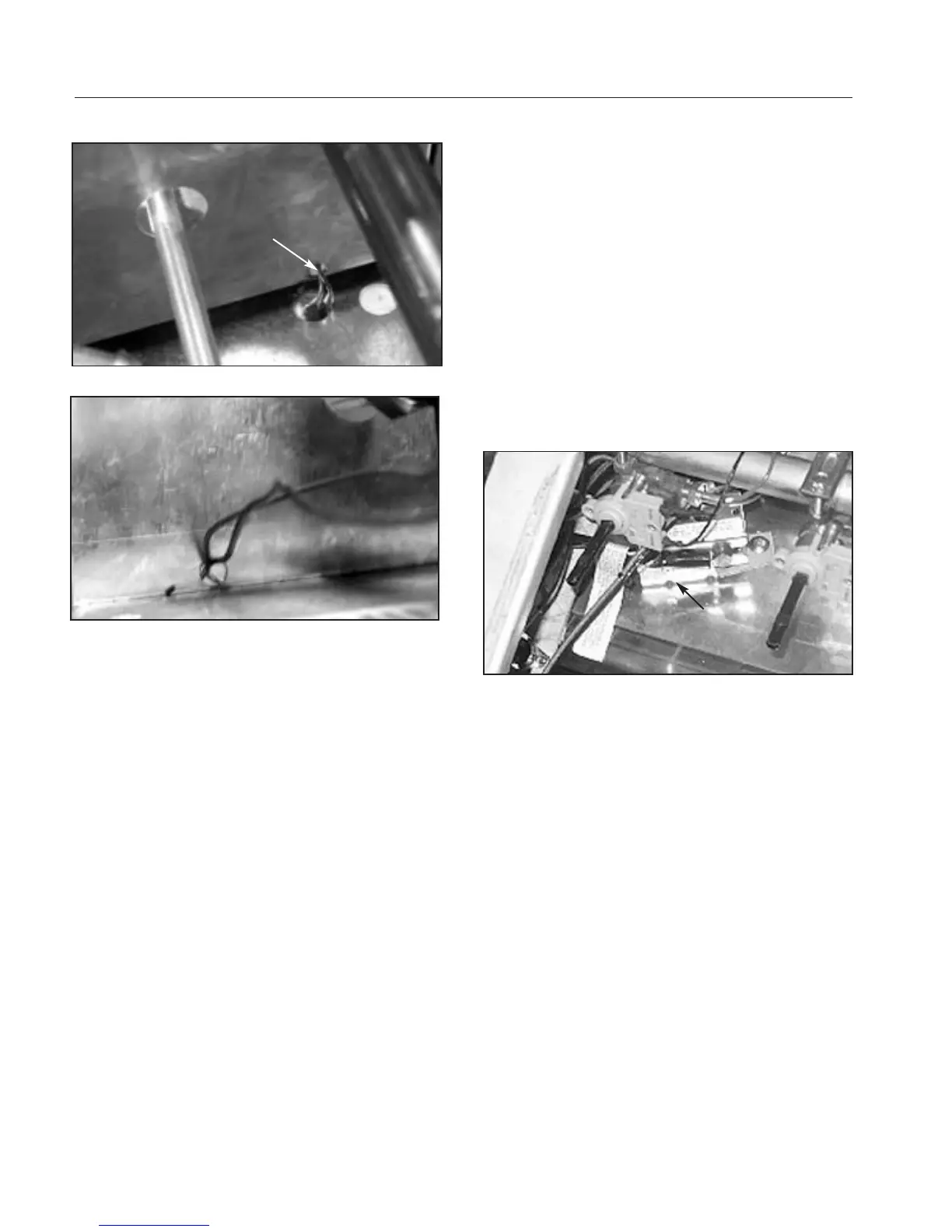
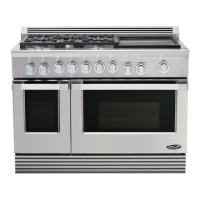
11. Feed capillary bulb up through hole in oven cavity
and back through panel (fig.63 and 64).
12.Unscrew thermostat from bottom of control panel.
CLEAN THERMOSTAT
1.Disconnect power supply.
2.Remove the four (4) #15 torx head screws from control
panel (fig.54).
3.Remove selector switch mounting screws (fig.61).
4. Remove clean thermostat mounting screw (fig.65).
5.Remove wires from clean thermostat.
6.Carefully remove thermostat assembly from inner
panel.
Fig. 65
thermostat
Fig. 63
Fig. 64
Capillary
Assembly


 To Next Page