dCS Vivaldi DAC User Manual Software Issue 2.0x
November 2016
Vivaldi DAC Manual v2_0x Page 23 English version
DSD mode has 5 filters, the first 4 progressively reduce the out-of-band noise level (which is inherent
in the 1-bit nature of DSD). Filter 1 is the usual setting – it gives the widest bandwidth (about 90kHz
for DSD/64) and the highest level of out-of-band noise. If your system sounds harsh, try Filter 2 or
Filter 3. These progressively reduce the out-of-band noise level at the cost of some bandwidth. Filter
4 is primarily intended for troubleshooting, not listening, as it cuts off sharply (above 25kHz for
DSD/64) to minimise the out-of-band noise. Filter 5 has a relaxed roll-off with a smoother phase
response – this removes much of the out-of-band noise.
“I don’t have time to listen to all these filters! Which ones do you suggest?”
Filters are definitely a personal choice, but we can suggest the following:
44.1kS/s – Filter 5 (asymmetrical) 32, 48, 88.2, 96kS/s – Filter 2
176.4 - 384kS/s – Filter 6 (asymmetrical) DSD – Filter 5
The DAC remembers the last filter set for every sample rate.
When the menu is open, the Filter button changes to the ◄ button, used to page backwards through
the menu.
Input button
Press the Input button (G) repeatedly to cycle through the available digital inputs.
Inputs which are not connected to an active source do not appear in the list and so
cannot be selected. This is an important change from early versions.
The source sample rate is automatically detected. The full sequence is:
…, AES1, AES2, AES1+2, AES3, AES4, AES3+4, SPDIF1 (RCA), SPDIF2 (RCA), SPDIF3 (BNC),
Toslink, SDIF-2, USB, …
AES1+2 and AES3+4 are not available if the Dual AES1+2 and Dual AES3+4 menu pages are set to
OFF.
When the menu is open, the Input button changes to the ► button, used to page forwards through the
menu.
Mute Button
Use the Mute button (H) to mute and un-mute the analogue outputs. When the unit is muted, MUTE
appears on the display.
Rotary Control
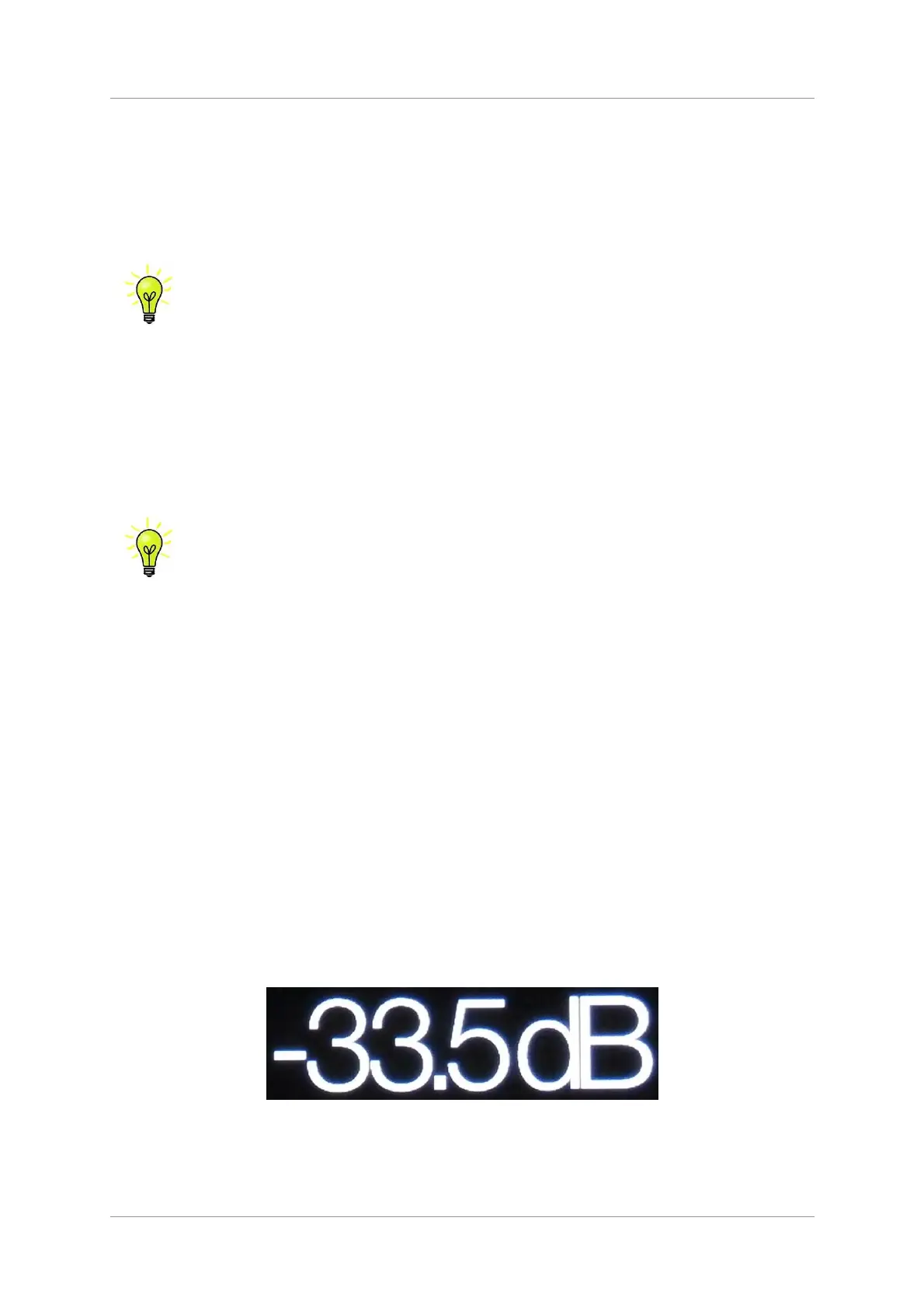
The Rotary Control (I) usually controls the Volume setting. The Volume setting changes in 0.5dB
steps between 0dB (full volume) and -50dB, in 1dB steps down to -80dB and then mutes below -80dB.
When the volume is changed, the volume setting is displayed in large text for a few seconds.
When the Balance menu page is open or the remote Balance button has been pressed, it adjusts the
channel Balance instead.
While the menu is open, the Rotary Control pages forward and backwards through the menu instead
of changing the volume.



 To Next Page