dCS Vivaldi DAC User Manual Software Issue 2.0x
November 2016
Vivaldi DAC Manual v2_0x Page 27 English version
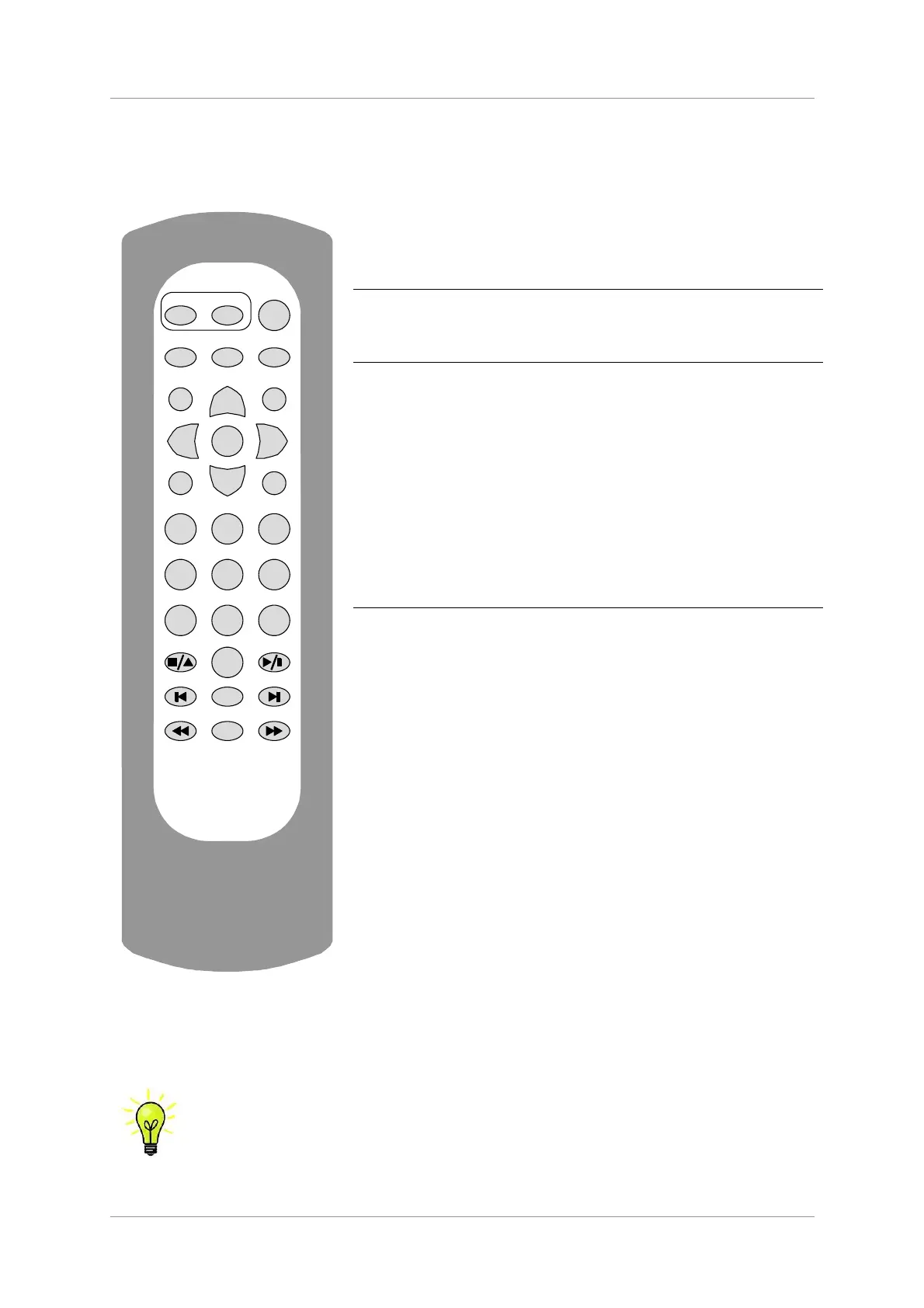
REMOTE CONTROL
The upper section of the Remote Control is mainly for the DAC, the lower section is for the Transport.
Sleep
OFF
AES3AES1 Input+
Input-
Vol+
Vol-
Mute
Filter Balance
Program Clear
Input Output
Upsampler
1 23
456
789
0
Repeat
Display
dCS
Hold down the Sleep button for 2 seconds to set the system to
sleep mode. Press the Sleep button again to return to normal
operation.
In Sleep mode, press the OFF button to turn the system off.
The Upsampler Input button selects the Upsampler’s input.
The Upsampler Output button selects the Upsampler’s output
sample rate.
The Filter button changes the DAC filter setting.
The Balance button toggles the DAC between Volume and
Balance adjustment modes.
The AES1 button selects the DAC’s AES1 input, the AES3 button
selects the DAC’s AES3 input.
The Input+ and Input– buttons cycle through the DAC’s available
inputs.
The Vol+ and Vol– buttons adjust the DAC’s Volume / Balance.
Mute turns the DAC’s outputs off and on.
The Program and Clear buttons are used with the 0 – 9 buttons
to set or change the Transport’s track sequence for the loaded
disc.
The 0 – 9 buttons select the current track to be played by the
Transport. Pressing 5 or 05 will select track 5.
The Stop/Eject, Play/Pause, Previous Track, Next Track, Jog
Back and Jog Forward buttons operate in the same way as
those on the Transport front panel.
The Repeat button cycles the Transport through Repeat 1
(repeat the current track), Repeat (repeat the whole disc) and
Repeat Off.
The Display button changes the time displayed by the Transport,
cycling through Track Elapsed, Track Remaining, Disc
Elapsed and Disc Remaining.
When the system is completely off (not just in sleep mode), press the front panel Power buttons to
turn it on. You cannot use the Remote Control for this. The OFF button will only operate if the system
is in sleep mode.
If you are using the two Dual AES input pairs with a Vivaldi Transport and Upsampler,
set the DAC’s two Dual AES menu pages to Auto. Now you can switch between the two
Dual AES sources using the remote’s AES1 and AES3 buttons.



 To Next Page