Beverage selection
3.2 Main menu - Cup dispensing
The Main menu (or screen) is displayed when the machine is
ready for use. It gives access to selections for cup dispensing and
all other functions.
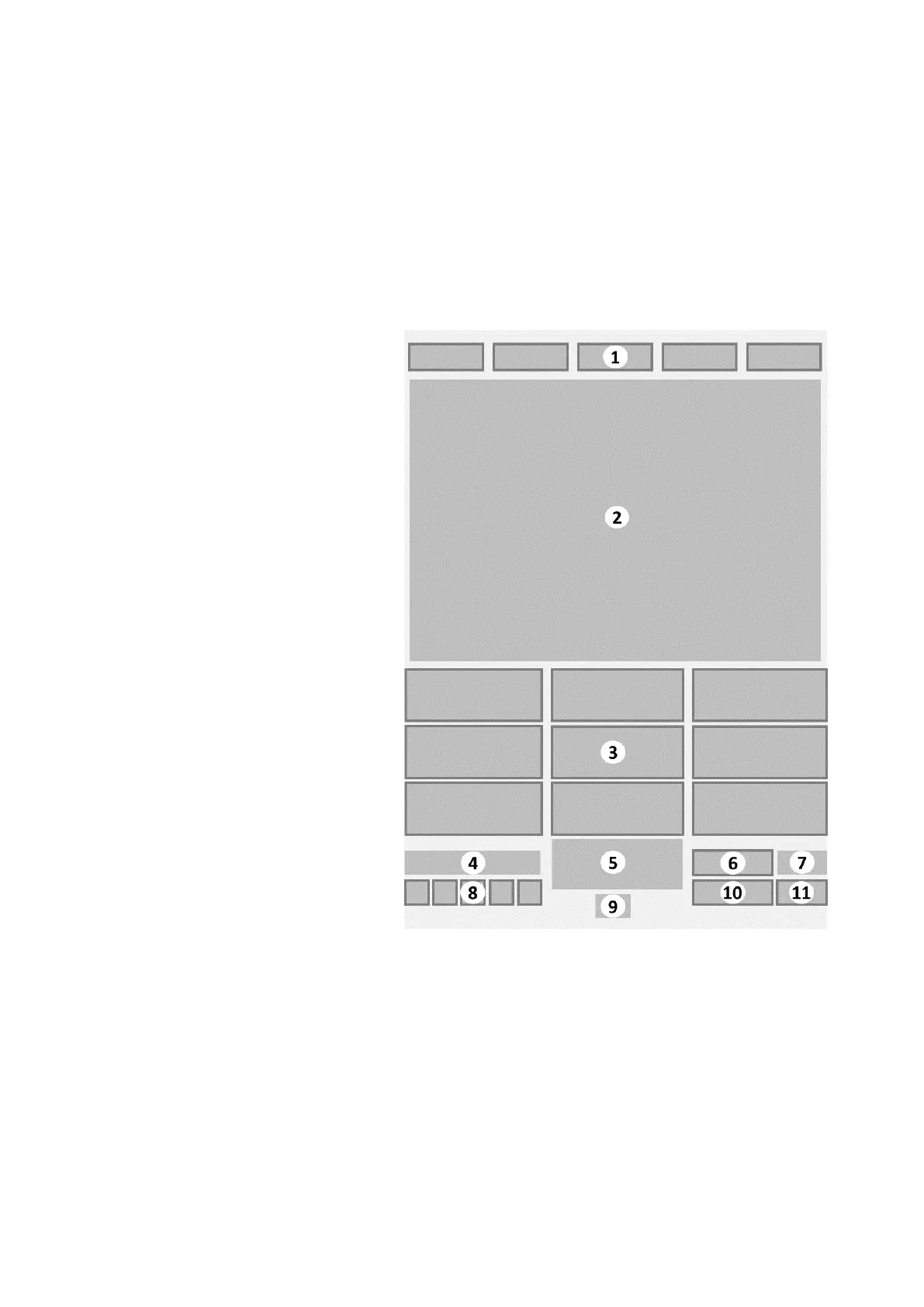
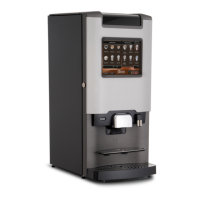
Main selection screen Edge
1. [Menu] tab buttons
2. Image of beverages category
3. [Cup beverage selection] buttons
4. Message area
5. Logo — optional
6. [Info] button — optional
7. Credit amount — optional
8. [Language menu] buttons —
optional
9. Clock — optional
10. [Number selection] button
11. [Jug] button
The main screen shows a selection of the most popular
beverages. This is the default menu and is called the
[Favourites] menu. The available beverages are grouped in the
menus. The top of the screen shows the available menu tabs. The
21
Edge XNA Small Cabinet 18-000 CoEx XL® brewer User Manual 5DUXNQ20M EN V2.1




 To Next Page