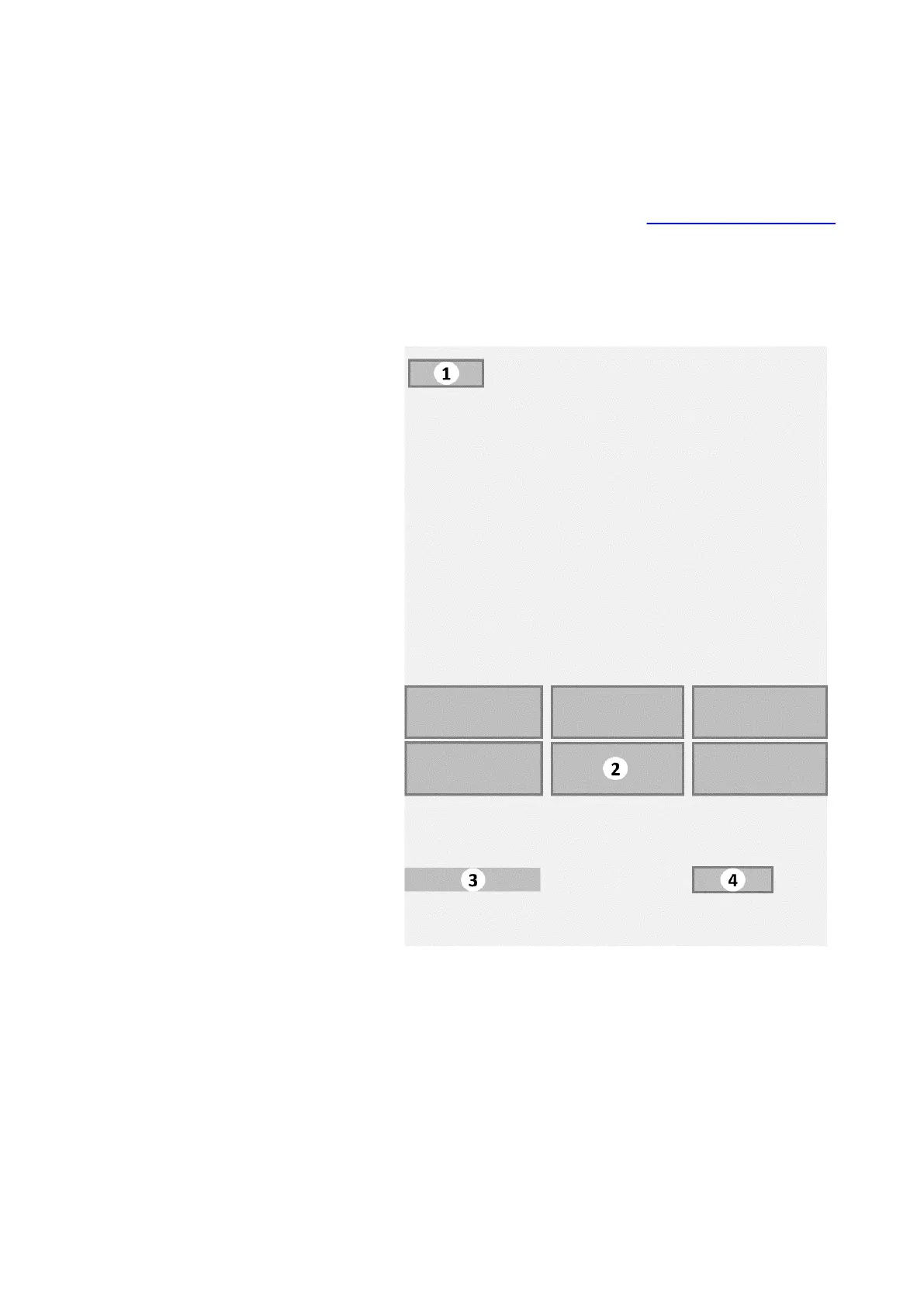
3.2.2 Jug dispensing submenu
The Jug dispensing submenu is displayed after tapping the
[Jug] button on the Main menu (see
Main menu - Cup dispensing
on page 21). On some models this menu is only available if the
jug function is activated with a jug key or pin code.
Jug dispensing menu (Edge)
1. Current Menu tab
2. [Jug selection] buttons bar
3. Message area
4. [Cup mode] button
The menu shows the following information:
• The Jug dispensing submenu displays a number of selection
buttons with beverages to fill (part of) a jug. Each button
contains a small image with an impression of the beverage,
27
Edge XNA Small Cabinet 18-000 CoEx XL® brewer User Manual 5DUXNQ20M EN V2.1













 To Next Page