AquaLab
4. Getting Started
16
Preparing AquaLab for Operation
After nding a good location for your AquaLab, plug the power cord
into the back of the unit. e ON/OFF switch is located on the
lower left corner of the AquaLab’s back panel. When the AquaLab
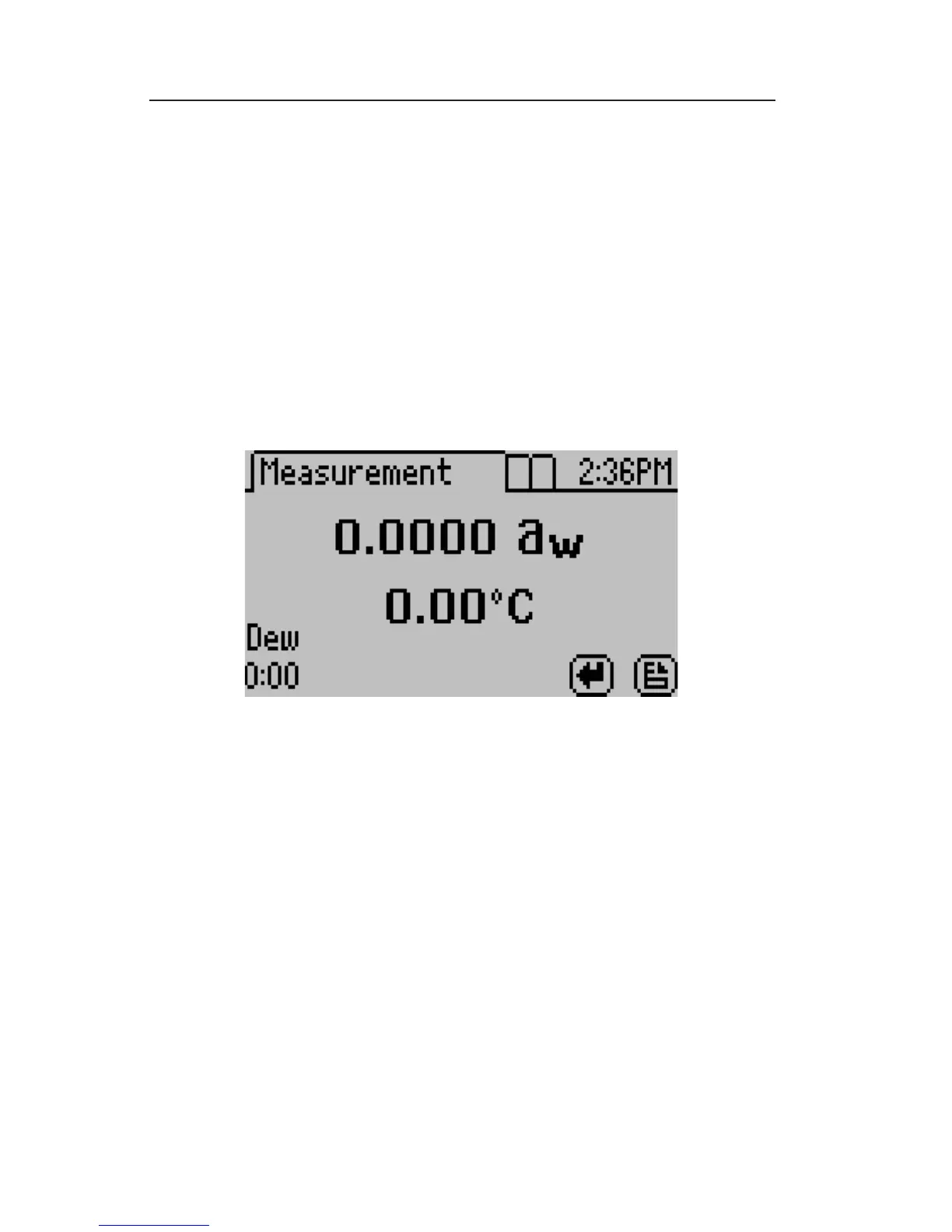
is turned on, you should see a model name/number screen and then
the main screen as shown below.
e main screen shows the water activity (a
w
) in the middle of the
screen and the sample temperature right below. On the Series 4TEV
model you will also see either DEW or CAP indicating whether you
are using the dewpoint or capacitance sensor respectively.
NOTE: In order to provide the most accurate readings, your AquaLab
should be allowed a 15 minute warm-up period.



 To Next Page