AquaLab
5. Menus
30
Data Tab
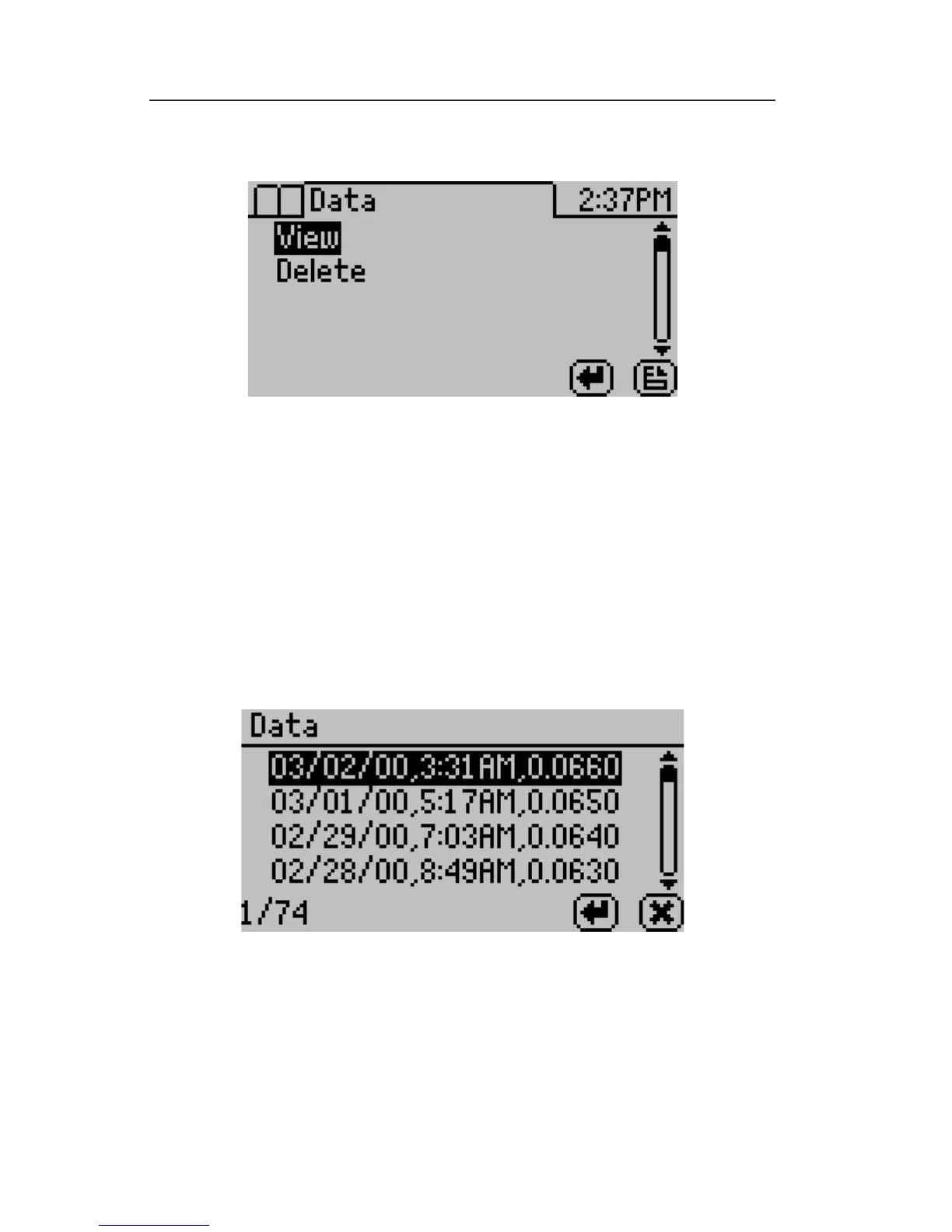
View:
is selection will allow you to view your stored measurements. e
up/down arrows will move you through the stored data with the
most recent measurements at the top of the table. You may also press
the left and right arrows to page quickly through the data. See Chapter
11: Computer Interface for information about downloading these
readings to a computer.
When you are viewing the summary screen, you may press the enter
button on a highlighted reading to get detailed information on the
reading as shown below.



 To Next Page