AquaLab
10. Duo Operation (Optional)
64
Restore Original Moisture Content Model Settings
To restore the original model settings, do the following:
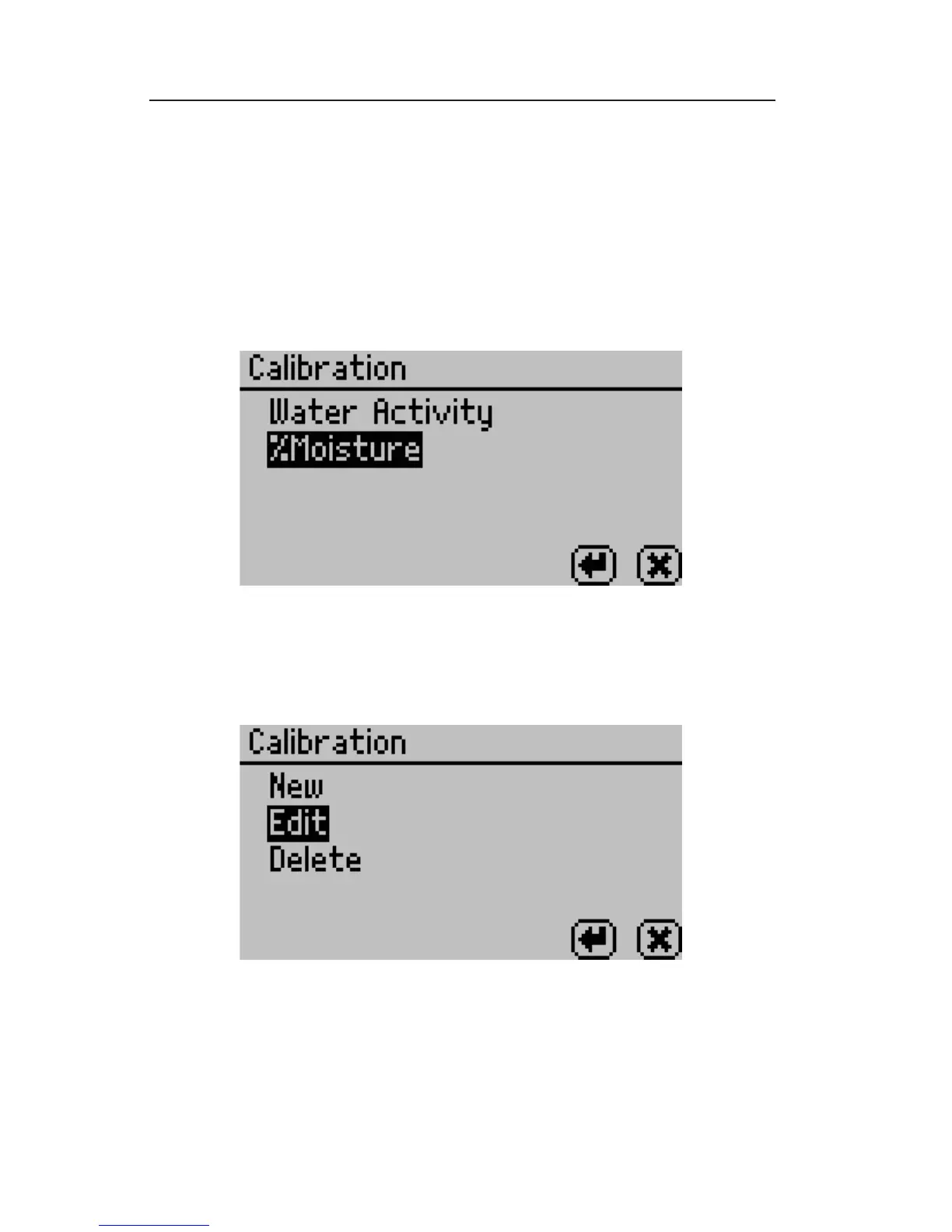
1. Navigate to the calibration screen in the Con guration menu of
the AquaLab Duo Moisture Analyzer and select %Moisture from
the list of calibration types.
Note: If you don’t see %Moisture as an option you may not have a Duo
model or you may not have any models installed.
2. Scroll down to Edit and press the Enter Button.
3. Select the model that you would like to reset to its original set-
ting and press the Enter button.



 To Next Page