AquaLab
5. Menus
18
5. Menus
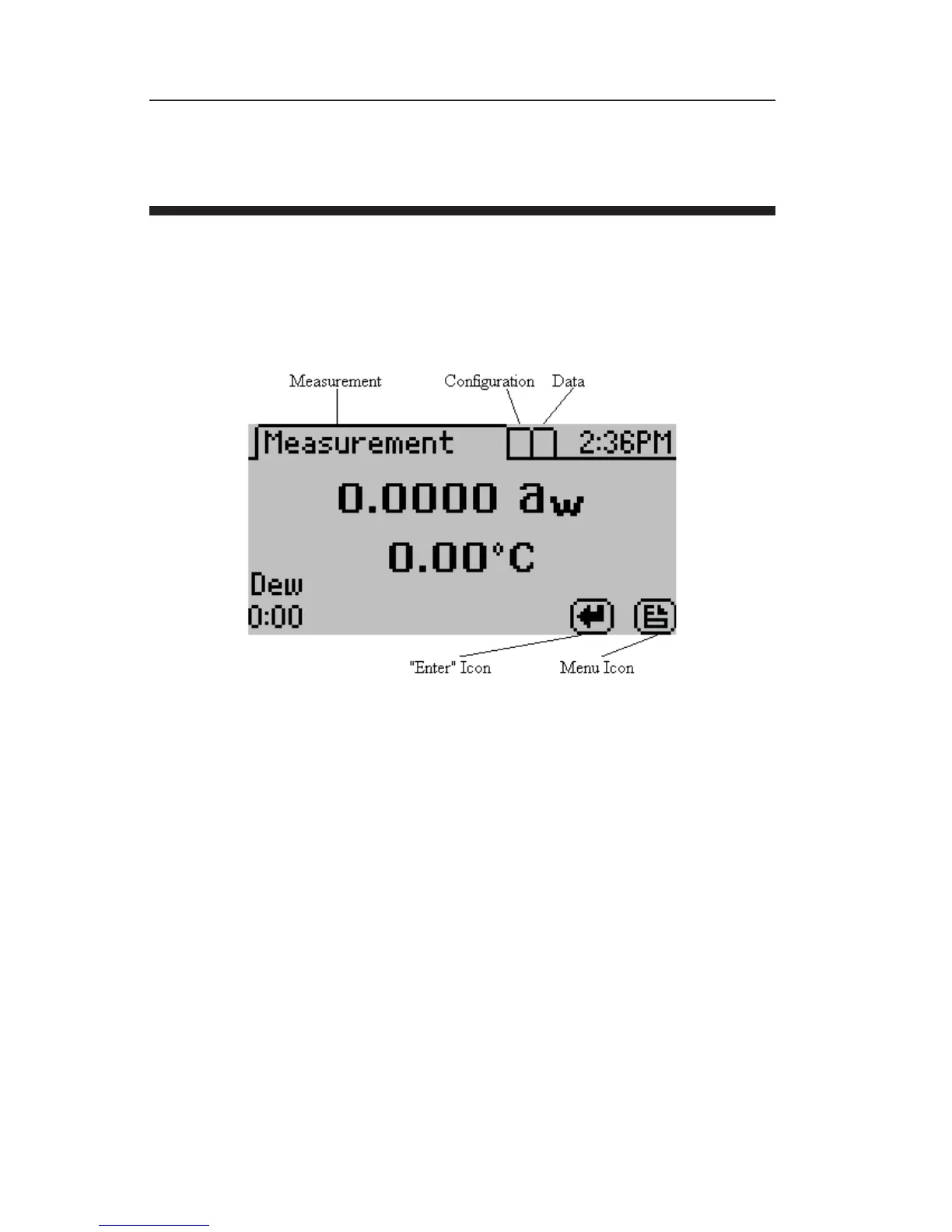
At the top of the display screen there are three tabs: Measurement,
Con guration, and Data. ese tabs indicate the three menus you
can access. To change between the tabs press the right most button
below the document icon.
e enter icon is the read or enter button. Once the latch is set to the
read position, the document icon will switch to an “X” icon, which
allows the user to stop the current reading. During a reading, press-
ing enter again will restart the reading.
Measurement Tab
e measurement tab, as seen above, is the main screen which dis-
plays each time you turn on your AquaLab. If this screen doesn’t
appear, refer to Chapter 12 for troubleshooting instructions. As
mentioned earlier, the water activity and sample temperature are
displayed on the screen.



 To Next Page