AquaLab
10. Duo Operation (Optional)
66
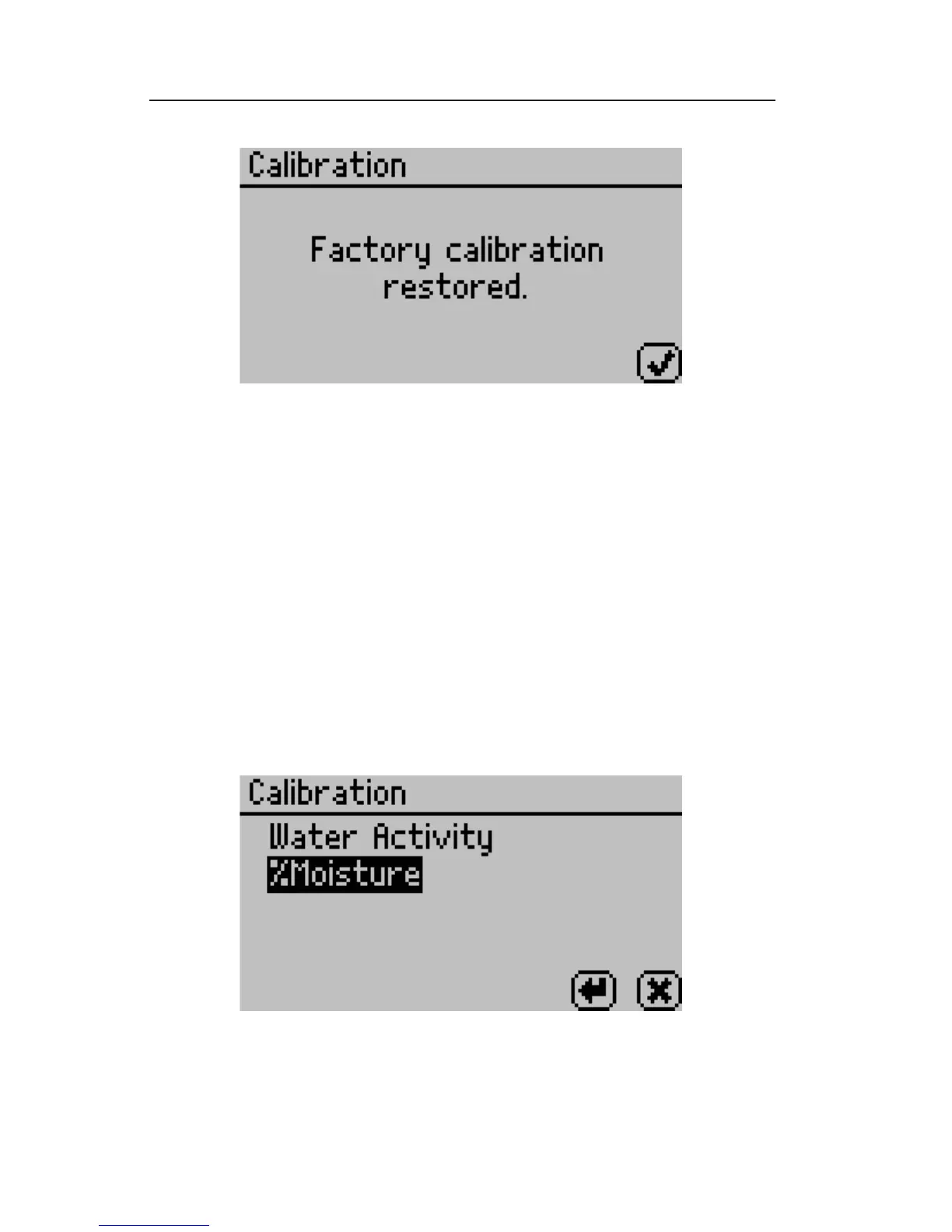
6. To return to the main menu screen, press the Check icon button.
How to Delete Models
If you nd that a model is no longer needed, you have the option
of deleting the model directly from the instrument. If the model
is deleted, other users will no longer be able to use it. Also, if the
model hasn’t been backed up with AquaLink RG, you will not be
able to recover the model at a later time.
1. Navigate to the calibration screen in the Con g menu of the
AquaLab Moisture Analyzer and select %Moisture from the list
of calibration types.
Note: If you don’t see %Moisture as an option you may not have a Duo
model or you may not have any models installed.



 To Next Page