AquaLab
10. Duo Operation (Optional)
67
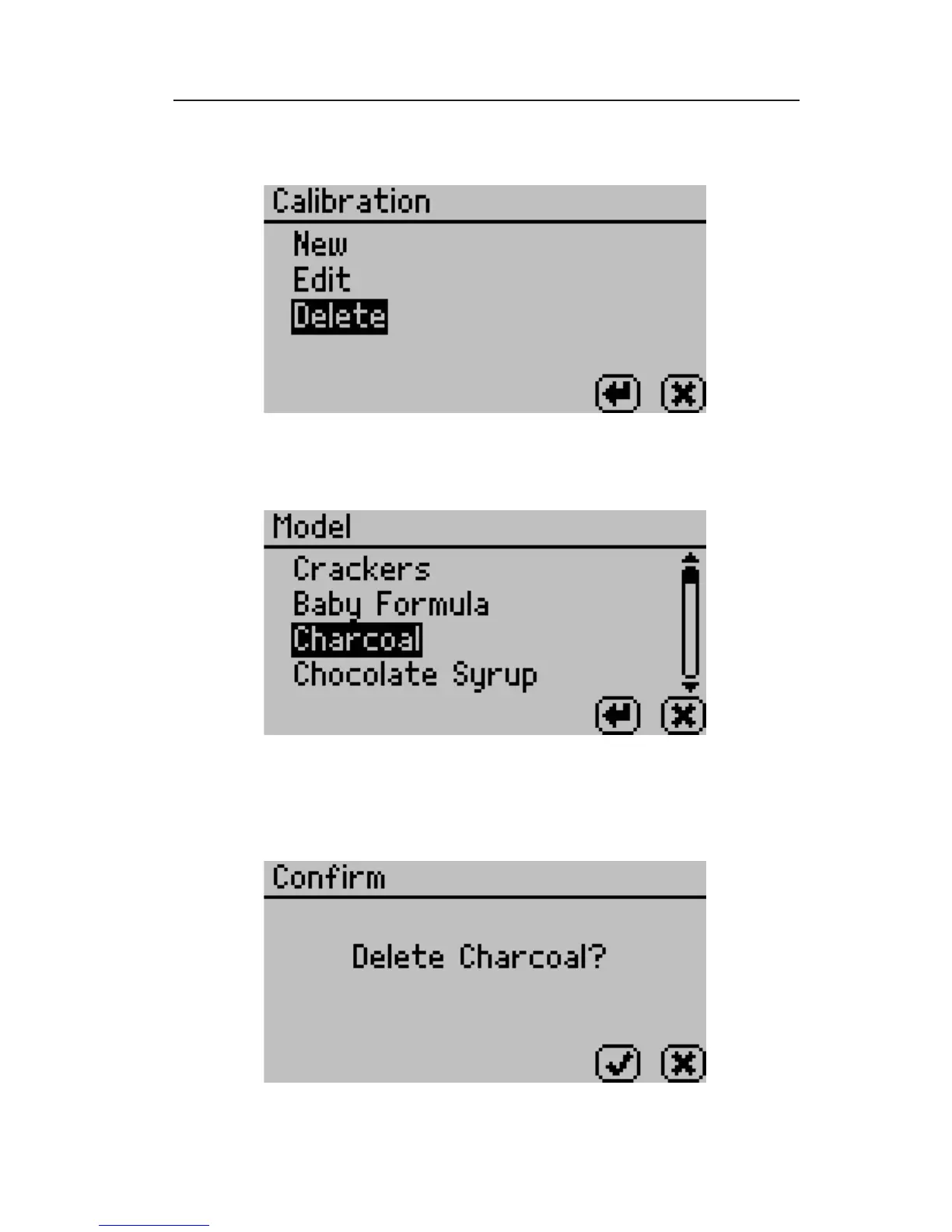
Scroll down to Delete and press the Enter Button.
2. Select the model you would like to delete and press the Enter
icon button to continue or the Cancel icon button to cancel.
3. Upon pressing Enter, the following screen should appear indi-
cating the model to be deleted. Press the Check icon to delete
the model or press the Cancel icon to cancel the deletion.



 To Next Page