AquaLab
5. Menus
20
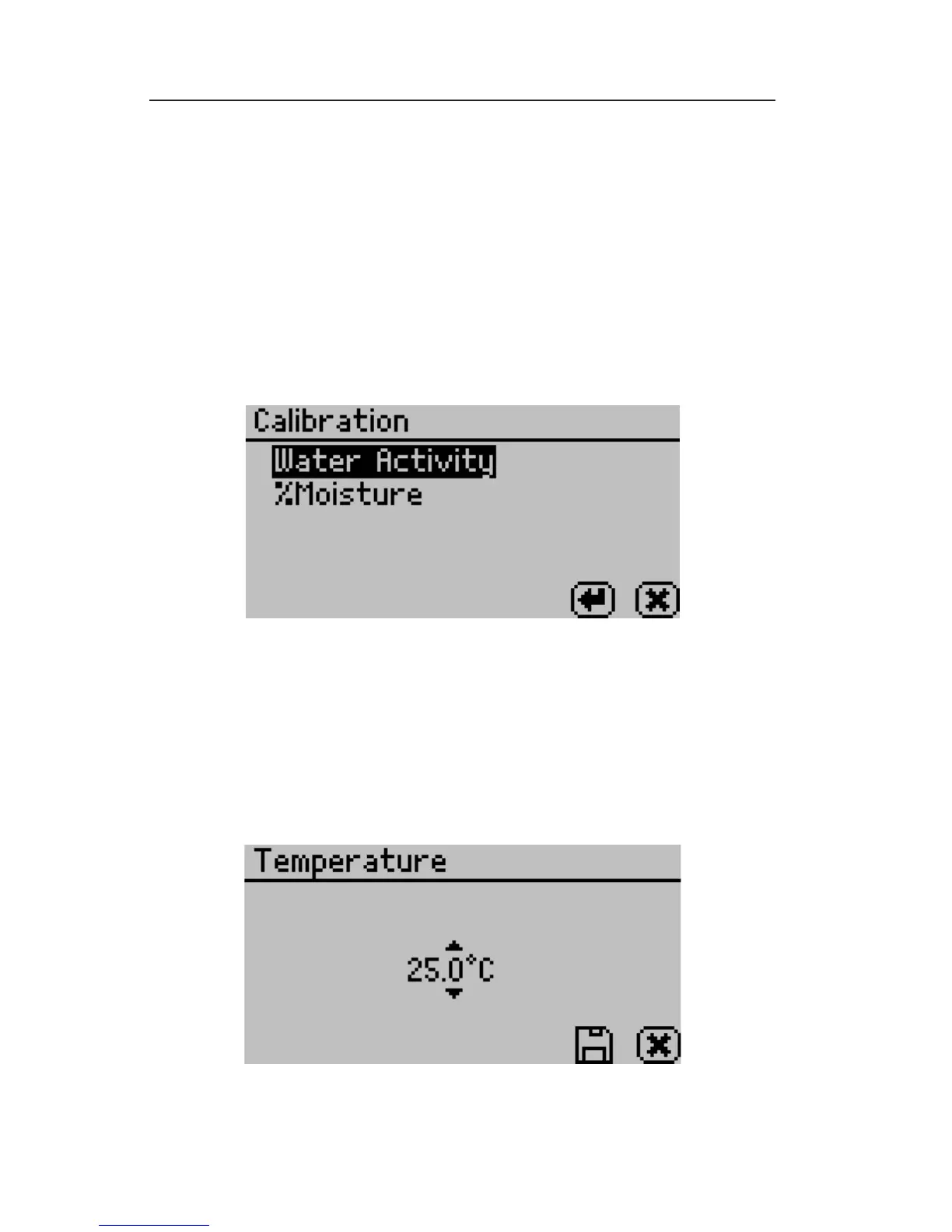
Calibration:
Pressing the Enter button when Calibration is highlighted starts the
veri cation process. For more details on the water activity veri ca-
tion procedure refer to Chapter 7. Refer to Chapter 10 for moisture
content veri cation information (Duo model only). You may also
reset the calibration to the factory defaults by highlighting the De-
faults option and pressing Enter. is will reset all options to the
way they were when the instrument arrived at your location.
Temperature:
e default temperature is 25°C. Press the enter button to change
the temperature setting. e AquaLab Series 4TE models may be set
between 15 and 50°C by 0.1°C intervals. Using the up and down
arrows, set the AquaLab to your desired temperature and press the
save button.



 To Next Page