AquaLab
5. Menus
24
To change the stability setting, use the right/left arrow buttons to
highlight the number under ∆a
w
, and then use the up and down but-
tons to change to any value between 0.0005 and 0.0200. To save the
settings and nish, press the save button (to exit without updating,
press the cancel button). e mode screen will now appear with the
updated custom settings appearing at the top of the screen. Press the
save button to return to the con guration screen and begin using the
custom mode (To exit without updating, press the cancel button).
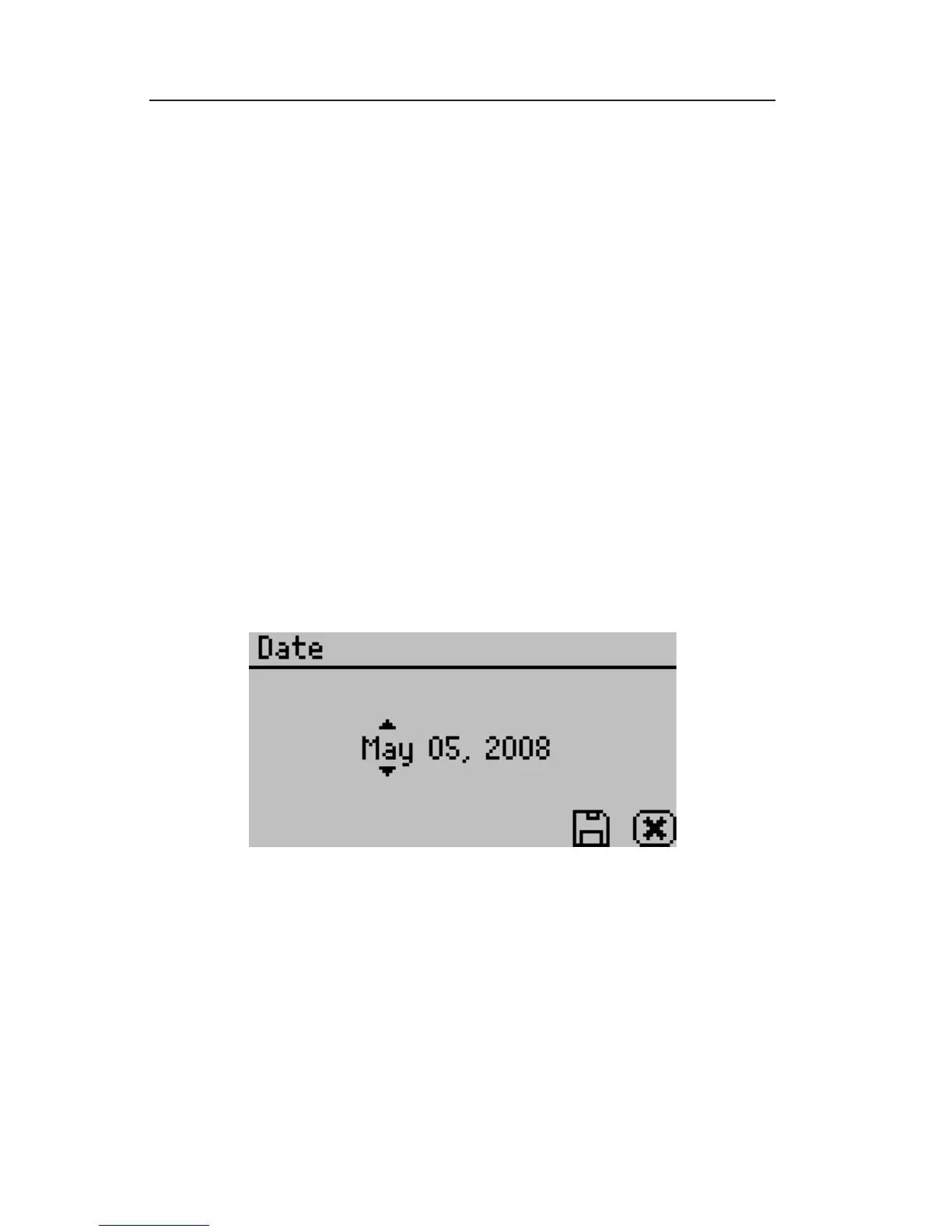
Date:
AquaLab Series 4 models now have an internal calendar and clock.
e time and date are recorded with each water activity reading.
Pressing Enter when the Date option is highlighted allows you to set
the date in the instrument. Press the left and right arrows to change
between the month, day and year. Press the up or down arrows to
change any of the individual values.
Time:
Pressing Enter when the Time option is highlighted allows you to
set the current local time. Press the up or down arrows to change
any of the individual values. Press the left or right buttons to change
between hour and minutes. e hour setting automatically changes
between AM and PM.



 To Next Page