AquaLab
5. Menus
28
ing the arrow buttons to highlight the letter and then pressing the
“Check” icon button. Press the save icon to save this data record
with the name you have speci ed.
NOTE: Pressing the save icon button without giving it a name will save
the reading without a name. If the save icon is not pressed after a read-
ing, and the reading is autosaved, it is not possible to give an annotation
later
Beeps:
Allows you to set the reading nished noti cation from 4 beeps to
continuous beeps. You may also turn the audible noti cation o .
Contrast:
Allows you to set the contrast of the screen to your liking. Viewing
the screen from a sitting versus a standing position may require con-
trast adjustment for the best visibility in that position.
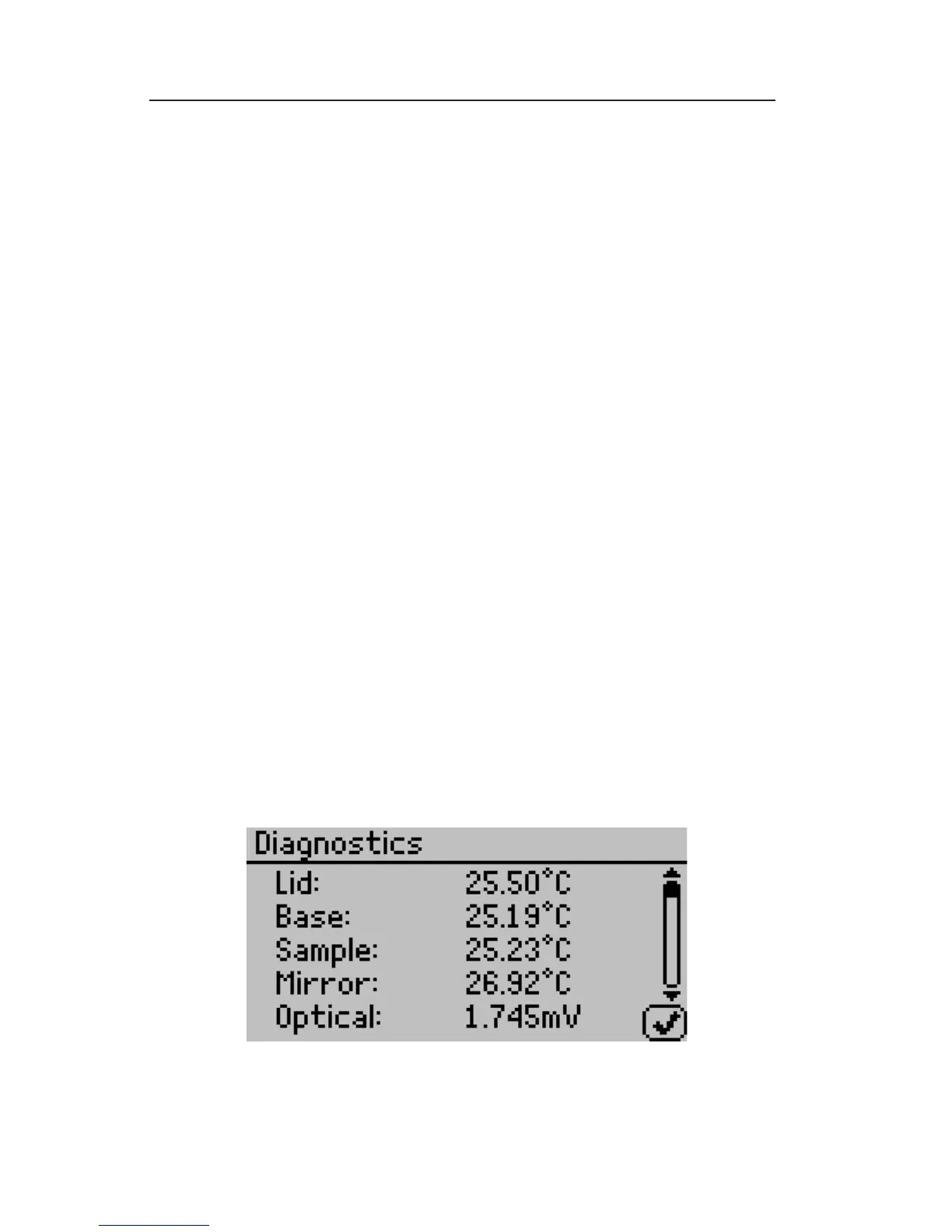
Diagnostics:
For the chilled-mirror dewpoint sensor it provides you with lid,
base, sample and mirror temperatures, optical voltage as well as the
chilled mirror dew point user calibration.



 To Next Page