26
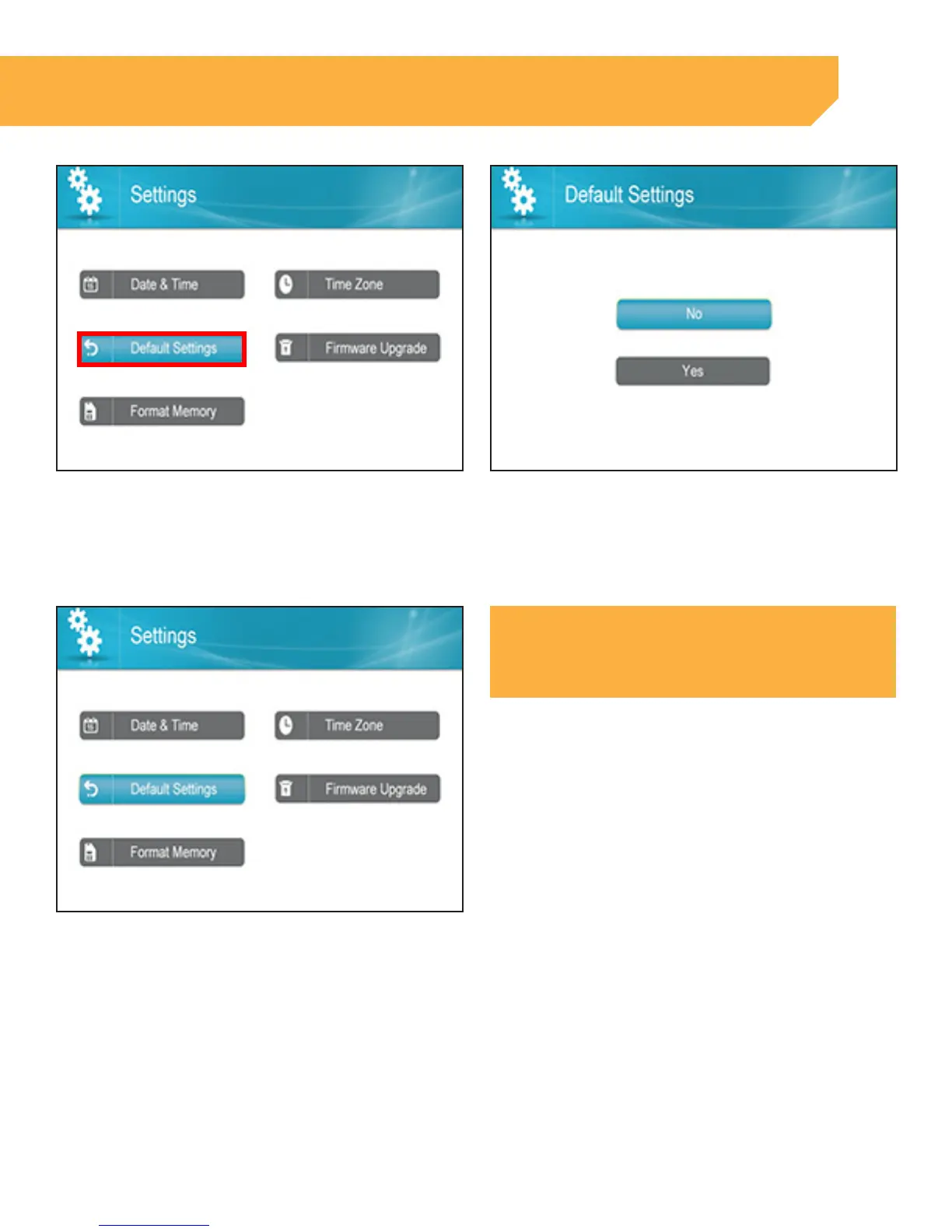
3 . Select Default Settings, press OK 4 . Select Yes if you wish to set Default Settings or No
to return to the Settings page
INSTRUCTION
5 . If Yes is selected you will see a "Restore Default
Settings" message. Select Yes to confirm. Once
complete you will return to the Settings page
NOTE:
This will change the monitor back to the default
settings. It will not delete footage from the SD card



 To Next Page