28
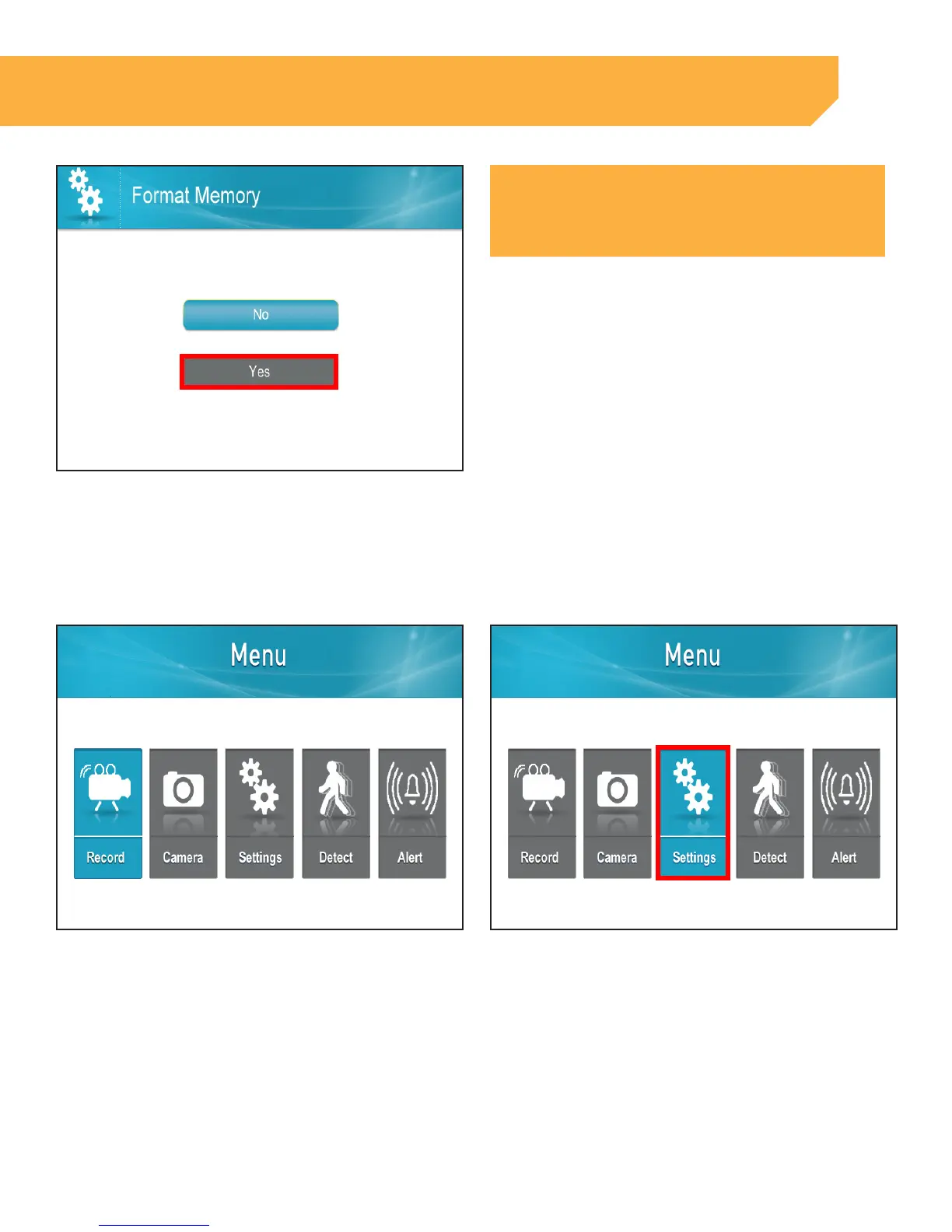
5 . If you Select Yes, "Formatting Please Wait" will
appear. The screen will return to the Settings page
NOTE:
Formatting the memory will delete the recorded footage from
the SD Card, it will not change the settings
INSTRUCTION
Changing the Time Zone
1 . Press the Menu button 2 . Select Settings



 To Next Page