Alignment and Troubleshooting
4-29
Service Manual
4.2.2 The cause and solution of Bad image
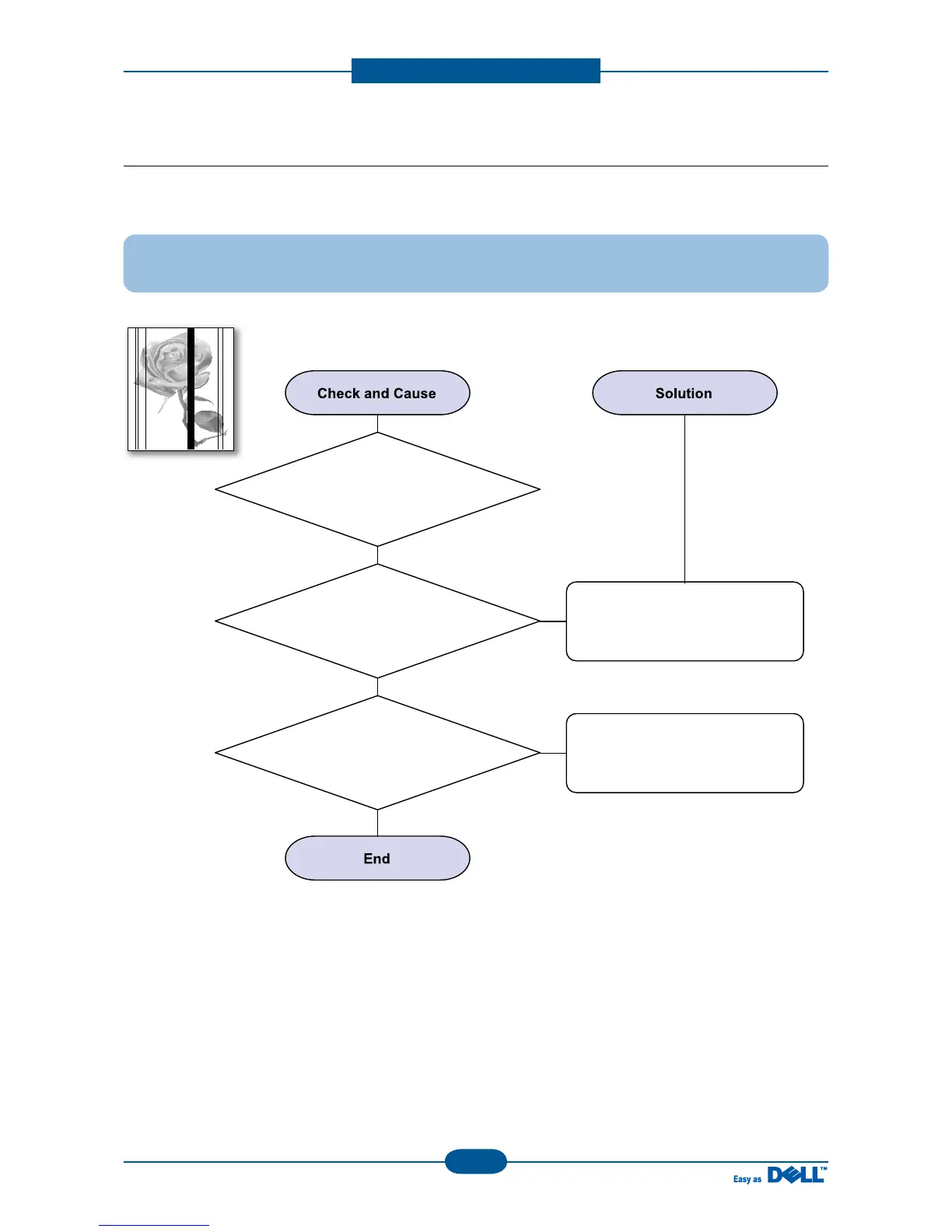
1) Vertical Black Line and Band
Description : 1. Straight thin black vertical line occurs in the printing.
2. Dark black vertical band occur in the printing.
3. Partly depression or
deformation on the surface of
the transfer roller.
2. Scratched surface of
the charge roller in the toner cartridge.
1. Damaged develop roller in
the Toner cartridge. Deformed Doctor-blade
or cleaning-blade.
If causes 1 and 2 occur in the
toner cartridge, replace the toner
cartridge and try to print out.
Replace the transfer roller if
occurred as No. 3.



 To Next Page