Alignment and Troubleshooting
4-65
Service Manual
4.2.6 Fax & Phone Problems
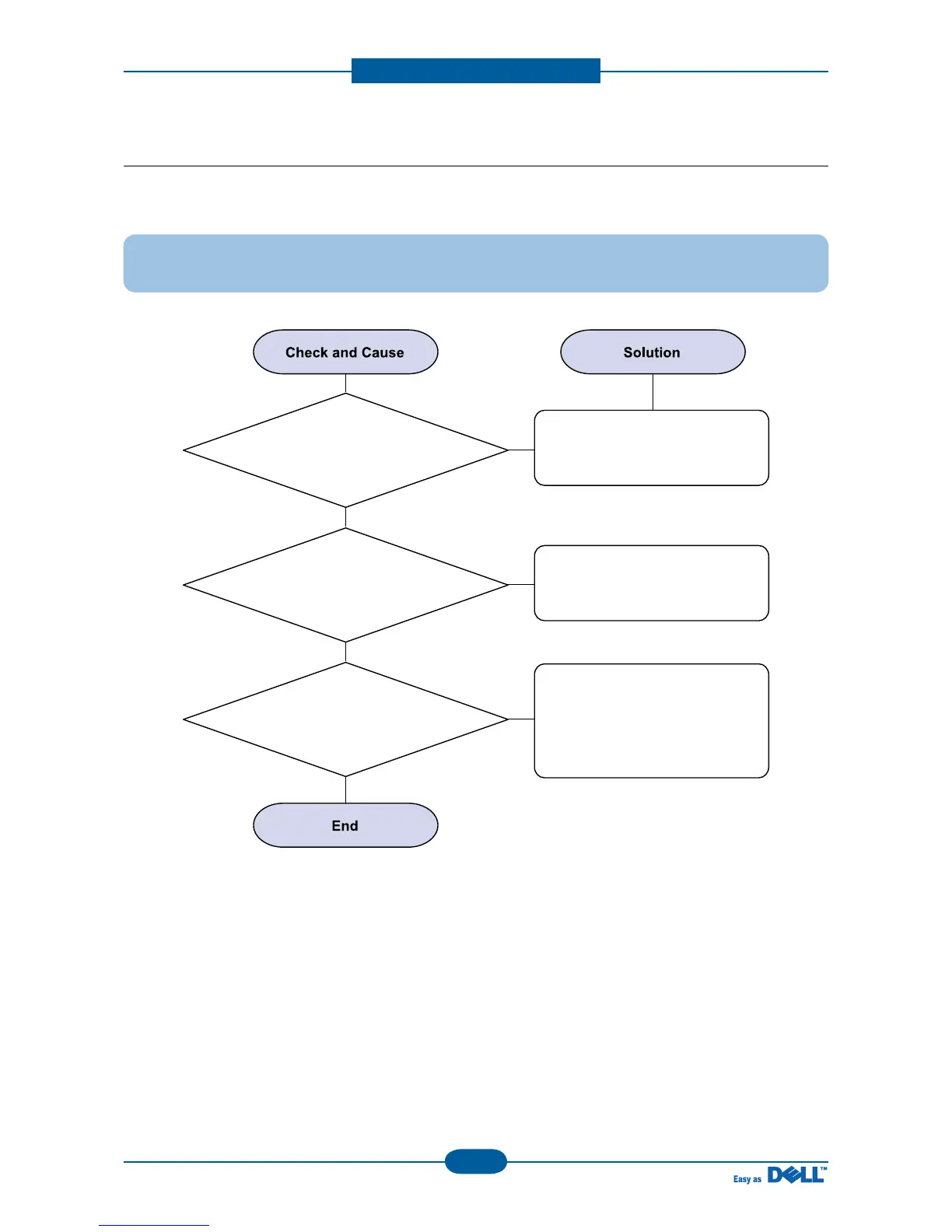
1) No Dial Tone
Description : While on-hook button is pressed, there is no dial tone.
1. Check if the telephone
line cord is connected to
TEL LINE correctly.
If the telephone cord is abnormal,
then try to correct the connection
of tel line code.
Check the Speaker connection,
and try to replace it.
2. Check if the SPEAKER
is connected correctly.
3. Check if it makes CLICK
sound while OHD key is pressed.
If you can't hear the OHD click
sound, the OPE and Main board
may be defective.
Try to replace the OPE Ass'y
and Main board in sequence.



 To Next Page